
DownUp Wordpress Plugin - Rating, Reviews, Demo & Download
Plugin Description
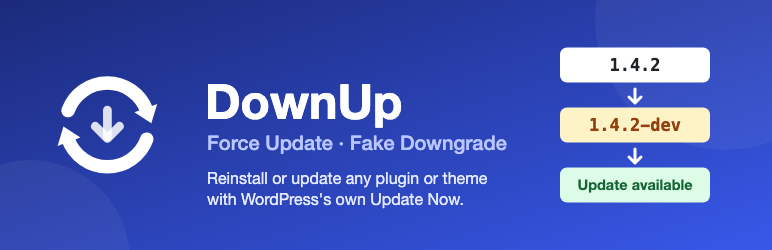
DownUp marks a plugin or theme’s current version as a pre-release of itself (appending a -dev suffix, e.g. 1.4.2 becomes 1.4.2-dev), purely so WordPress’s own update system offers a normal update for it. Nothing is downloaded or changed beyond that one version number — WordPress (or the plugin’s/theme’s own update source) does the rest, exactly as if a real new release had come out.
In short:
- Works on both plugins and themes, the same way.
- Never downloads, installs, or touches anything beyond that one version line.
- Enabled by default for everything — an opt-out settings screen, not opt-in.
- Two use cases, same mechanism either way — see below.
Main use case: force a clean reinstall
Sometimes a plugin or theme is already on its latest version, but you still want WordPress to redownload and reinstall it anyway — a file went missing, got corrupted, was tampered with, or you just want to be sure you’re running an unmodified copy of what’s actually published. WordPress has no built-in “reinstall this even though it’s already current” button for an individual plugin or theme. This plugin gives you one: it marks the current version as a pre-release of itself, so WordPress offers a completely normal update — which reinstalls that exact same version, fresh.
Secondary use case: forcing an update check after a same-version redeploy
If you deploy your own plugin or theme code to multiple environments (e.g. staging and production) without bumping the version number every time, WordPress correctly sees no version difference and never shows an update — even though the code changed. Instead of hand-editing the version header down and back up on every deploy, this plugin does it for you.
How it works, either way
On demand, it rewrites the Version: header to a lower pre-release value (e.g. 1.4.2 becomes 1.4.2-dev). WordPress (or the plugin’s/theme’s own update checker, if it has one) then reports an update is available, and you complete it the normal way via Update Now.
It never downloads, installs, or modifies any code beyond that one header line. It relies entirely on WordPress’s own update mechanism, or the target plugin’s/theme’s own legitimate update source.
Workflow
- As soon as the plugin is active, every installed plugin gets a “Prepare Update” row action on the Plugins page; every installed theme gets the same link on the Tools > DownUp screen (WordPress’s Themes screen doesn’t support in-context custom actions the way the Plugins screen does). Uncheck any plugin or theme you don’t want this on there.
- After deploying new code with an unchanged version number, click “Prepare Update” for the plugin (on the Plugins page) or theme (on Tools > DownUp) you just deployed.
- Click “Update Now” as usual to finish.
Screenshots
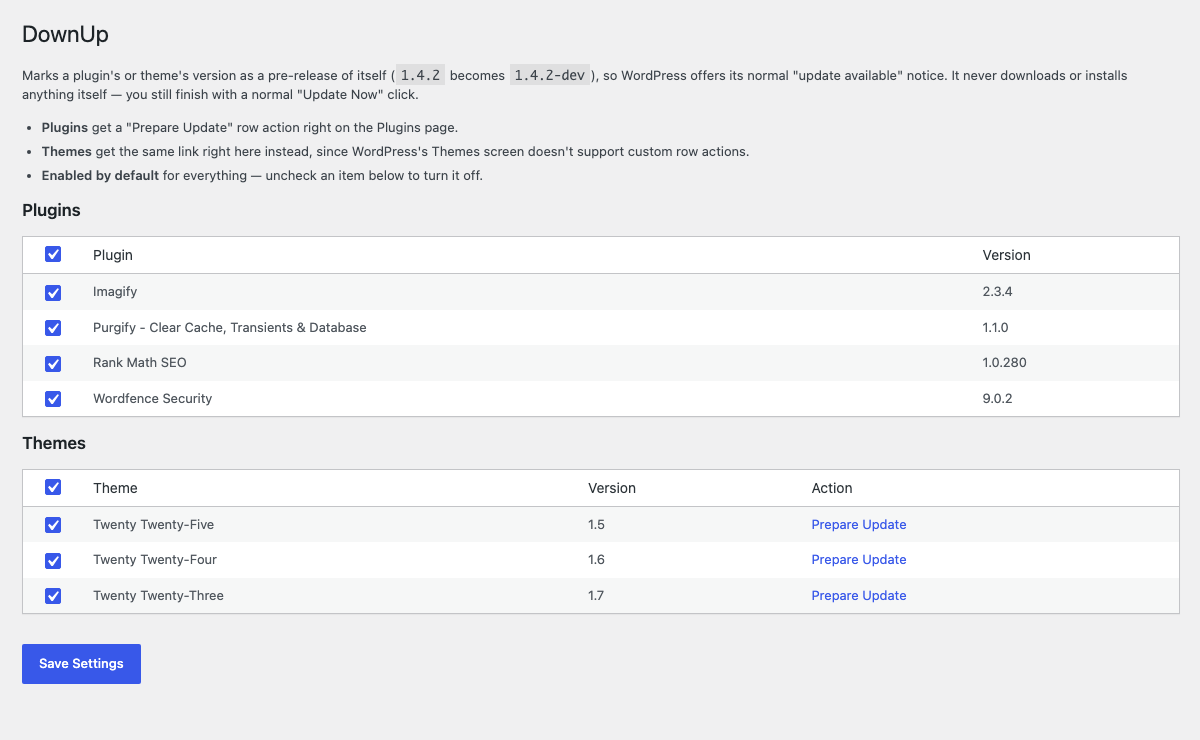
The Tools > DownUp screen: choose which plugins and themes get a “Prepare Update” action. Everything is enabled by default.


