Driveline For Elementor Wordpress Plugin - Rating, Reviews, Demo & Download
Plugin Description
Driveline for Elementor puts the vehicle rental features of Driveline Core into the Elementor editor. Every widget is a placement: it collects settings in the editor, hands them to Driveline Core and prints what comes back, so a price on an Elementor page and a price at checkout are produced by the same code.
Fourteen widgets:
- Search Form, the short form that starts a search
- Vehicle Grid
- Vehicle Carousel
- Vehicle Filter, the faceted panel with live counts
- Map With Listings
- Location Grid
- Booking Form
- Quote Form
- Price Table
- Featured Vehicle
- Compare Button, with a comparison table
- Vendor Grid
- Booking Steps
- FAQ
Four dynamic tags bind any element to a listing: Vehicle Field, Vehicle Taxonomy, Vehicle URL and Vehicle Gallery.
The theme builder locations for header, footer, single and archive are registered against the actions the Driveline theme fires, so an Elementor template replaces one region of the page rather than the whole page.
What you need
Driveline Core and Elementor, both free in this directory. This pack is not affiliated with Elementor and does not include or resell any part of it, and nothing here asks you for a licence key.
Screenshots
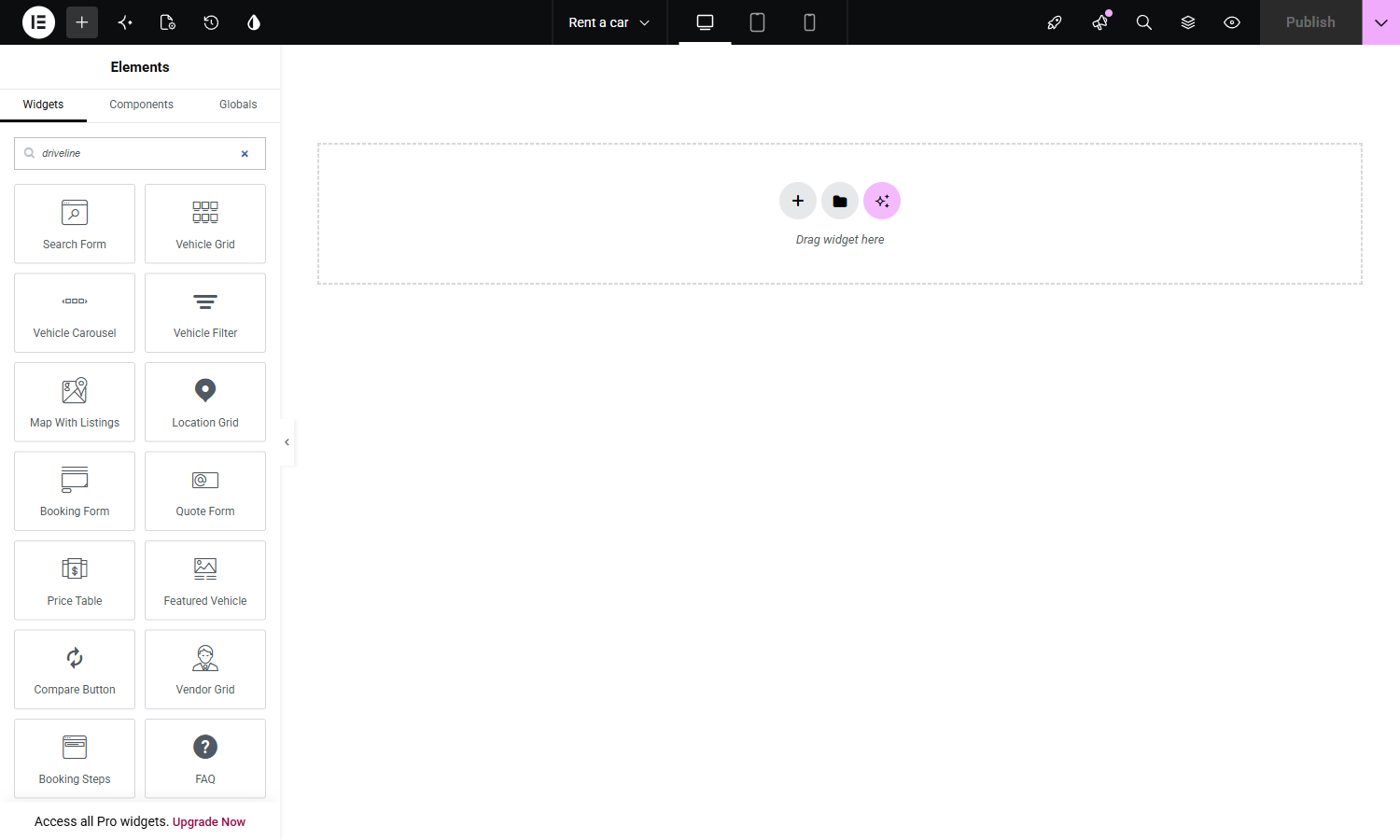
The fourteen widgets in the Elementor panel, under Driveline. Search Form, Vehicle Grid, Vehicle Carousel, Vehicle Filter, Map With Listings, Location Grid, Booking Form, Quote Form, Price Table, Featured Vehicle, Compare Button, Vendor Grid, Booking Steps and FAQ.
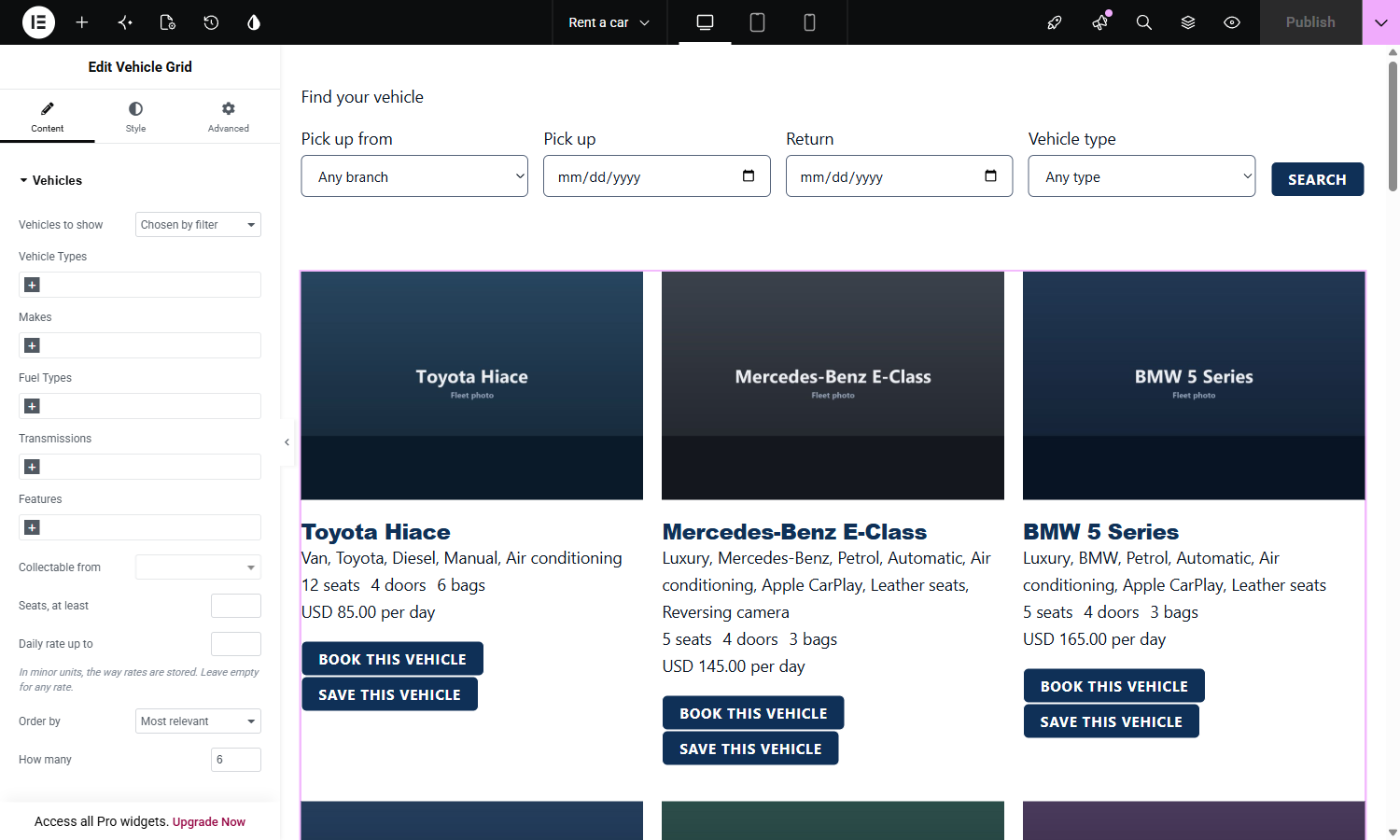
A widget selected in the editor. Vehicle Grid narrows the fleet by type, make, fuel, transmission, features, branch, seats and rate, and every one of those choices is read from what Driveline Core actually holds rather than typed in by hand.
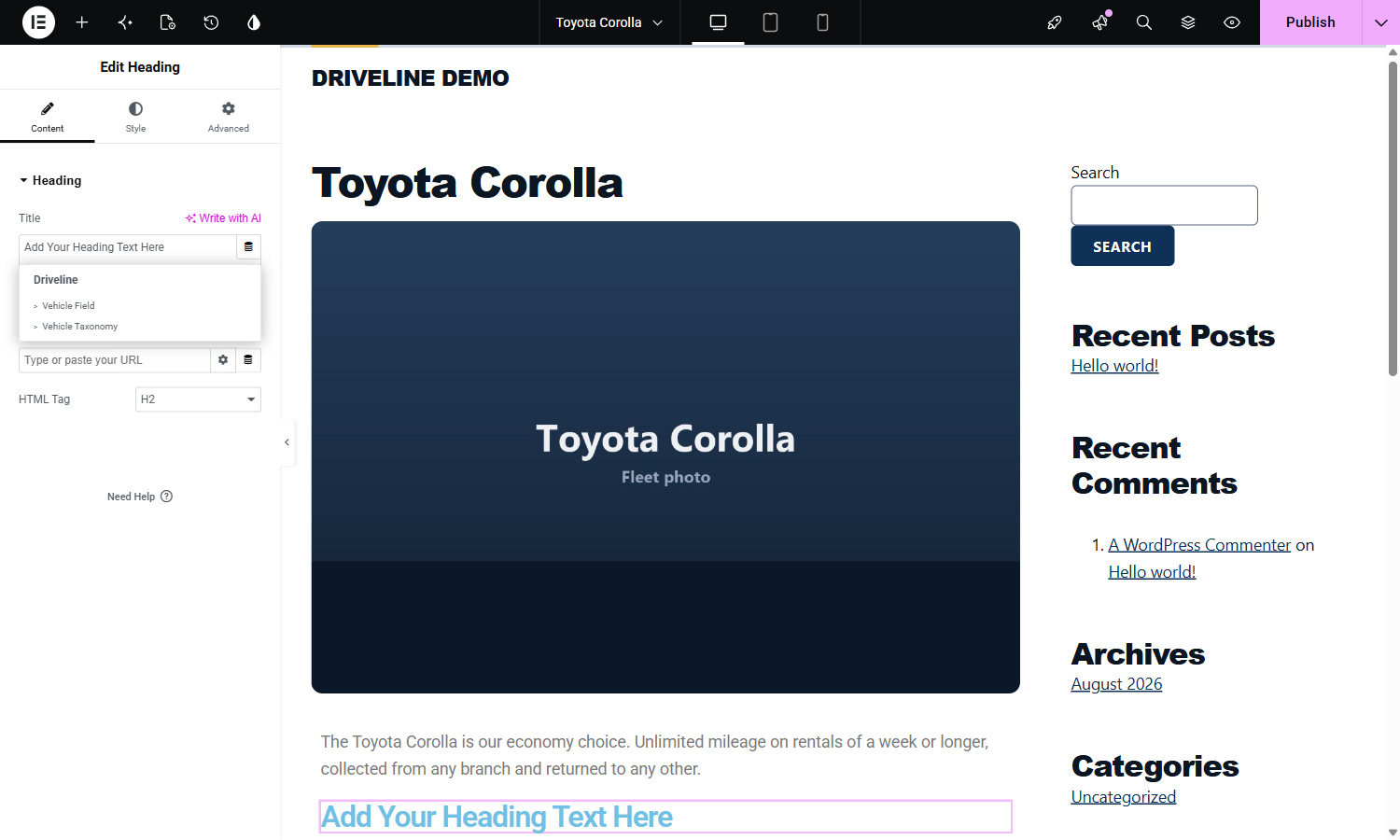
The dynamic tags. Driveline has its own group in Elementor’s tag picker, so any element can be bound to a field or a taxonomy of the listing being shown. Elementor offers only the tags a given control can accept, so a text control shows the text tags.
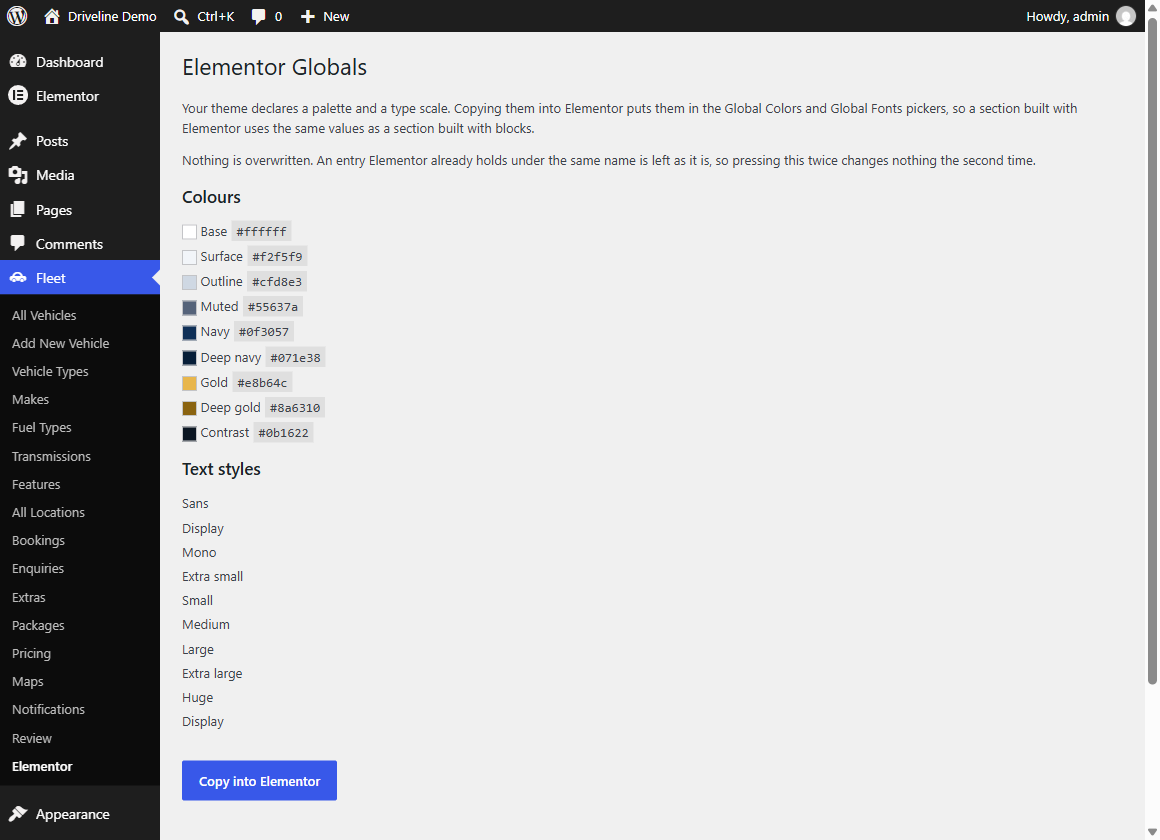
Fleet, Elementor. The theme’s palette and type scale, ready to copy into Elementor’s Global Colors and Global Fonts so a section built with Elementor uses the same values as a section built with blocks. Nothing already in Elementor is overwritten.
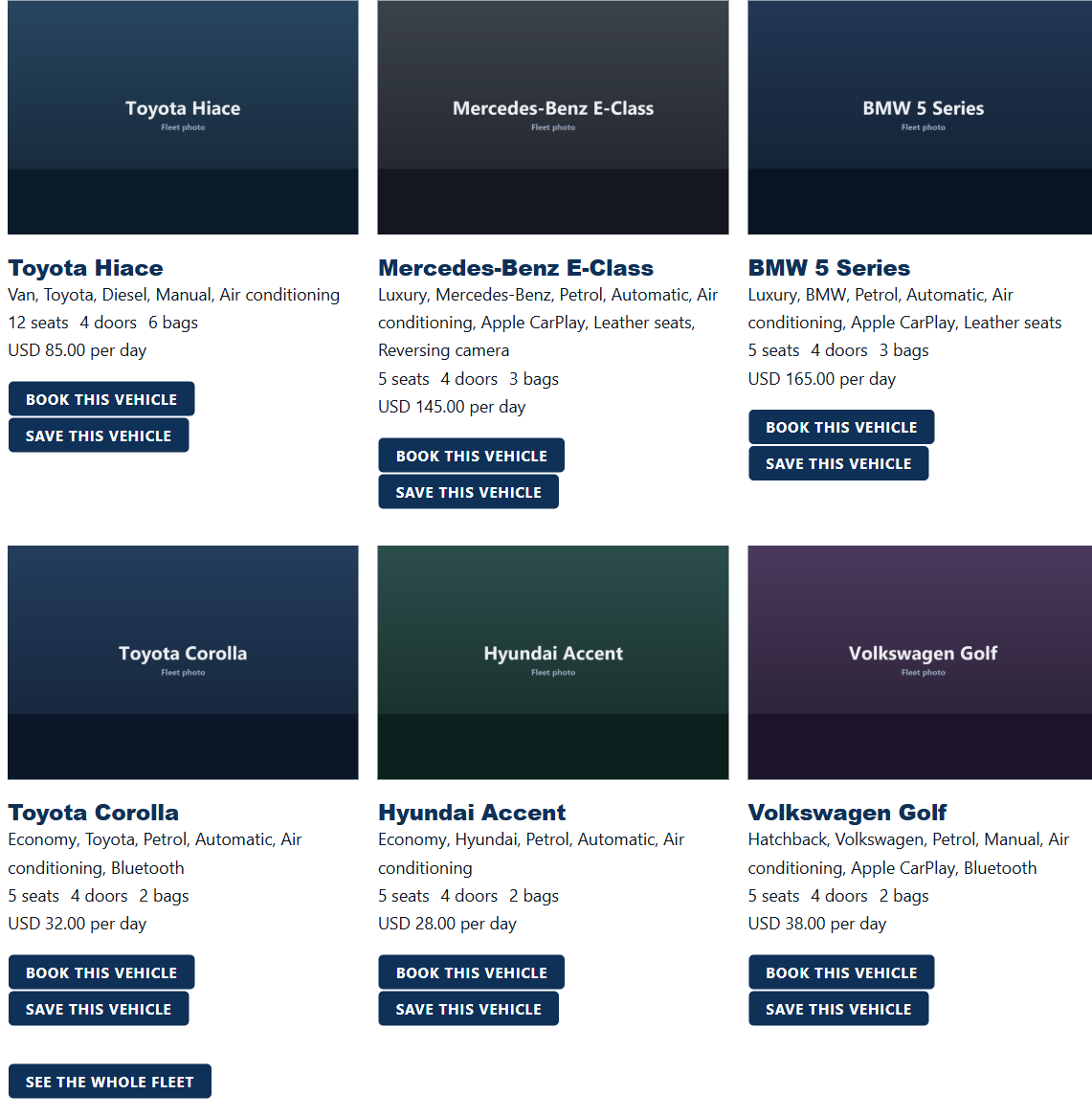
Vehicle Grid on the front end. Each card carries the specification, the rate and the booking link that Driveline Core produced, not a copy of them.
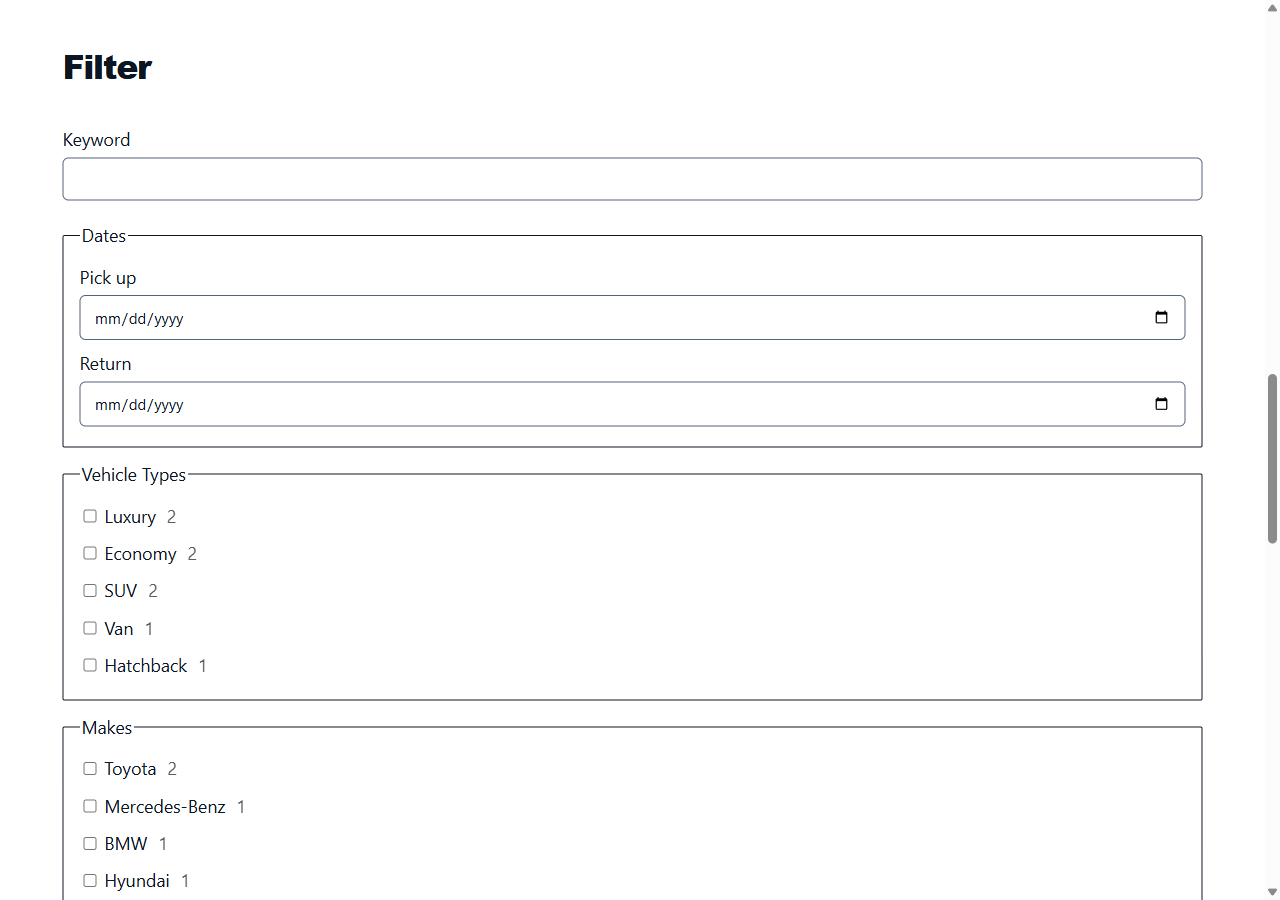
Vehicle Filter, the faceted panel. Each facet counts the vehicles that would still be available if you ticked it, and the counts come from the same availability engine that decides whether a rental can be taken.
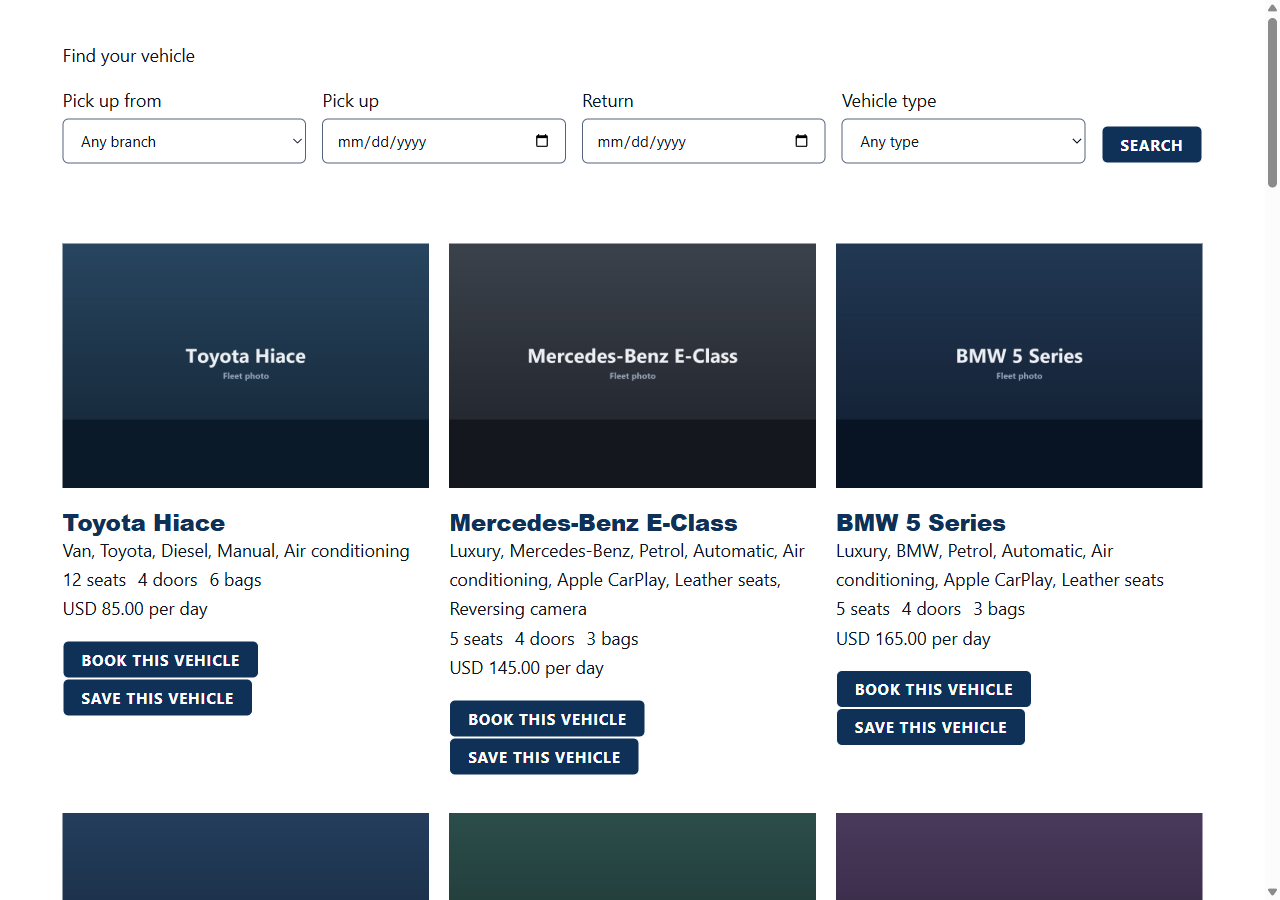
Search Form above the results it produced. The branch list and the vehicle types are the ones registered in Driveline Core.
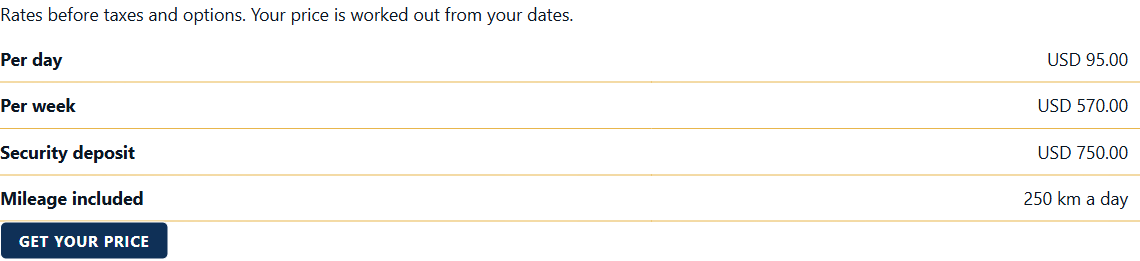
Price Table, showing the rates and the deposit held against one vehicle, with the note that a real price is worked out from the dates.
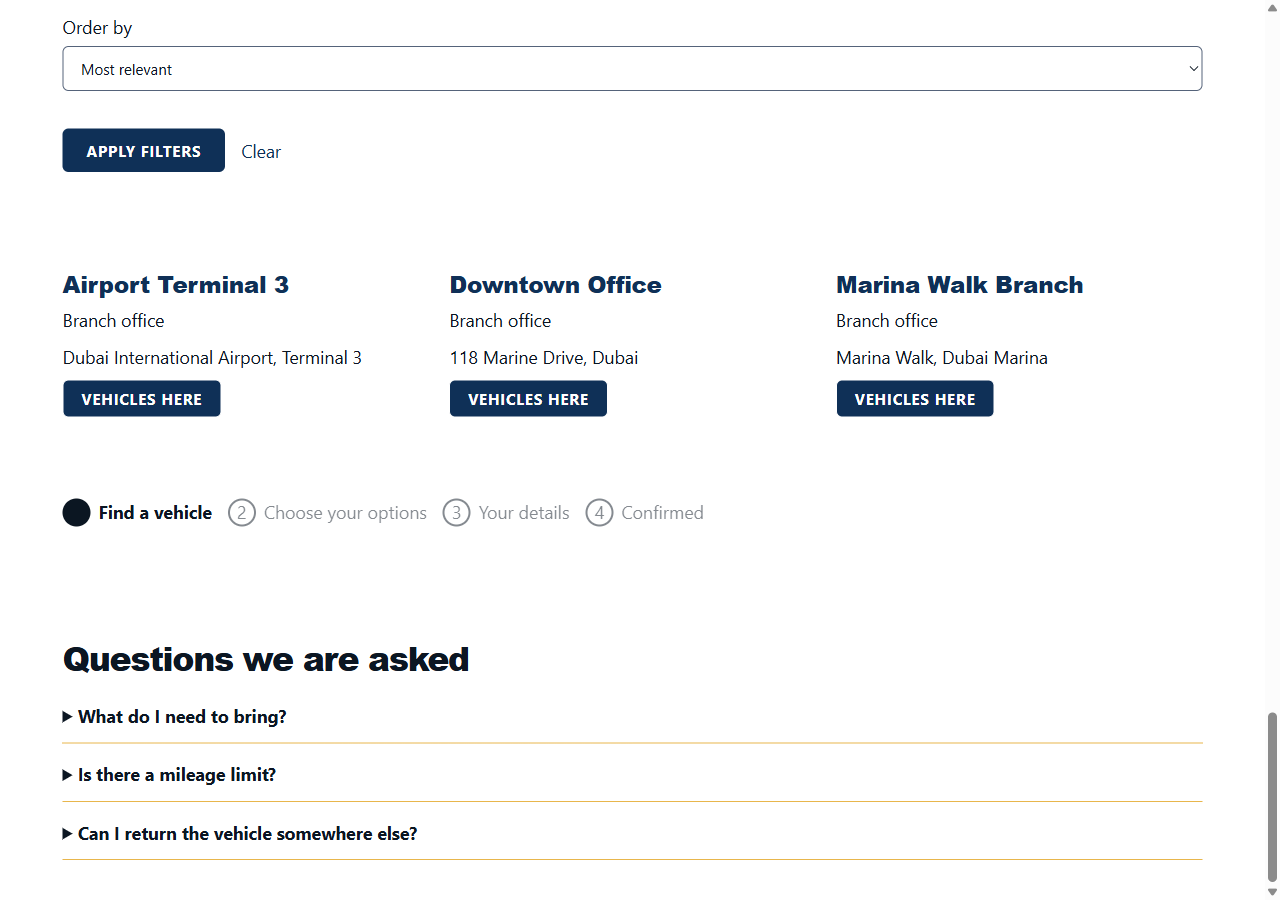
Location Grid, Booking Steps and FAQ. Three of the smaller widgets, drawn one after another down a page.