
Floating Contact Widget Wordpress Plugin - Rating, Reviews, Demo & Download
Plugin Description
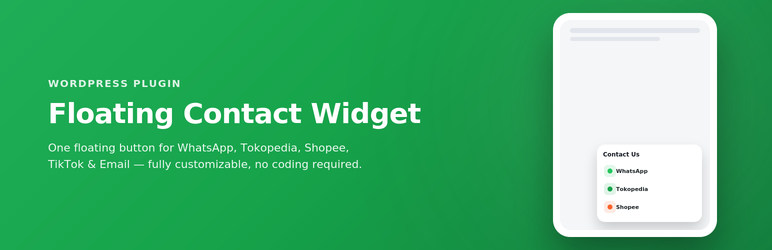
Floating Contact Widget displays a floating chat button in the corner of your website. When clicked, it instantly opens a panel with contact options: WhatsApp, Tokopedia, Shopee, TikTok, and Email — complete with icons that automatically slide inside the bubble before it’s opened.
Everything is configured from a single admin page, no code editing required:
- WhatsApp number + a pre-filled automatic message
- Tokopedia and Shopee store links
- TikTok profile link
- Destination email address
- Additional (custom) contacts — add as many other contacts as you like (Instagram, Telegram, a website, etc), each with its own icon
- Custom icons for WhatsApp, Tokopedia, Shopee, TikTok, and Email — upload your own image via the Media Library, or leave it empty to use the official logo automatically
- Bubble background gradient color (color picker)
- Widget position (bottom right/left) plus spacing (padding) from the screen edge — set separately for desktop and mobile
- Icon slide animation speed
- Enable/disable each contact platform individually
- Optional pulse ring animation around the closed bubble to draw attention
Key Features
- Instant open/close with no animation — immediate response when clicked
- Auto-sliding icons inside the bubble before it’s clicked
- Fully responsive (desktop & mobile), including automatic scrolling if the contact list is long
- Lightweight — no external library dependencies on the visitor’s side
- Does not store any visitor data
External Services
For platform icons (WhatsApp, Tokopedia, Shopee, TikTok, Gmail) that haven’t been given a custom image, this plugin automatically loads a favicon from Google’s public service via:
https://www.google.com/s2/favicons?domain={domain}&sz=128
This request is sent directly from the visitor’s browser (not from your server) every time the widget is displayed, and only contains the domain name of the relevant platform (e.g. whatsapp.com), with no personal visitor data. If you upload your own icon for every active contact, no request to this service will occur at all.
Google’s privacy policy: https://policies.google.com/privacy
Screenshots

The closed floating bubble with auto-sliding icons.

The contact panel opened instantly, showing the contact list.

Settings page — Contact.

Settings page — Appearance (colors, position, slide speed).

Settings page — Additional Contacts (Custom) and Custom Icons.



