
StockBeacon – Product Waitlists For WooCommerce Wordpress Plugin - Rating, Reviews, Demo & Download
Plugin Description
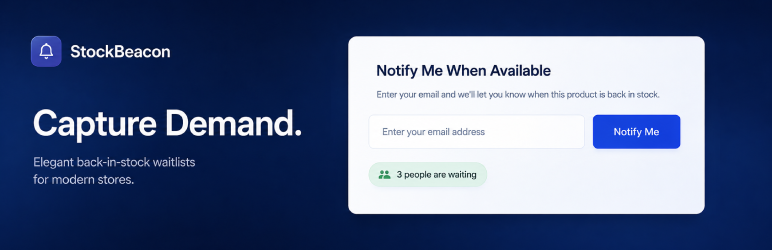
StockBeacon – Product Waitlists for WooCommerce helps you capture demand on out-of-stock products and notify subscribers when items are available again.
Free
- Product and per-variation waitlists for out-of-stock WooCommerce products, with separate subscriber lists for each variation
- Secure form submissions with sanitization, and spam throttling
- Automatic restock detection with background notification email batches
- Duplicate prevention so the same customer is not added twice for the same product
- Activity log for recent waitlist events
- CSV export with product, status, and date filters
- Mobile responsive design for the customer-facing notify form
- Form styling and live preview for copy, colors, typography, and light or dark mode
- Restock email editor and live preview for subject, content, button text, colors, and typography
Pro
- ⭐ Double opt-in flow and confirmation support
- ⭐ Advanced Analytics with conversion tracking, product breakdowns, and restock demand reports
- ⭐ Shortcode and block support for placing waitlist forms where you need them
- ⭐ Advanced form editor, custom CSS, redirects, and device previews
- ⭐ Advanced email editor and confirmation-email design
- ⭐ Provider sync with Mailchimp, ActiveCampaign, HubSpot, and more
- ⭐ Low-stock waitlists to capture demand before products fully sell out
- ⭐ Restock reminders for customers who were notified but have not purchased yet
- ⭐ Webhook notifications for signup and restock email events
- ⭐ Cleanup controls for purging older waitlist records in batches
Privacy
The store owner is responsible for providing an appropriate privacy notice, selecting a lawful retention period, and configuring the optional consent checkbox where required.
Screenshots

Overview dashboard with waitlist stats, general settings, and analytics summary.

Form editor with live preview for the out-of-stock notify form.

Restock email editor with live preview for notification emails.


