GridXFlex Captcha Security Wordpress Plugin - Rating, Reviews, Demo & Download
Plugin Description
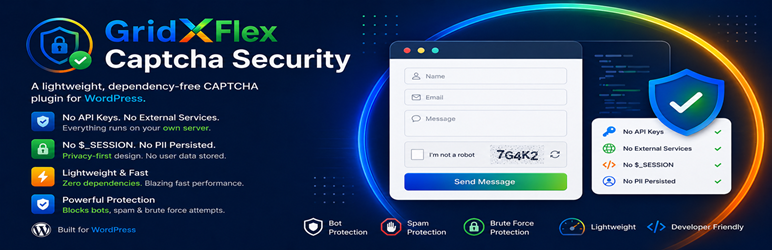
GridXFlex Captcha Security adds a self-hosted image CAPTCHA, backed by a silent honeypot layer, to your site’s Login, Registration, Lost Password, and Comments forms.
Everything is generated on your own server using PHP’s built-in GD library. No requests are ever sent to a third-party service, no API keys are required, and no personal data is stored beyond a short-lived, one-time-use security token.
Features
- Self-hosted image CAPTCHA (GD-generated, delivered inline as a base64 image — no extra HTTP request)
- Silent honeypot field on every protected form, on by default
- Per-form protection toggles: Login, Registration, Lost Password, Comments
- Configurable character type (alphanumeric / letters / numbers), letter case, and length (3–6 characters)
- Option to hide the comment captcha for logged-in users
- One-time-use challenge tokens — each code can be attempted exactly once, then it’s gone
- No PHP sessions, no cookies set by this plugin, no external requests, no tracking
Why no PHP sessions?
Older captcha plugins commonly call session_start() on every front-end request, even on pages that never show a captcha. That has a real performance cost, breaks under object-cache or load-balanced PHP-FPM pools without sticky sessions, and is incompatible with full-page caching. GridXFlex Captcha Security stores each challenge as a short-lived WordPress transient, keyed by a random token embedded in the form. The token is just a lookup key — the actual secret (a hash of the code) stays server-side — so it remains safe even on a cached page, and each challenge is deleted the instant it’s checked, pass or fail.
Screenshots

Settings screen under Settings → GridXFlex Captcha.

The image CAPTCHA as it appears on the login form.