GridXFlex Contact Forms Wordpress Plugin - Rating, Reviews, Demo & Download
Plugin Description
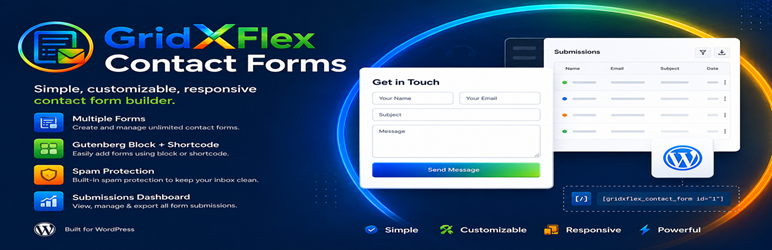
GridXFlex Contact Forms is a lightweight contact form builder for WordPress — no third-party services required. Build unlimited forms, each with its own fields, design, and settings, and insert them anywhere with the “GridXFlex Contact Form” block or a simple shortcode.
Features
- Unlimited forms, each with its own fields, design, and settings
- Duplicate an existing form with one click from the Forms list — copies its fields, design, and settings
- Search/filter the Forms list by title
- Insert via shortcode
[gridxflex_contact_form id="12"]or the “GridXFlex Contact Form” block — with a one-click copy-to-clipboard button next to the shortcode, in both the Forms list and the form editor header - Fields: Name (single or split first/last), Email (real-time validation), Subject (text or dropdown), Message (adjustable rows, optional character limit); every field also supports its own placeholder text, help text, and default value
- Full visual design controls per form: typography, colors, borders, spacing, shadows, container layout, and button styling
- Responsive Design Responsive Spacing panel: independent per-side (top/right/bottom/left) padding and margin for Mobile, Tablet, and Large Devices, plus a container background color picker — every value defaults to 0px until you set it
- Revision history: every save snapshots the form’s previous state, viewable and restorable from the editor’s History tab — restoring itself creates a new revision, so it’s always undo-able
- A dedicated All Submissions page lists submissions across every form, with a form picker, independent of the per-form editor
- Responsive field layout with configurable field widths (100% / 50% / 33%)
- Configurable required-field indicator: asterisk, “(Required)” text, or hidden
- Honeypot spam protection, enabled by default
- Optional Google reCAPTCHA v2 or v3
- Submissions dashboard: read/unread status (toggle any submission between Mark Read / Mark Unread), an unread-count badge shown per form in the Forms list, detail view, delete, CSV export
- Email notifications to the site admin, with optional auto-reply to the visitor — sent via
wp_mail()with a proper From header and failure logging - Optional SMTP sending (e.g. Gmail) as a backup mail transport: one shared account configured once in Settings, with a per-form switch (Submission tab) to route that form’s emails through it
- Accessible markup: keyboard navigation, screen-reader-friendly labels, inline error messages
External services
This plugin can optionally connect to Google reCAPTCHA (v2 or v3) for spam protection on individual forms. It is disabled by default; a site owner must explicitly enable it site-wide (GridXFlex Forms Settings) and then switch it on per form (Spam Protection tab) before any data is sent to Google.
When enabled for a given form, on every submission of that form the visitor’s browser loads a script from Google (https://www.google.com/recaptcha/api.js), and the plugin’s server sends the reCAPTCHA response token and the visitor’s IP address to Google’s verification endpoint (https://www.google.com/recaptcha/api/siteverify) to confirm the submission is not automated.
This service is provided by Google: Terms of Service, Privacy Policy.
Screenshots
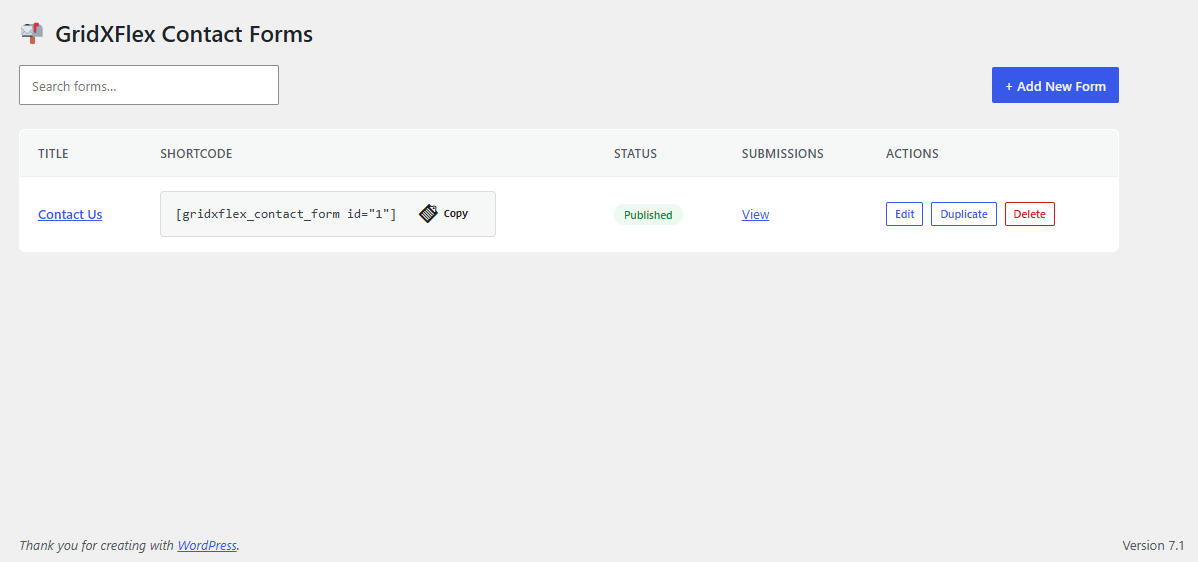
The GridXFlex Forms dashboard listing all forms and their status.
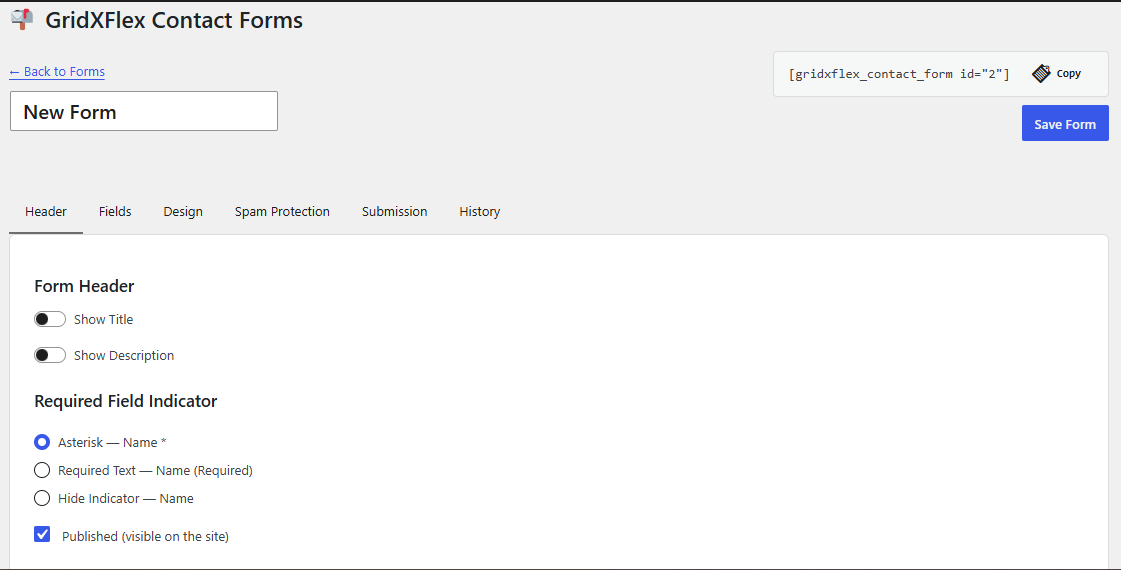
Forms Add/Edit Page : Header Settings.
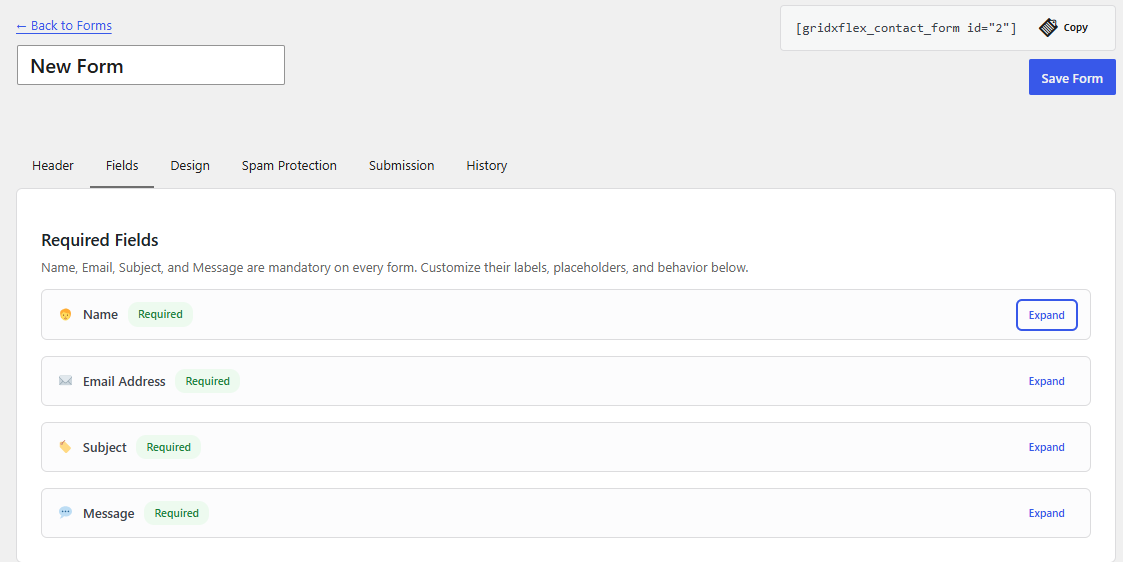
Forms Add/Edit Page : Fields.
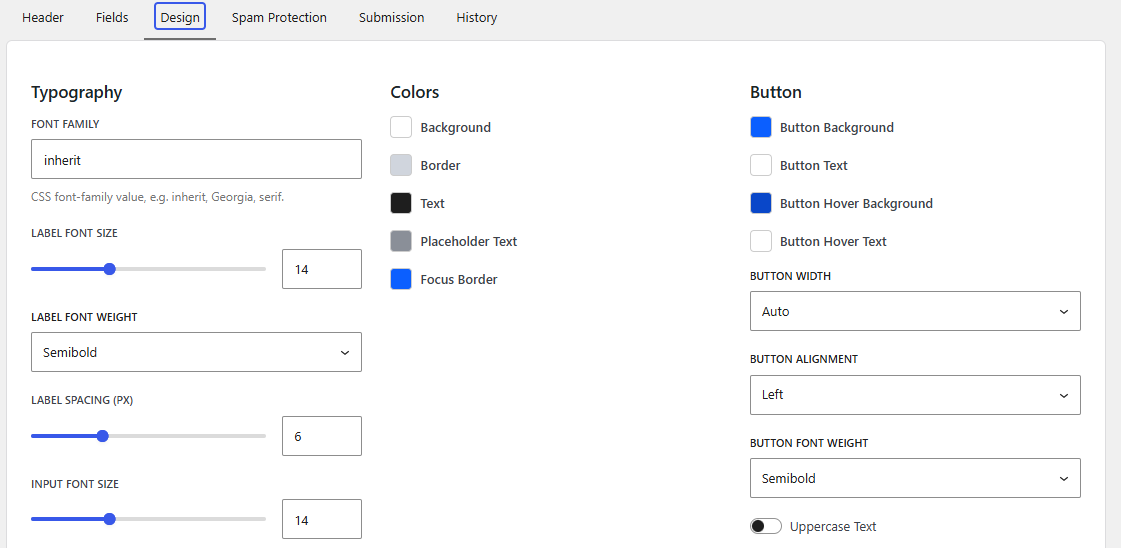
Forms Add/Edit Page : Design Settings.
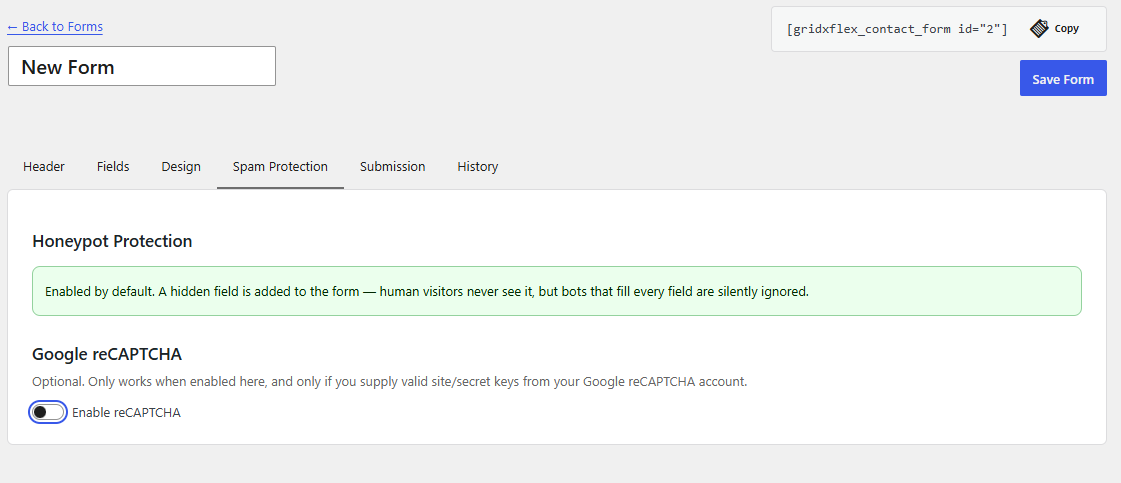
Forms Add/Edit Page : Spam Protection Settings.
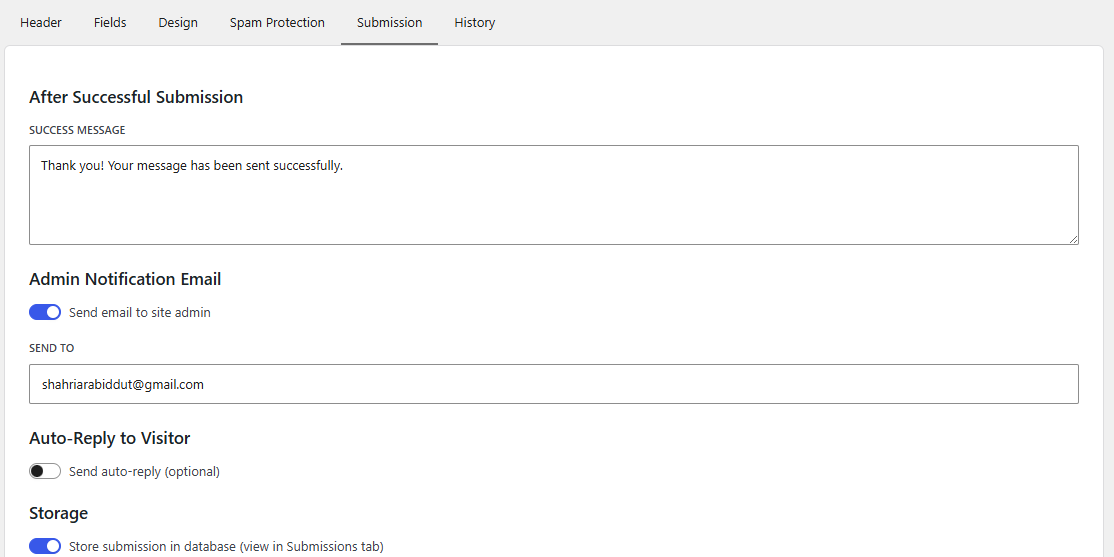
Forms Add/Edit Page : Submission Settings.
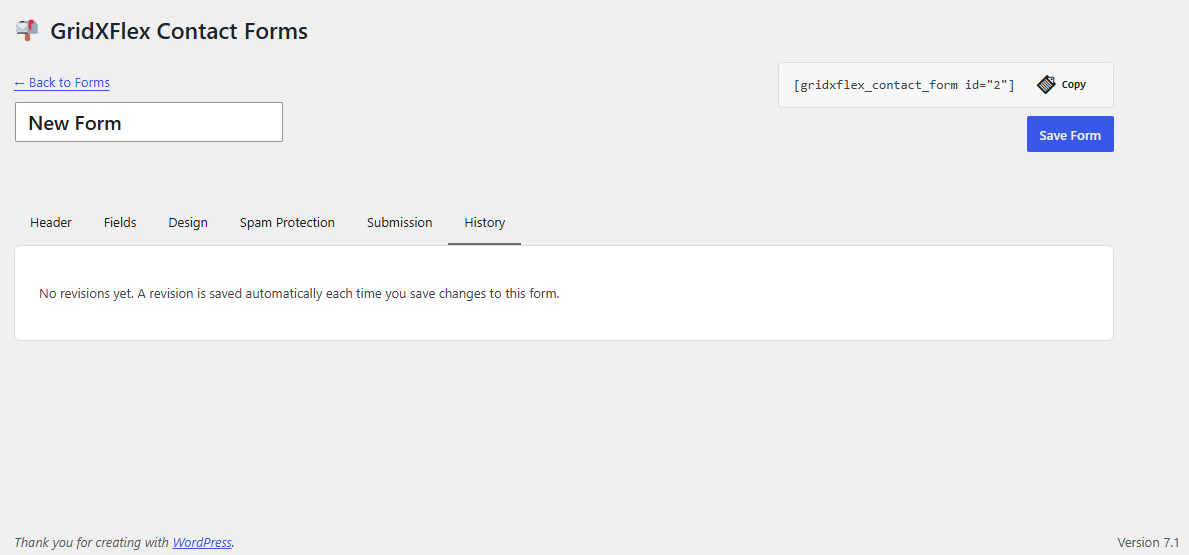
Forms Add/Edit Page : Revision History.
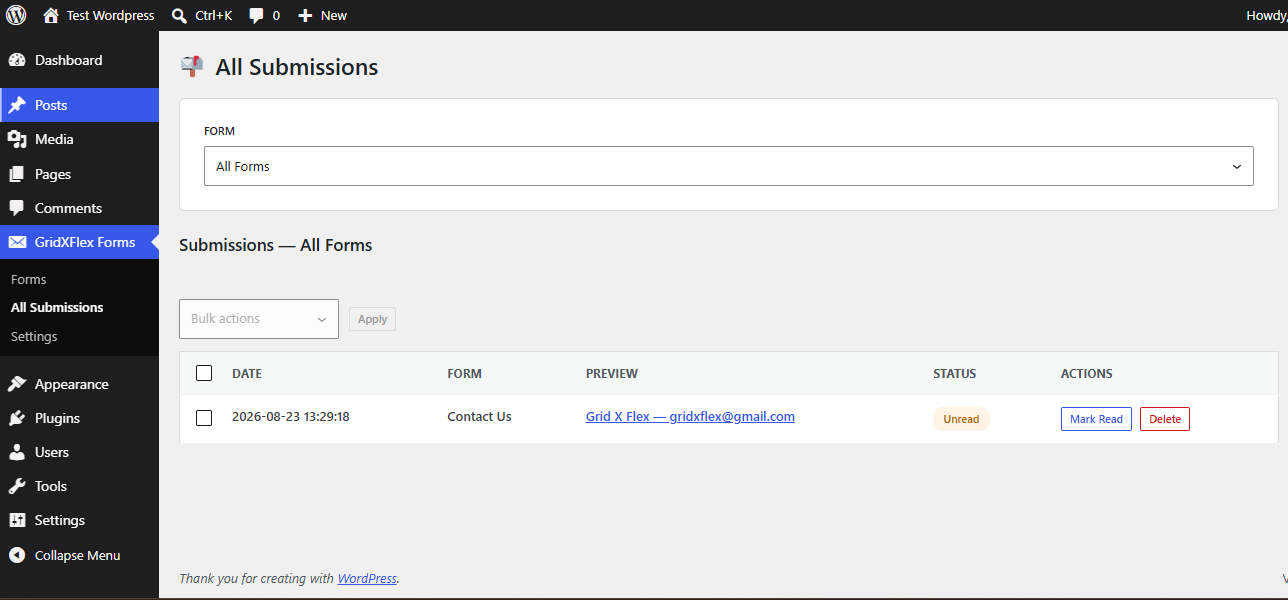
The submissions dashboard with read/unread status and CSV export.
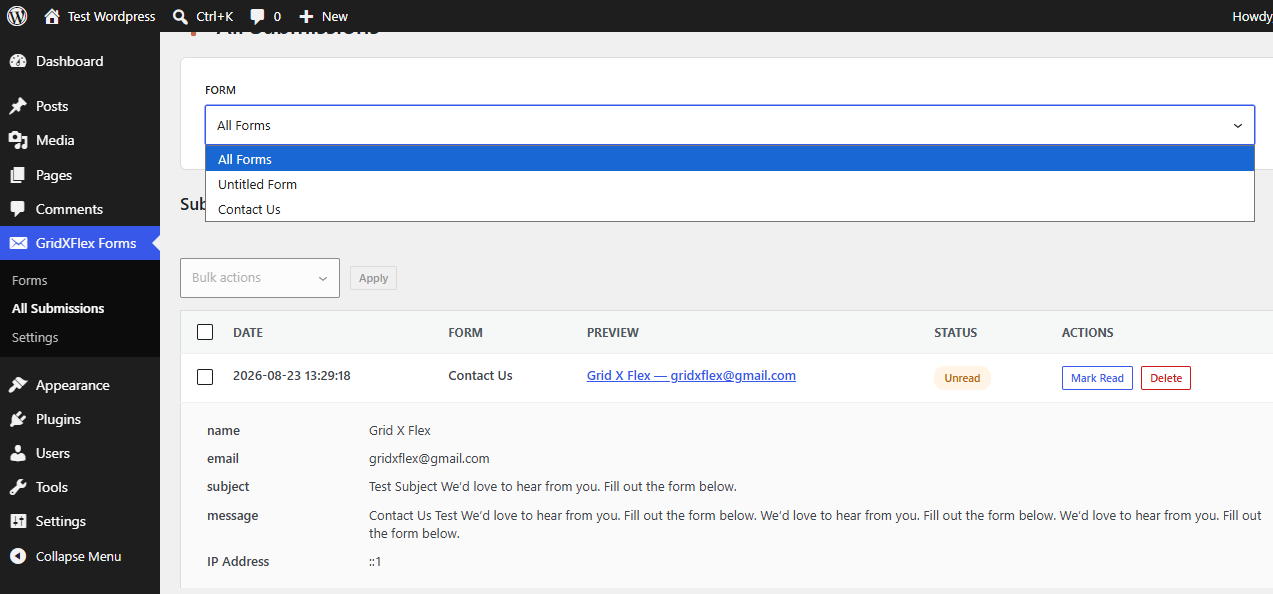
Forms Page : All Submissions Page with form filter.
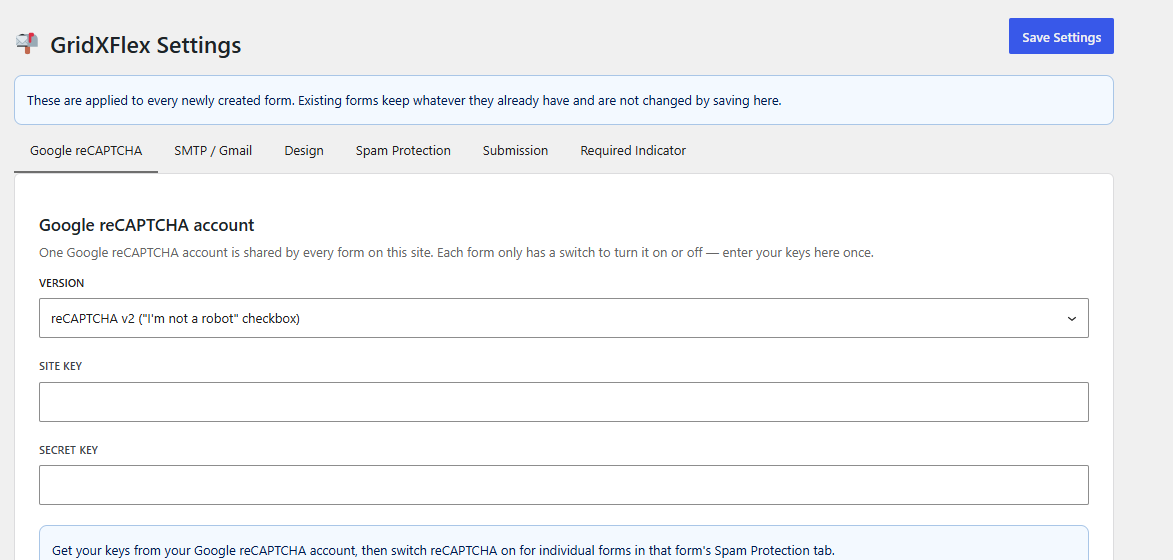
The General Settings with sitewide defaults.
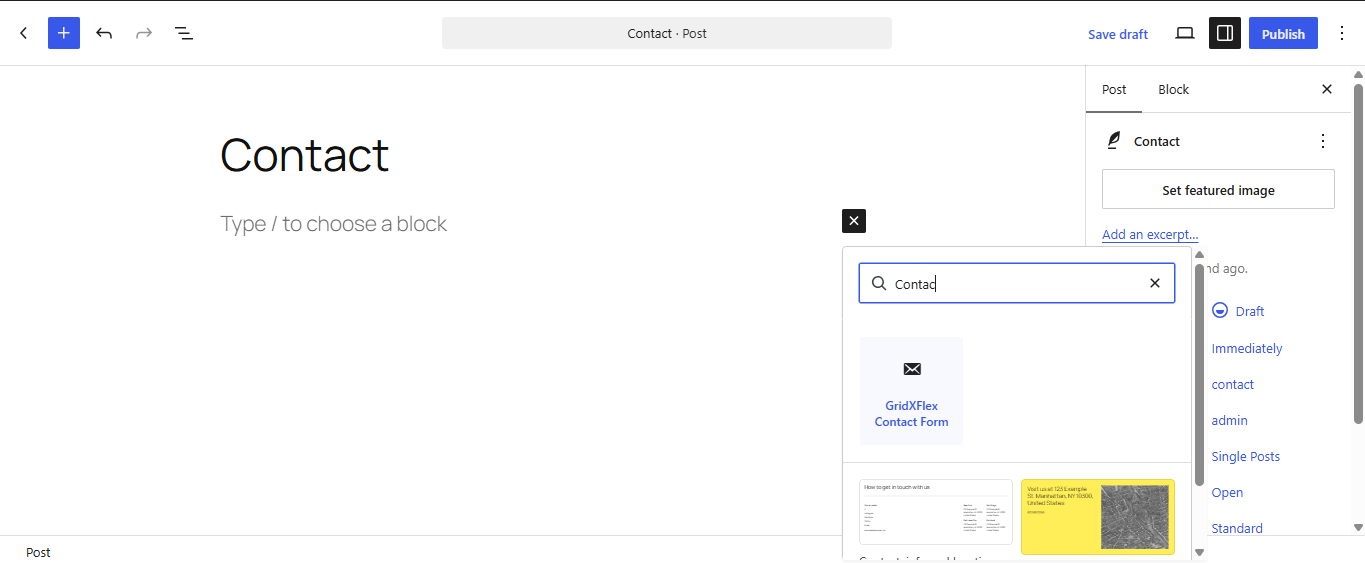
The Block to Find in pages / post to show a form / or use shortcode
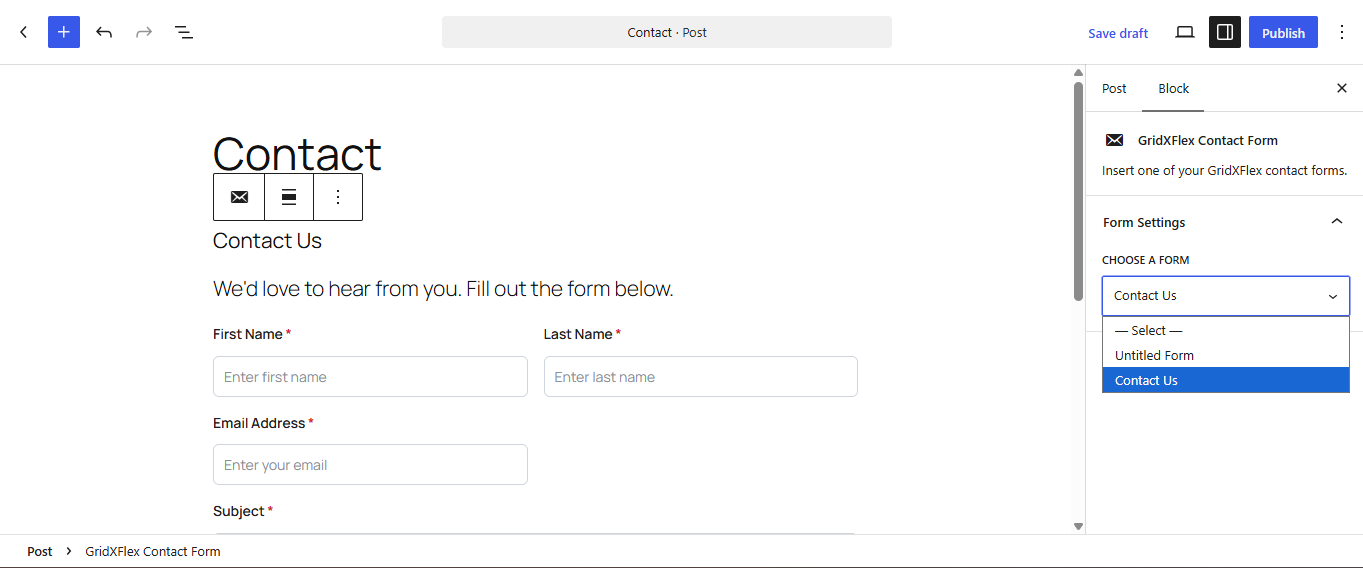
Select Your Form from All Forms
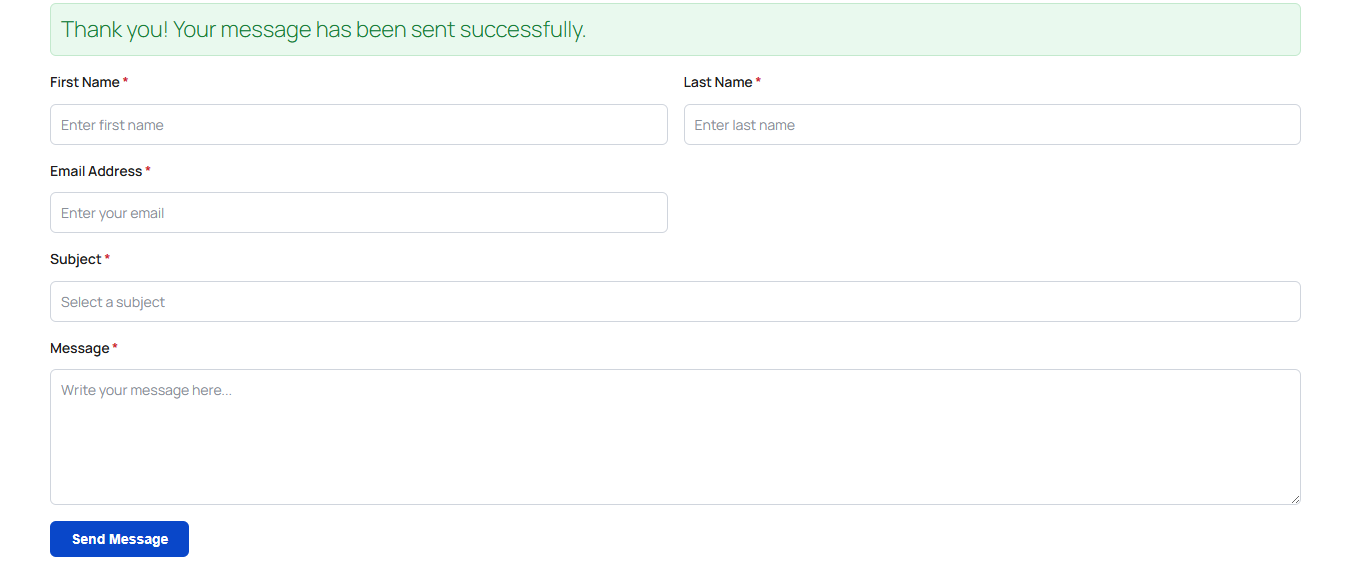
Frontend Demo Form , After Submission the success message!