
GroupEntry – Event Registration & Check-in Wordpress Plugin - Rating, Reviews, Demo & Download

Plugin Description
GroupEntry helps organizers manage group registrations for a whole event or for scheduled arrival times. One contact person enters participant names and receives an email with a private link to manage the registration. Time-slot events also ask the contact person to choose an arrival time. Staff check in the whole group from a mobile-friendly page.
Use it for workshops, community events, group visits and other activities where participant capacity and arrival times matter.
Registration and capacity
- Choose registration for the whole event or for individual time slots.
- Configure one event with its date, start and end times and time zone. Time-slot events also have a slot duration.
- Set total participant capacity for the whole event, or capacity per time slot, and the maximum number of participants per registration.
- Collect participant ages and set age limits when needed; age collection is off by default.
- Let participants edit or cancel through their private email link before the original reserved slot starts and before check-in.
- Choose immediate confirmation or administrator approval. Pending registrations reserve places; rejection or cancellation releases them.
The contact person occupies a place only if also listed as a participant. The event starts and finishes on the same calendar date. Whole-event registration uses one shared capacity without a time selector or slot-length limit. Time-slot registration supports up to 100 complete slots, each 5–240 minutes long. Registration and participant changes close when the event starts in whole-event mode, or when the reserved slot starts in time-slot mode. Registration mode and event schedule cannot change while registration records exist. Registration groups can contain 1–100 participants, subject to the organizer’s chosen maximum.
Check-in and administration
- Give staff access through a shared code or a WordPress account with the GroupEntry check-in staff role.
- Check in the whole registration and undo a check-in when needed.
- Use compact registration cards or an expandable list with filters and search.
- Manage registrations, approve or reject pending requests and resend registration emails.
- Export registrations and participant details to CSV.
- Customize page colors, introduction text and email instructions. Both email types have live previews.
Check-in staff can see participant names, optional ages, reserved times and attendance. Settings, approval/rejection and exports are administrator functions; check-in staff cannot see contact email addresses.
Languages
GroupEntry is translation-ready. Available translations are downloaded and updated separately by WordPress through translate.wordpress.org; language catalogs are not included in the plugin ZIP. Availability depends on translations being submitted and approved for the selected language.
The public form and system email text follow the WordPress site language; the administration interface follows the user’s WordPress language. Original default introduction and confirmation-email text display in the current language when a language pack is available. Exact translated defaults saved by earlier builds can be recognized from installed language packs. Organizer-edited texts stay as entered. CSV headings are translated, while stored status identifiers remain unchanged.
Contribute translations through the plugin’s project on translate.wordpress.org after publication. GroupEntry currently uses one set of organizer texts per event and has no visitor language switcher.
Privacy and data retention
Choose how many days to keep registration data after the event ends. Daily scheduled cleanup removes registrations, participants and check-in activity after that period and closes registration. Its actual run depends on site traffic or hosting cron.
The registration-page privacy notice automatically includes a sentence with the saved retention period and an explanation of scheduled cleanup and separate copies. Organizers write their own privacy information without entering a retention period or template variable. The settings preview responds immediately to edits; public text uses the saved settings. Existing organizer text is preserved: review it once and remove any old retention sentence. Previously saved {retention_days} markers remain supported for compatibility. Separately published policies, emails and other copies require manual review.
GroupEntry integrates with WordPress personal-data export and erasure tools and supplies suggested privacy-policy text for the organizer to review. Requests use the contact email and apply to entire group registrations. Individual participant requests require organizer review because participant email addresses are not stored.
Registration data stays in the site’s database. The plugin adds no analytics, payment processor or external booking service. Email delivery uses the site’s normal WordPress mail configuration. Emails, downloaded exports and backups are separate copies with their own retention policies.
Screenshots
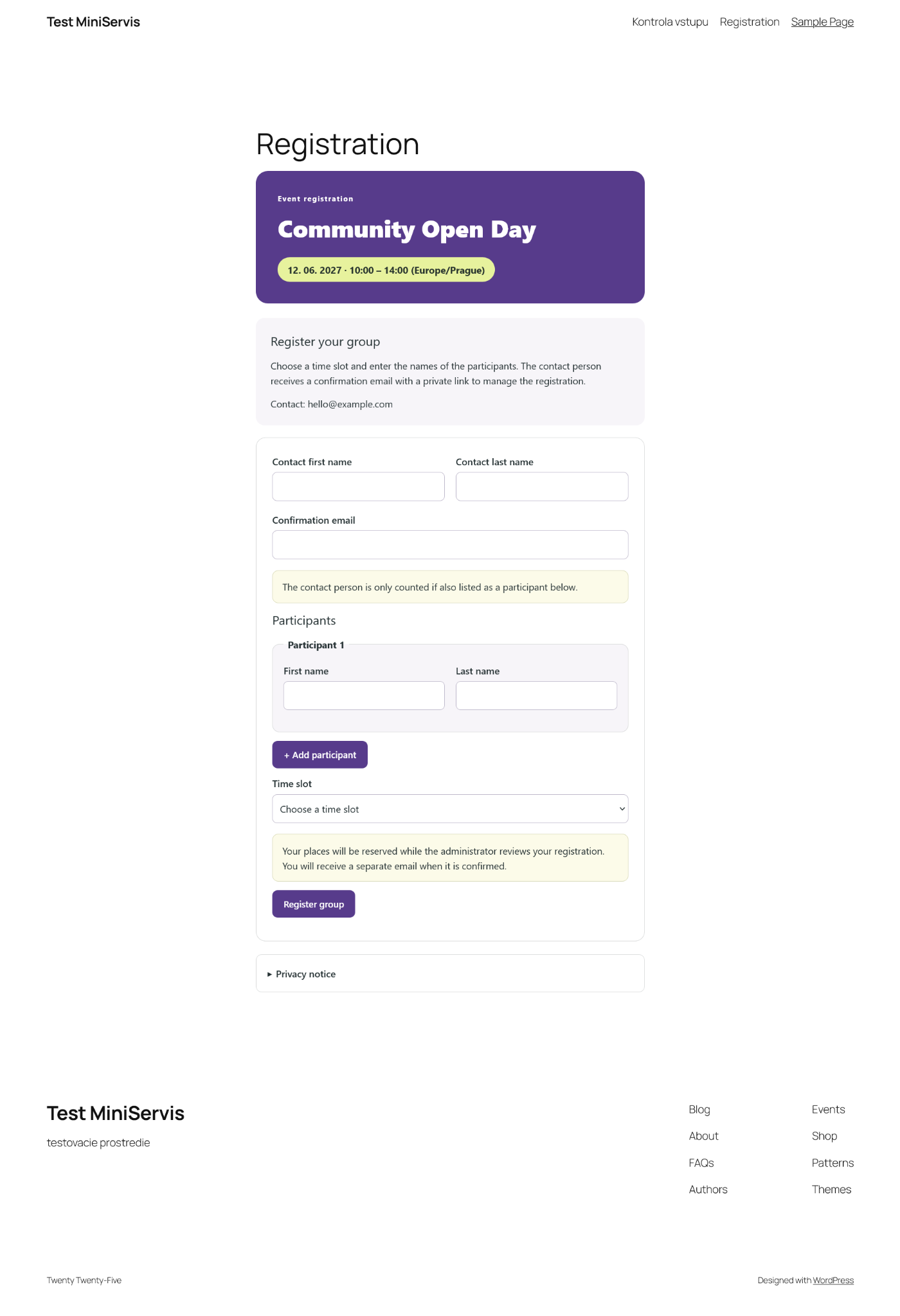
Public group registration form with participant names, time slot selection and administrator approval.
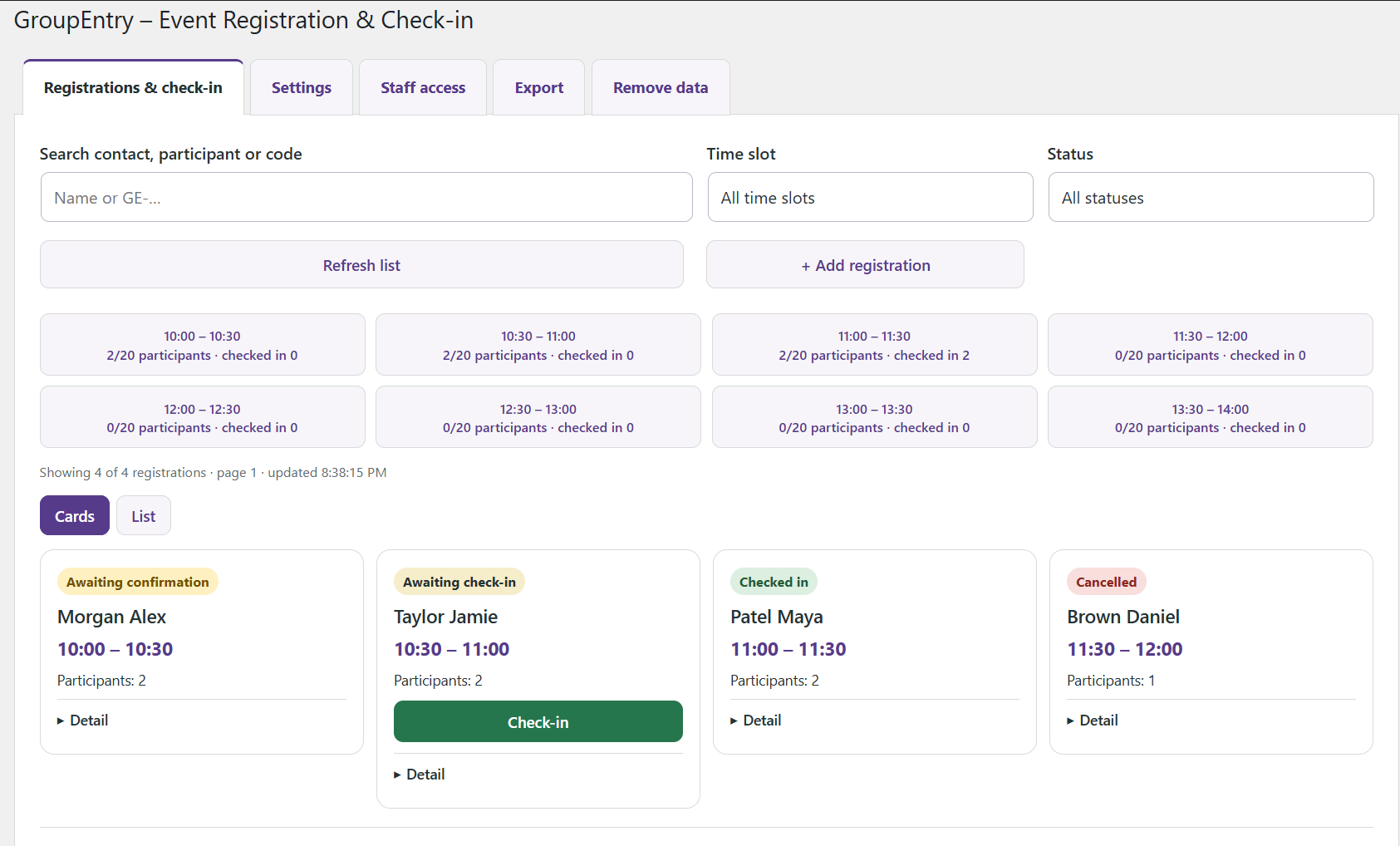
Administrator overview with slot capacity, search, filters and pending, confirmed, checked-in and cancelled registrations.
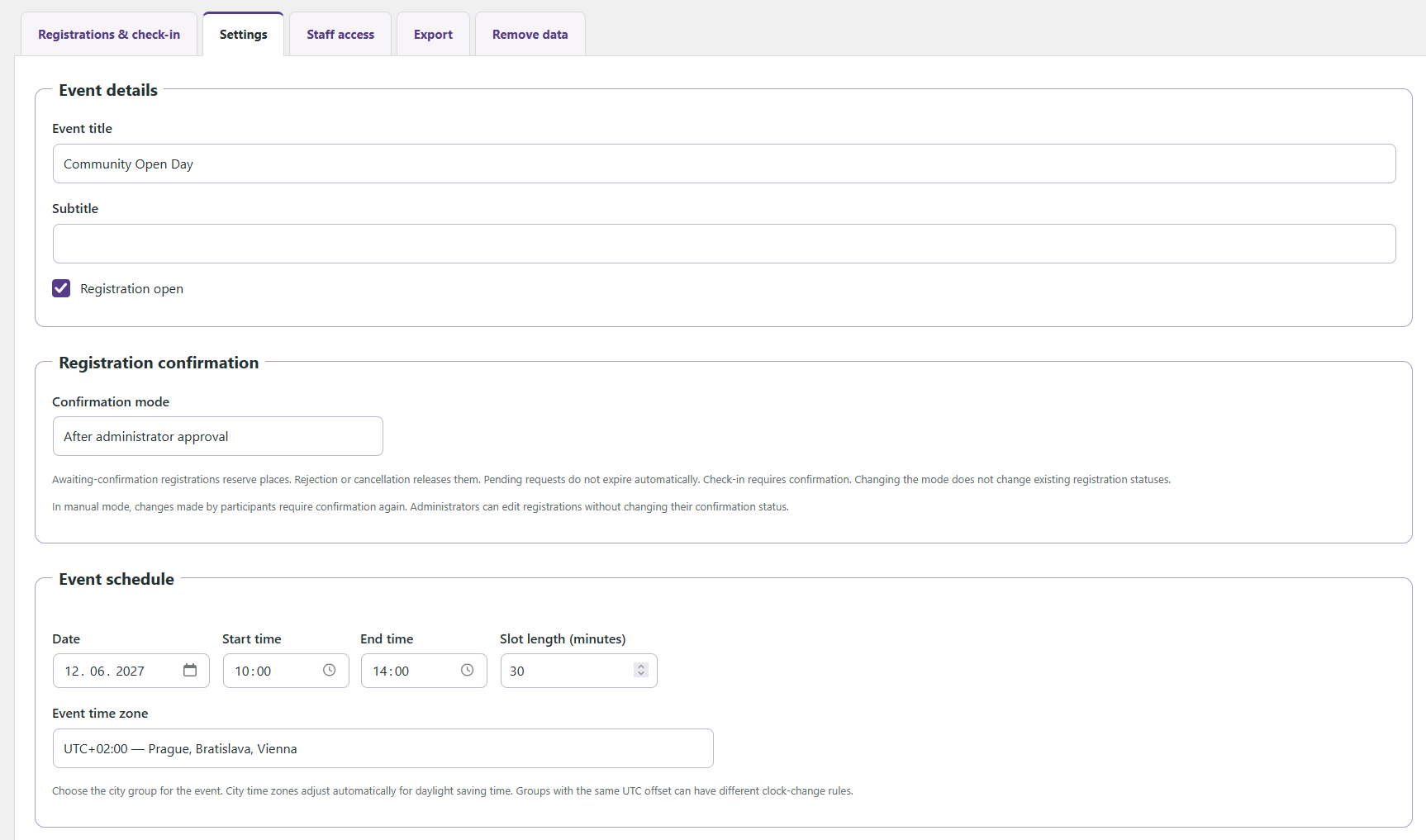
Event settings with automatic or administrator confirmation, event date, time slots and time zone selection.
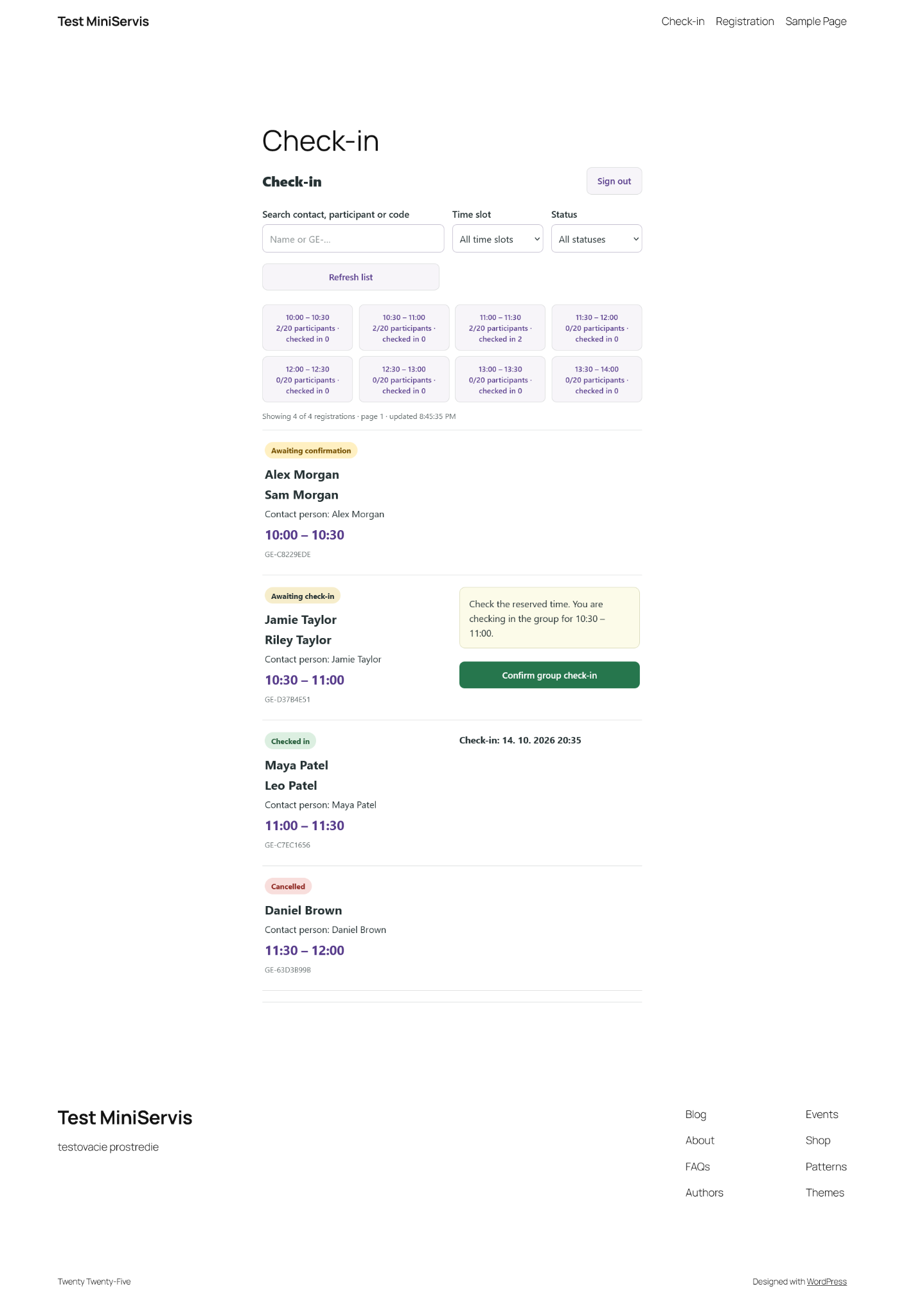
Staff check-in page with participant names, reserved times, attendance status and group check-in controls.
Similar Plugins:
 Rating Widget: Post Rating, 5 Star Rating, Reviews, Thumbs Up & Down, Reaction
 Event Tickets Manager For WooCommerce – Ticket Stock Management, Download Tickets As PDF, Events Calendar, Event Check-in Using Emails, Edit Your Ticket Content
 Eventixa – Modern Events Calendar, Event Tickets, Bookings & Event Registration