
HelpJet Wordpress Plugin - Rating, Reviews, Demo & Download

Plugin Description
HelpJet lets you train an AI chatbot on your own docs and content, then answer your visitors’ questions automatically.
This plugin connects your WordPress site to your HelpJet bot:
- Floating chat widget — shown site-wide, toggle it from Settings HelpJet.
- Inline chat — drop the HelpJet Chat block into any page, or use the
[helpjet]shortcode (optionalheightattribute, e.g.[helpjet height="500px"]).
Setup is a single click: hit Connect to HelpJet, sign in (or create a free account), pick or create a bot, and you’re sent straight back with everything wired up. Training, appearance, and behaviour are all managed from the HelpJet dashboard — the plugin stays out of your way.
External services
This plugin relies on the HelpJet platform (a third-party service) to work:
- When connected, your site loads the chat interface from
app.helpjet.com, and messages your visitors type into the chat are sent to HelpJet to generate answers. Page URL and browser information may accompany those requests, as with any embedded script. - During setup, your site’s URL and name are sent to HelpJet so the connection can be established. When you disconnect or uninstall, the plugin notifies HelpJet so the connection record is closed.
- No data is sent to HelpJet until you connect your site.
HelpJet is operated by HelpJet: terms of service, privacy policy.
Screenshots
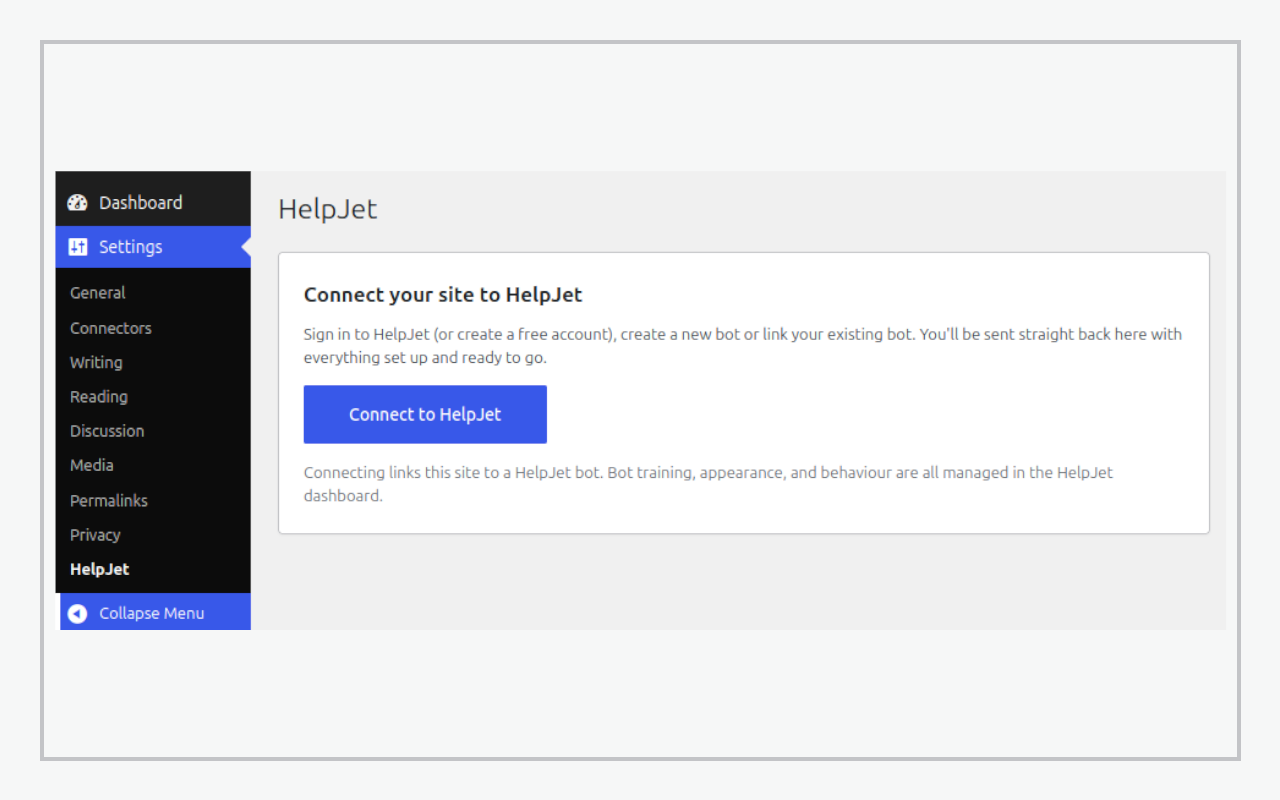
Settings → HelpJet: connect your site to HelpJet in one click.
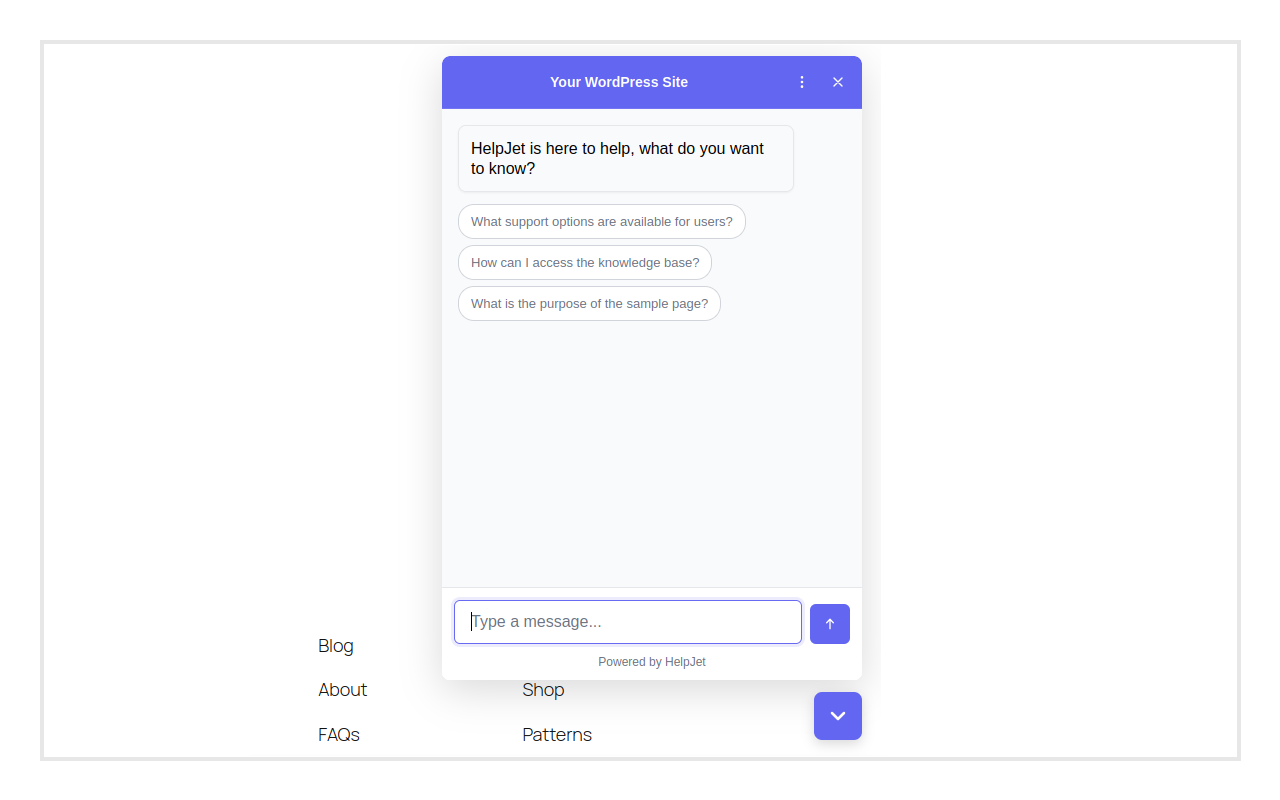
The floating chat widget answering a visitor on your site.
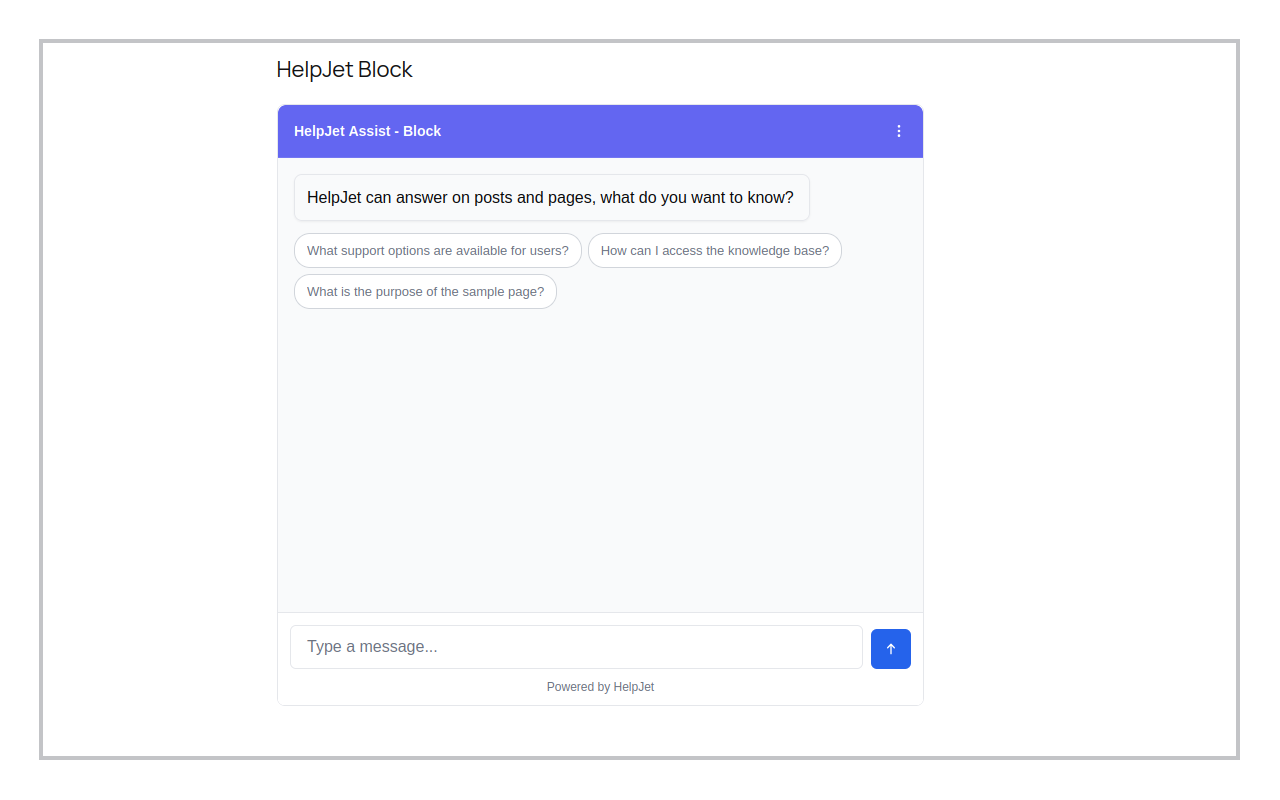
Inline chat placed in a page with the HelpJet Chat block.


