Hibira Live Visitors Wordpress Plugin - Rating, Reviews, Demo & Download
Plugin Description
Every number this extension shows is a real open browser tab, counted by Hibira’s realtime service.
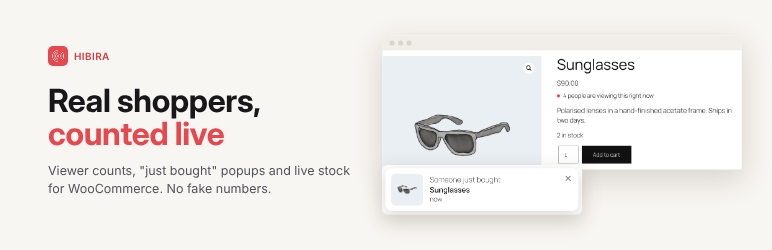
- Product viewers: a badge under the price shows how many shoppers have the product open, above a threshold you choose.
- Store-wide count:
[hibira_viewers scope="store"]shows how many shoppers are on the shop right now. - Purchase popups: open pages show “Someone just bought” with the product when an order is paid. Later visitors see one recent order. No customer names or places are sent.
- Live stock: “Only 2 left in stock” and “Out of stock” update on open product pages, and the add to cart button is disabled when a product sells out.
Works with classic and block themes, HPOS and the cart and checkout blocks.
External services
This extension connects to Hibira (https://hibira.io), a realtime WebSocket service, to count open product pages and deliver purchase and stock updates.
- Shoppers’ browsers connect to your Hibira app’s WebSocket host on WooCommerce pages. Hibira receives the channel names (a hash of the store URL plus product IDs) and the visitor’s IP address as part of the connection.
- Your server sends paid orders (product ID, name, link, image and time) and stock status to Hibira’s HTTP API. No customer data is sent.
Terms: https://hibira.io/legal/terms — Privacy policy: https://hibira.io/legal/privacy
Screenshots

A product page with four shoppers on it: the live viewer count, live stock and a “Someone just bought” popup from a paid order.

The store-wide count from
[hibira_viewers scope="store"], with the recent order popup a later visitor sees.
When the last item sells, open product pages switch to “Out of stock” and disable the add to cart button.

The viewer count on a phone.

WooCommerce > Settings > Live visitors.