Horair – Opening Hours Wordpress Plugin - Rating, Reviews, Demo & Download

Plugin Description
Works on its own. Enter your weekly hours (two time slots per day for a lunch break) and your special opening hours (holidays, closures, events) in the “Opening hours” menu, then display them anywhere:
- Block “Opening hours” in the block editor, with options in the sidebar.
- Shortcode
[horair_hours]for widgets, page builders (Elementor, Divi…) and classic themes:group="1"merges identical days (“Monday – Friday 09:00–19:00”),specials="0"hides the special hours. - Open/closed badge: a live sign telling visitors whether you are open right now, floating in a corner of every page or placed with
[horair_badge]. 27 looks (neon, door sign, bakery, butcher, café…), seasonal decorations, a click shows the week. Drawn in the browser from the hours on your site. - SEO: adds
openingHoursSpecificationto the business declared by Yoast SEO / Yoast Local SEO / Rank Math, or declares aLocalBusinesswhen none exists (can be turned off). - Page caches purged on every change: WP Rocket, W3 Total Cache, WP Super Cache, LiteSpeed Cache, WP Fastest Cache, SiteGround Optimizer, Breeze, Nginx Helper.
Even better with Horair (optional, 14-day free trial): change your hours once, and Google Business Profile, Facebook and this website follow.
- Connect in one step: paste the key copied from Horair (location > Channels > Website plugin). Several websites can be connected to the same location (an e-shop and a blog…).
- Both ways: edit your hours here, in the Horair app or by WhatsApp; every change is published everywhere.
- Public and school holidays suggested in advance.
Ready for translation on translate.wordpress.org.
Developers: do_action('horair_hours_updated', $hours) fires on every change; horair_state()['data'] holds the current hours. Markup classes: .horair-hours, .horair-hours__table, .horair-hours__special, .horair-badge-spot.
External services
This plugin works without any external service. When you choose to connect it to Horair (https://horair.com) by pasting a connection key, it talks to the Horair API:
- On connection, resynchronization and disconnection: it sends the key and this site’s webhook address (
/wp-json/horair/v1/webhook) tohttps://horair.com/api/public/webhooks/connect(or/disconnect). - When you save your hours while connected: it sends the hours to
https://horair.com/api/public/webhooks/hours. - Horair then sends every hours change to the webhook address, signed with HMAC-SHA256. If a security plugin disables the REST API for visitors, allow the
horair/v1route.
The open/closed badge script and its fonts are bundled with the plugin: visitors’ browsers never contact Horair. No visitor data is ever sent. Horair terms: https://horair.com/terms – privacy policy: https://horair.com/privacy
Credits
The open/closed badge uses the Pacifico, Bebas Neue, Montserrat and Oswald fonts, under the SIL Open Font License 1.1 (assets/widget/fonts/OFL.txt).
Screenshots
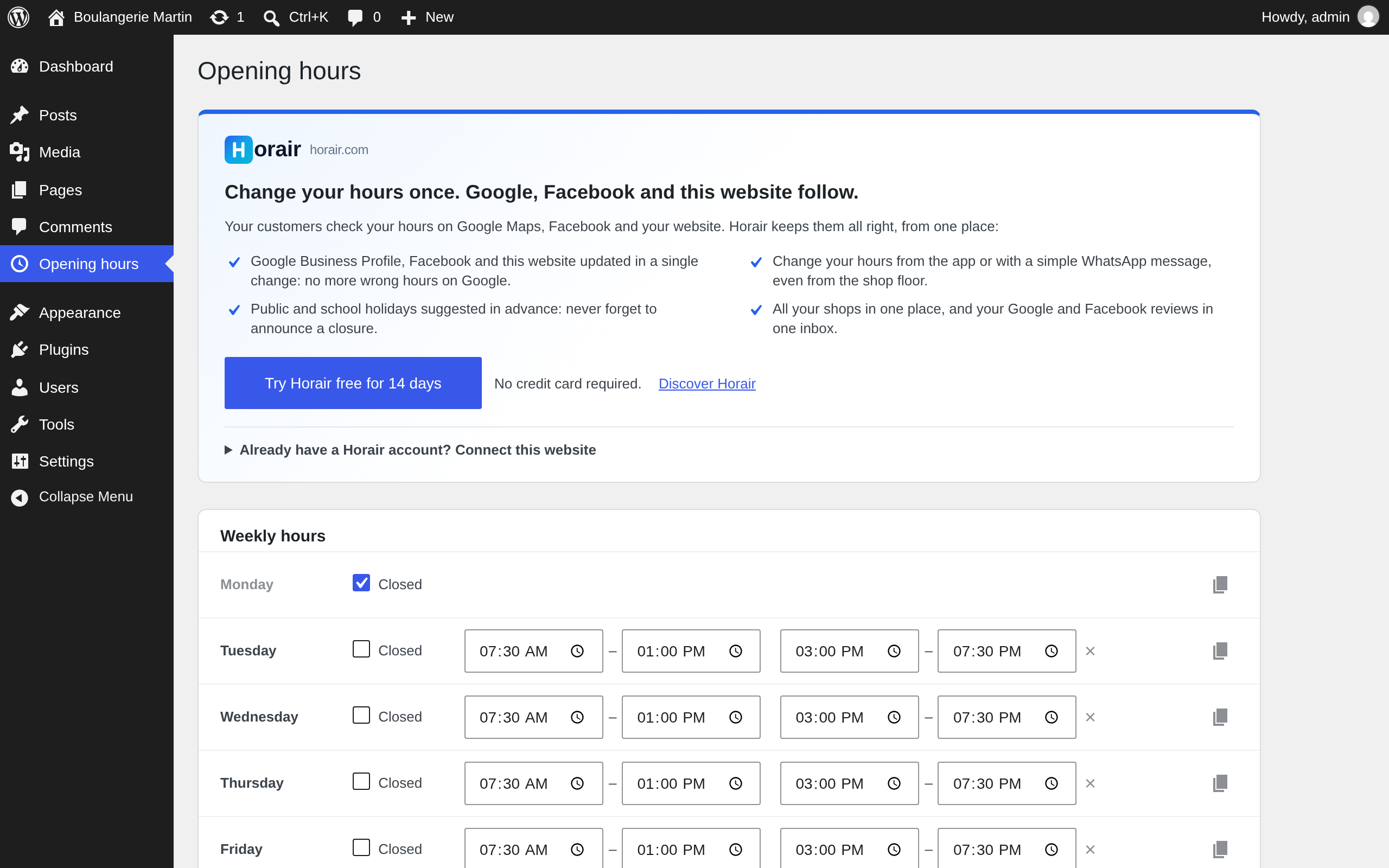
Enter your weekly hours (two time slots per day) and special opening hours, with or without a Horair account.
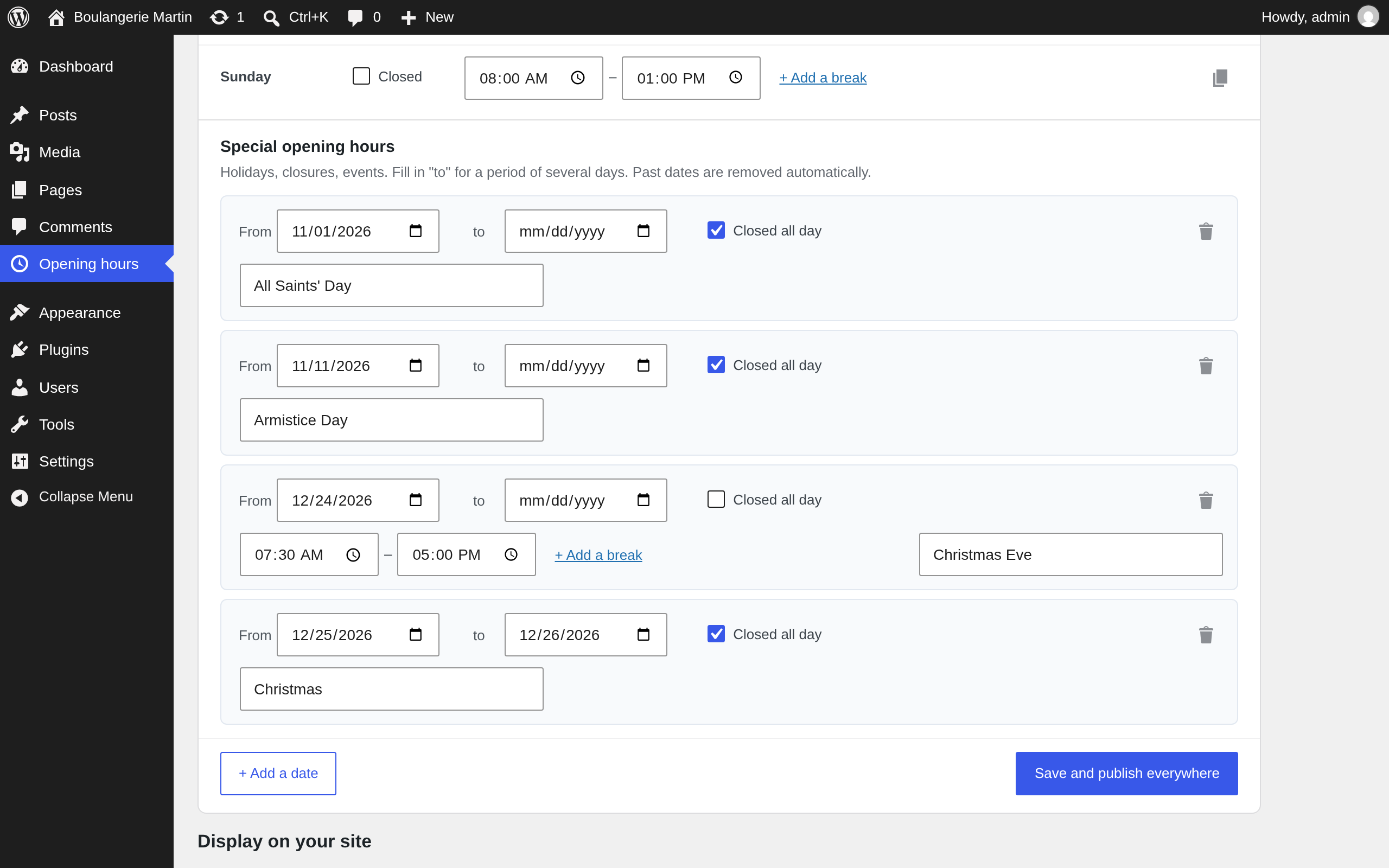
Holidays, closures and events: one date or a period, closed all day or special hours, with a reason.
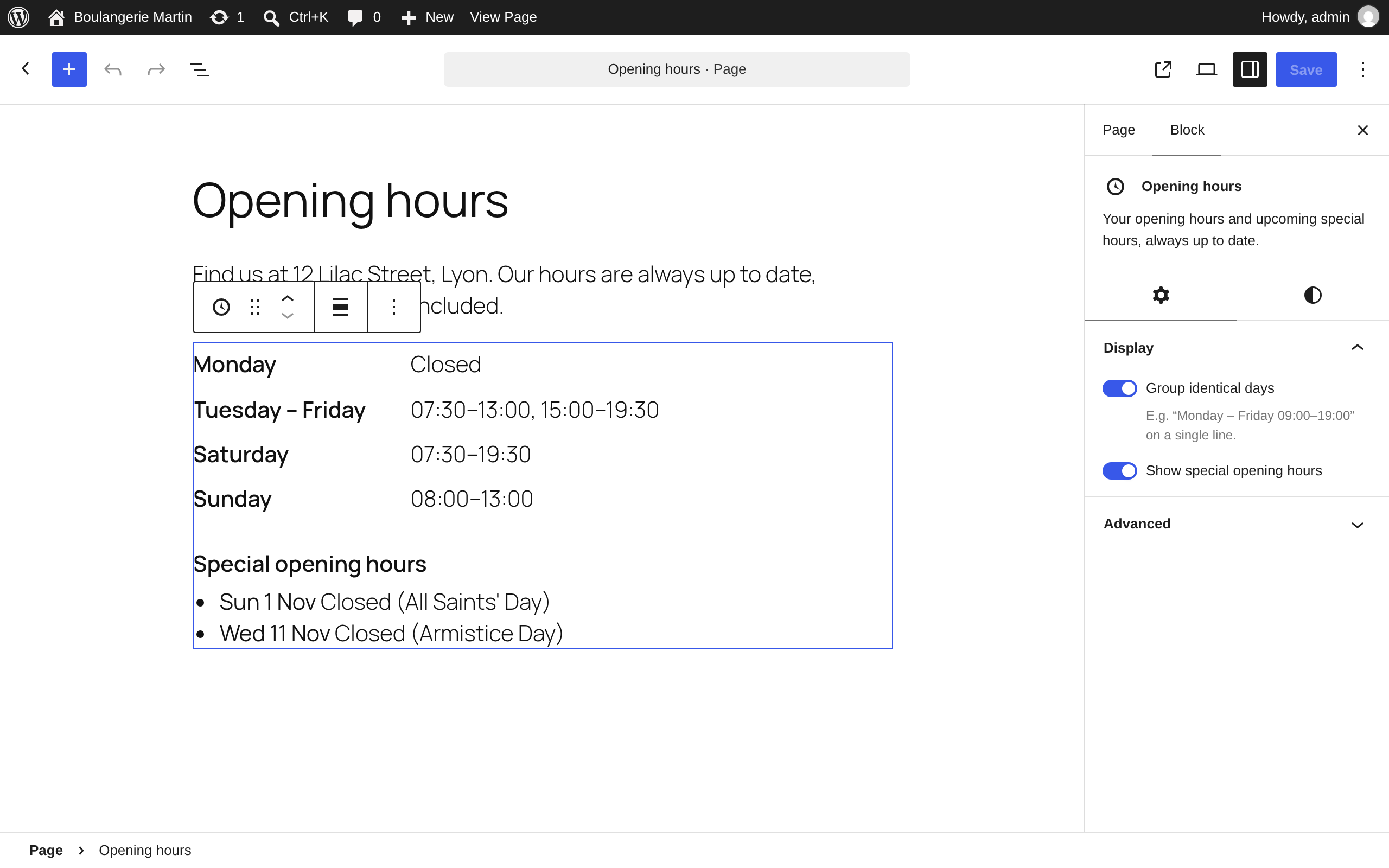
The “Opening hours” block in the block editor: group identical days, show or hide special hours.
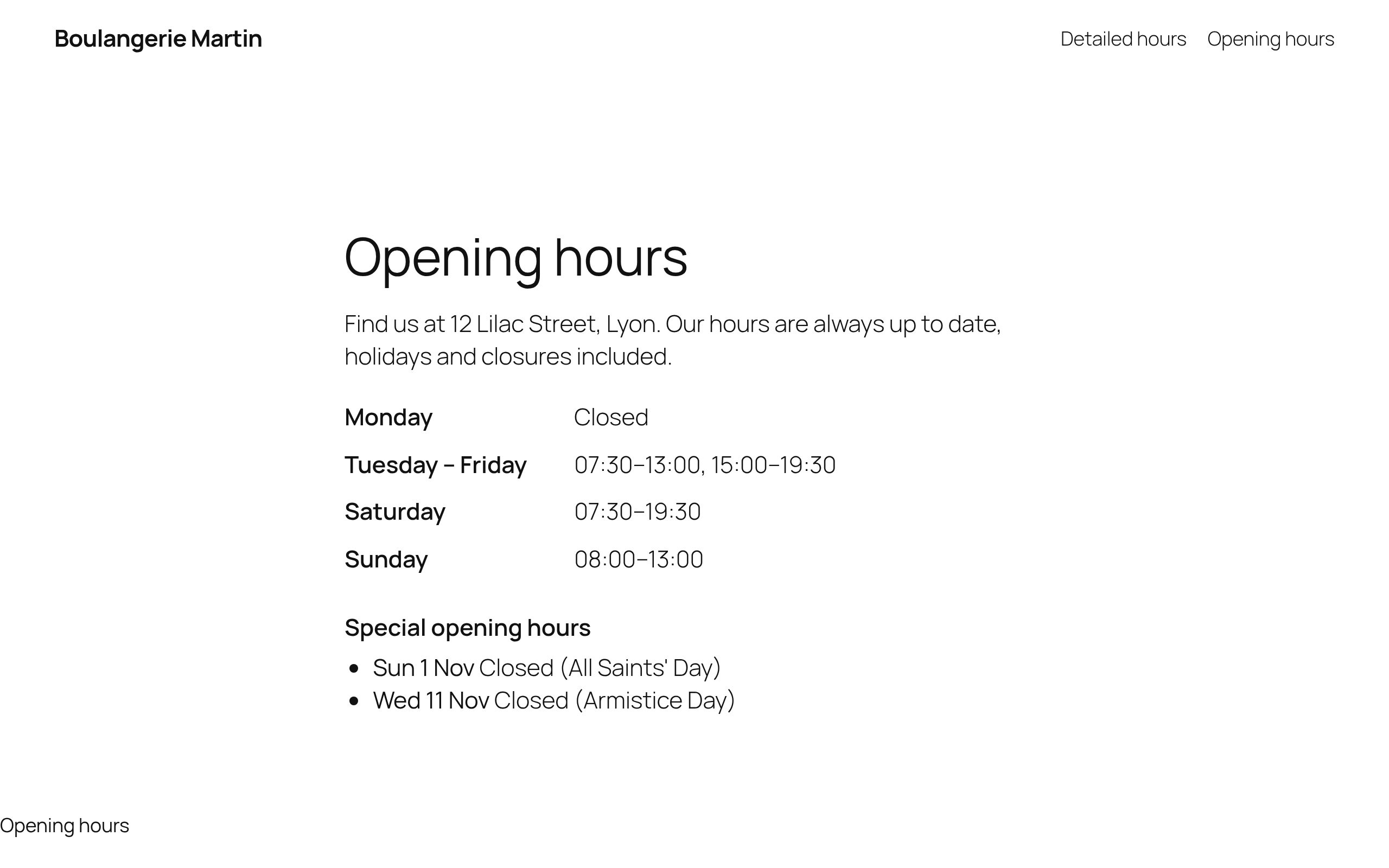
On your website: grouped days and upcoming special hours, styled by your theme.
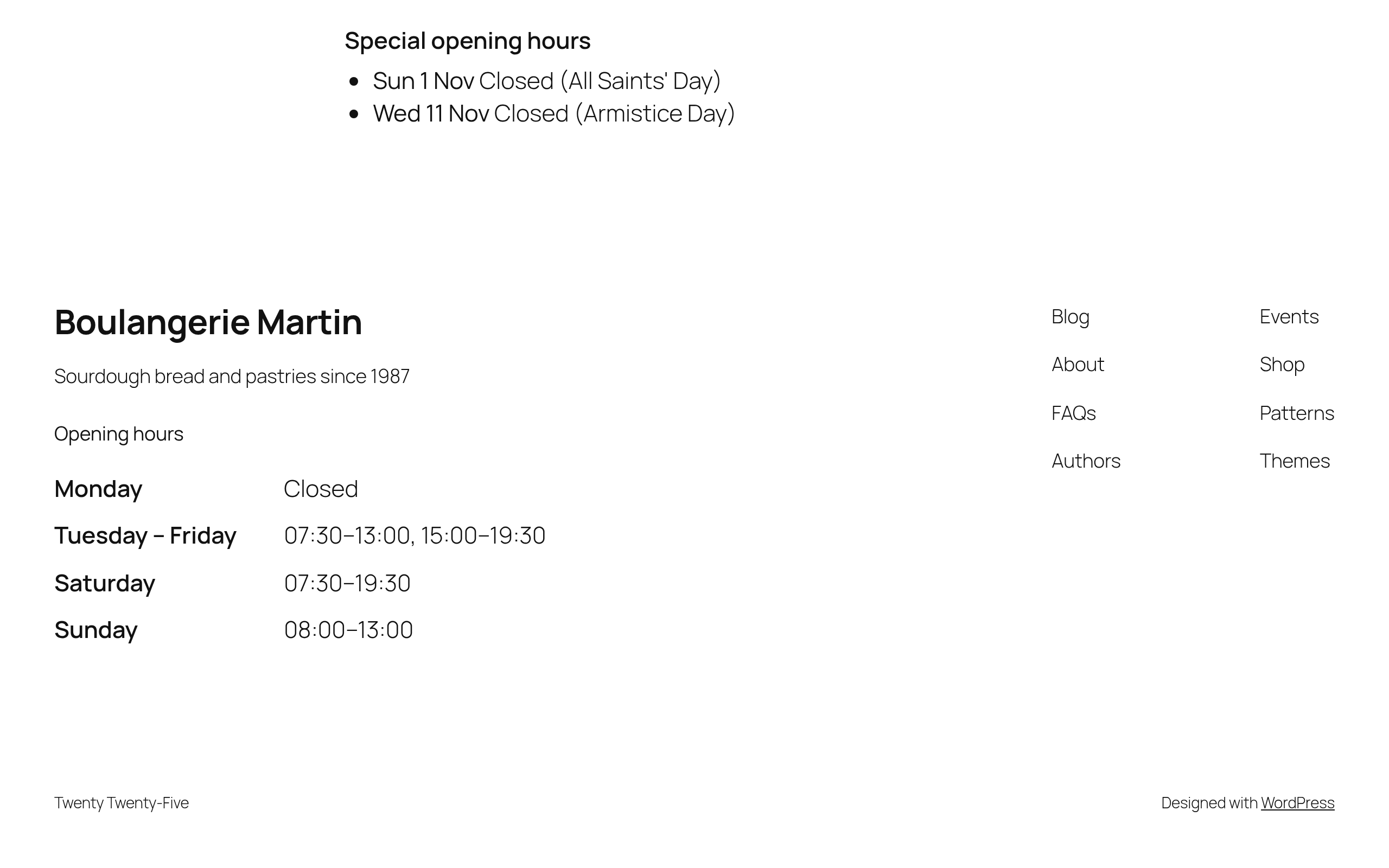
In the footer of every page (block theme footer, widget or shortcode).
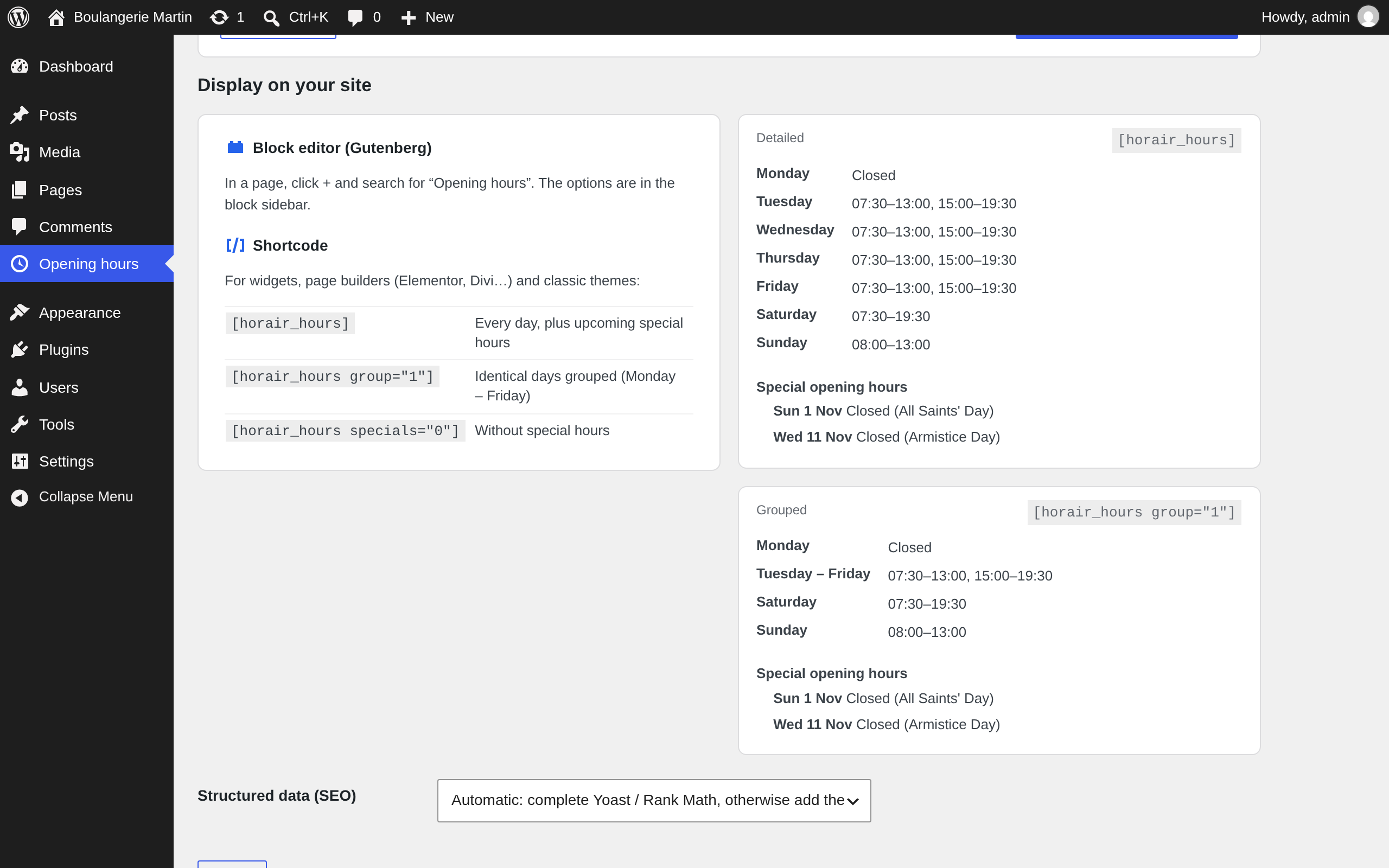
Block and shortcode options, with a live preview of both layouts.
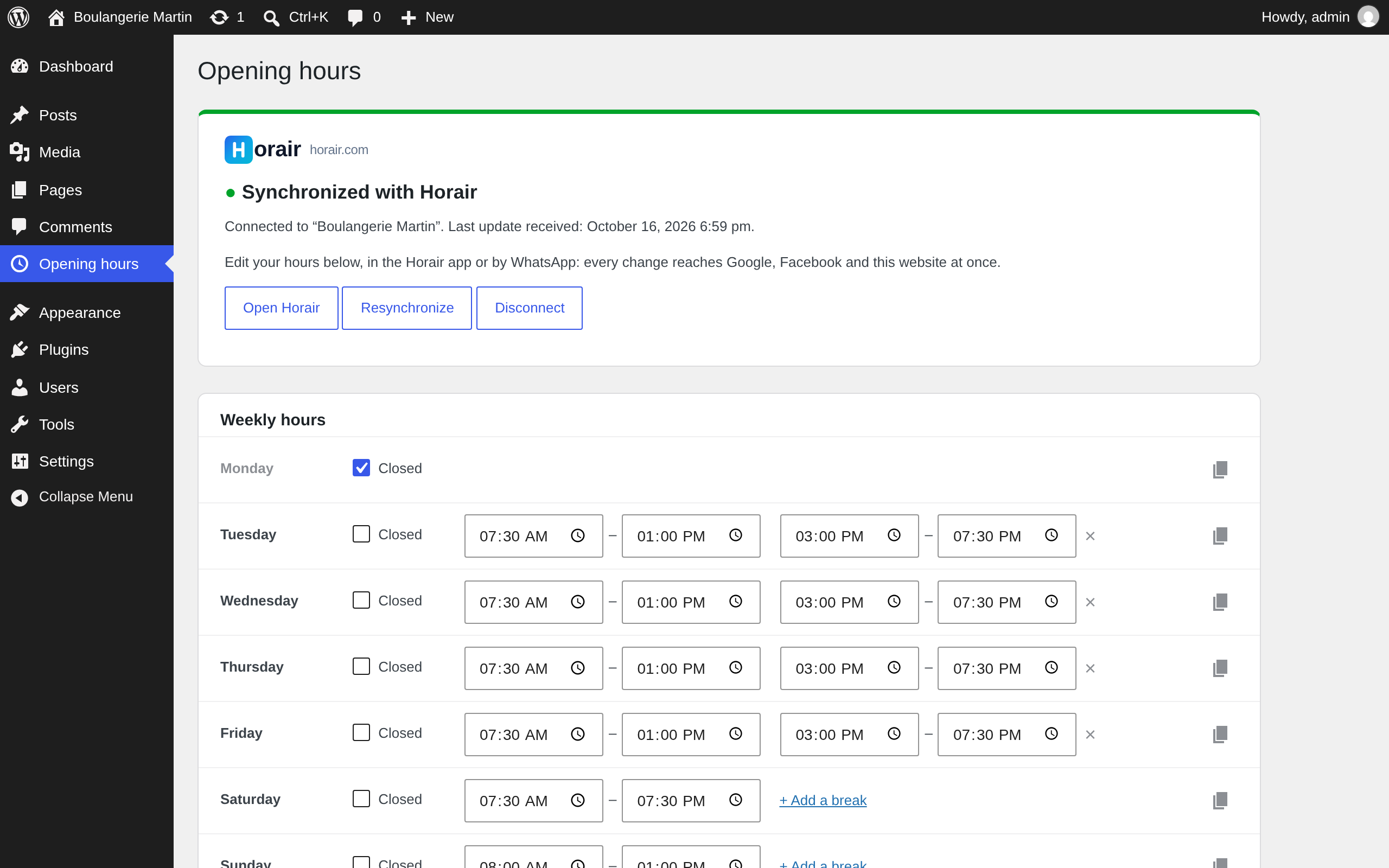
Connected to Horair: edit here, in the Horair app or by WhatsApp; every change is published everywhere.
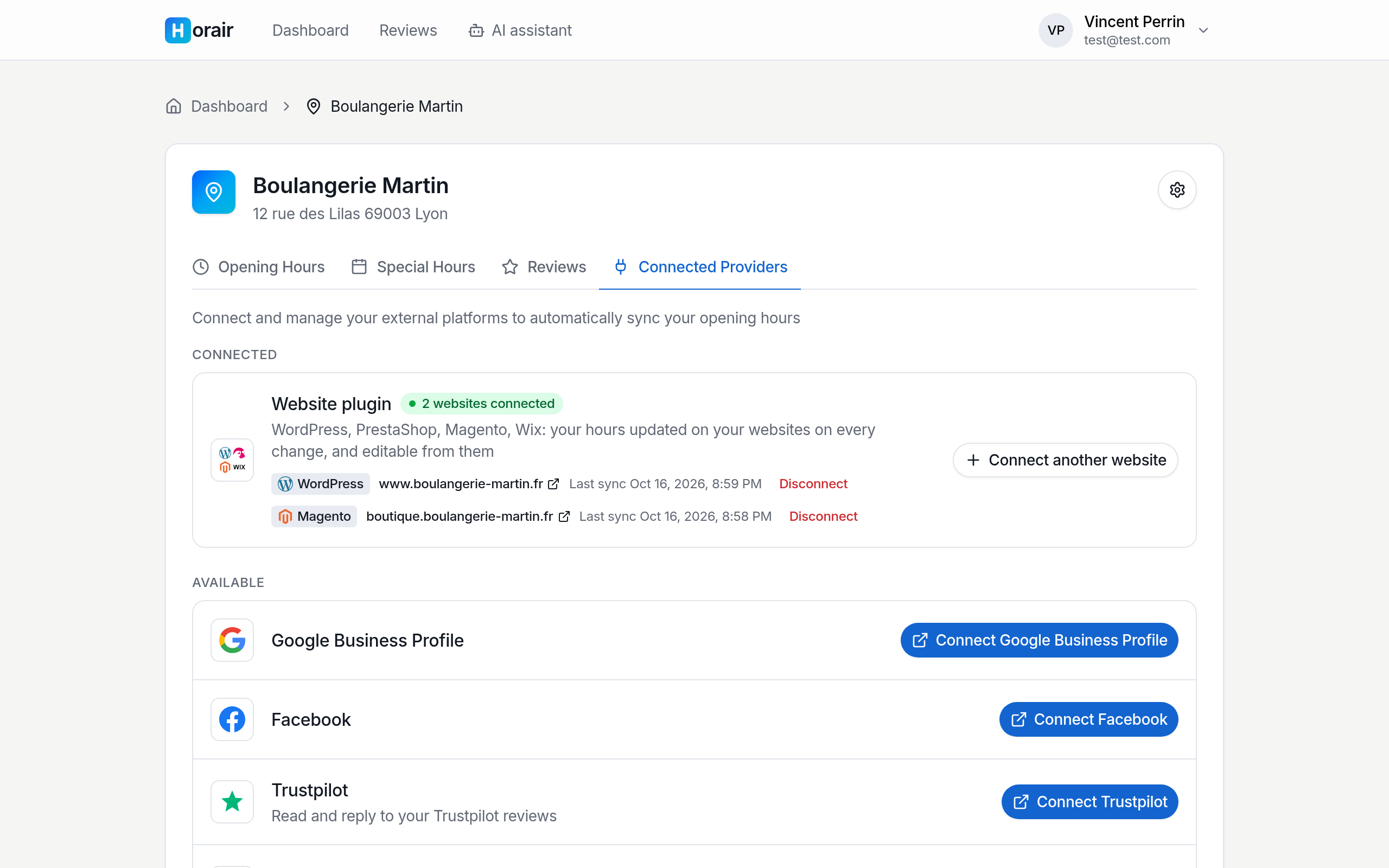
In Horair: several websites per location (e-shop, blog…), each kept in sync.