
Khách Mê – AI Chatbot & Live Chat Wordpress Plugin - Rating, Reviews, Demo & Download

Plugin Description
Khách Mê adds an AI sales assistant to every page of your website. It reads your website and the documents you give it, answers visitors in natural Vietnamese any time of day, asks what they need, and gets their phone number so your team can call back and close the sale.
Connect in one click. Install the plugin, click Connect Khách Mê, sign in or create a free account. The chat box appears on your website by itself, no code to copy.
What you get:
- Answers from your own content: product pages, prices, policies and the documents you add.
- Asks the right questions for your business, then asks for a phone number at the right moment.
- New contacts with their needs summarised, in one Inbox. Your staff can take over any conversation.
- Notifications to your phone and email as soon as a visitor leaves a number.
- Works for any business: spa, dental clinic, training centre, furniture, car showroom, real estate, online shop and more.
- The same account also answers your Facebook Page messages.
The Free plan has no time limit and needs no bank card. Paid plans add more AI replies and more websites.
Tiếng Việt
Khách Mê là chatbot AI trả lời khách tự động bằng tiếng Việt trên website, 24/7. Chatbot đọc nội dung website và tài liệu bạn đưa vào, tư vấn đúng sản phẩm, hỏi nhu cầu và xin số điện thoại của khách, rồi báo ngay về điện thoại của bạn. Nhân viên vào Hộp thư chat trực tiếp với khách bất cứ lúc nào.
Cài plugin, bấm Kết nối Khách Mê, đăng nhập hoặc tạo tài khoản là khung chat chạy trên mọi trang của website, không phải chép mã. Hợp với spa, nha khoa, trung tâm đào tạo, nội thất, showroom ô tô, bất động sản, cửa hàng online và nhiều ngành khác. Gói Miễn phí dùng mãi mãi, không cần thẻ ngân hàng.
External services
This plugin connects your website to Khách Mê (https://khach.me), the service that runs the chatbot. Without it the plugin does nothing.
- Chat box. On every front-end page the plugin loads https://khach.me/widget.js with your site’s embed key. When a visitor opens the chat box, it sends to khach.me the address of the page being viewed, the messages the visitor types, any name or phone number the visitor chooses to share, and the visitor’s IP address (used to block spam). This lets the AI reply and lets you read the conversation in your Khách Mê Inbox.
- Connect button. When an administrator clicks Connect Khách Mê, the browser opens https://khach.me/ket-noi-wordpress with your site address, site name, the address of the plugin settings page and a one-time code, so your Khách Mê account can send the embed key back. Nothing is sent until you click the button.
Khách Mê terms of use: https://khach.me/dieu-khoan-su-dung
Khách Mê privacy policy: https://khach.me/chinh-sach-bao-mat
Screenshots
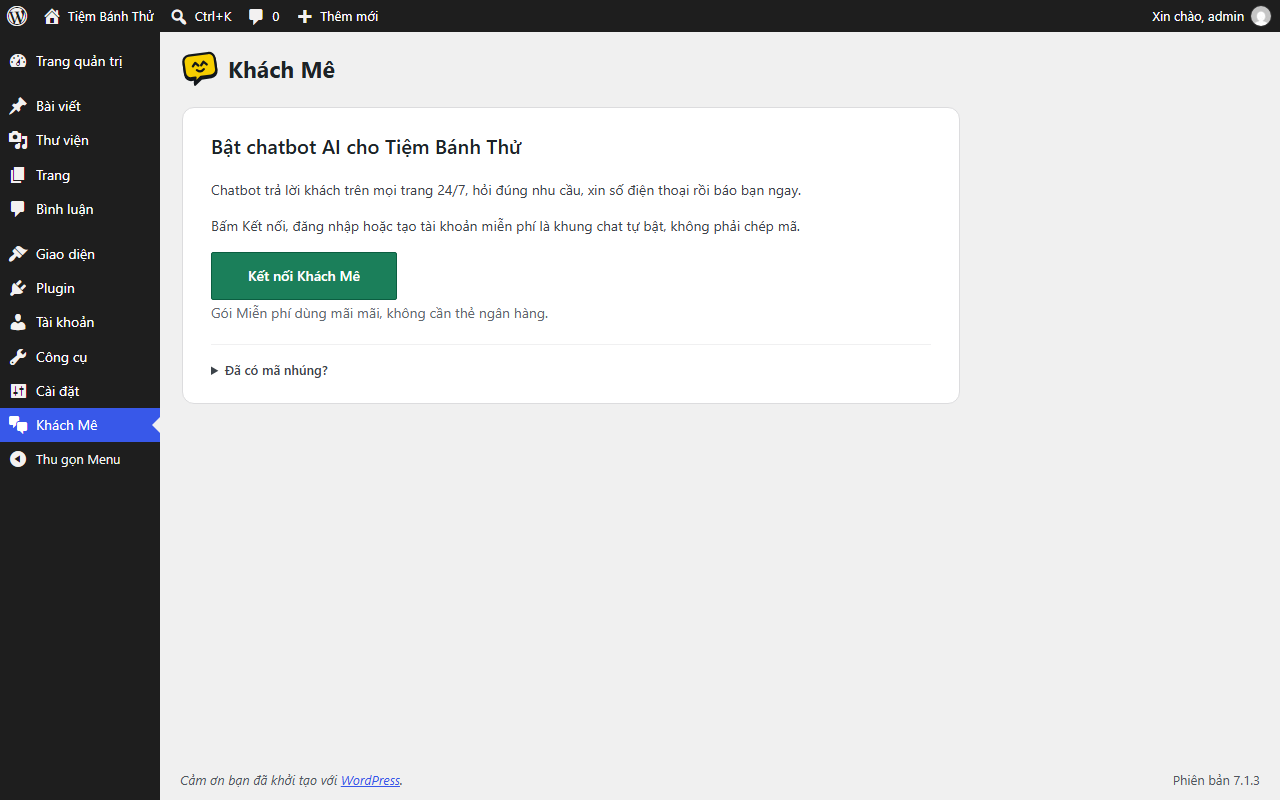
Right after activation: one button to connect your Khách Mê account.
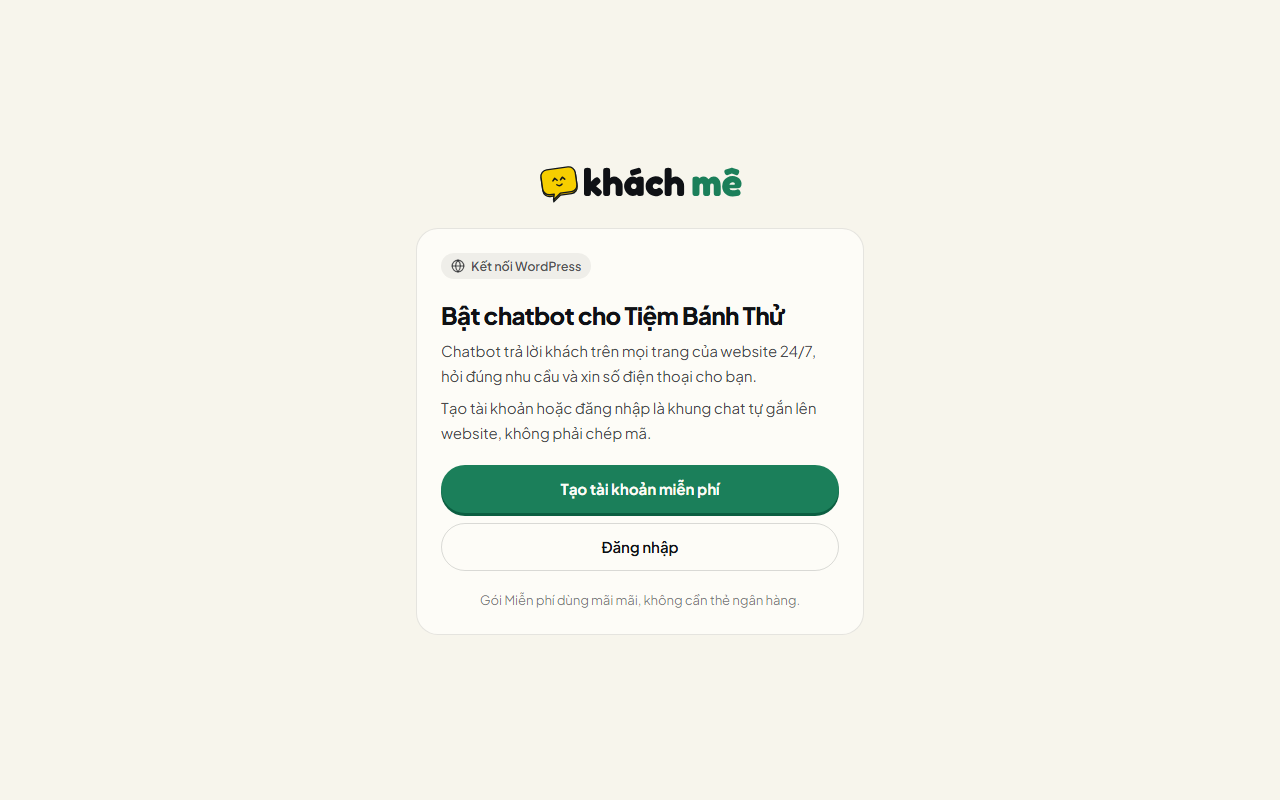
Sign in or create a free account at khach.me. The website is added for you.
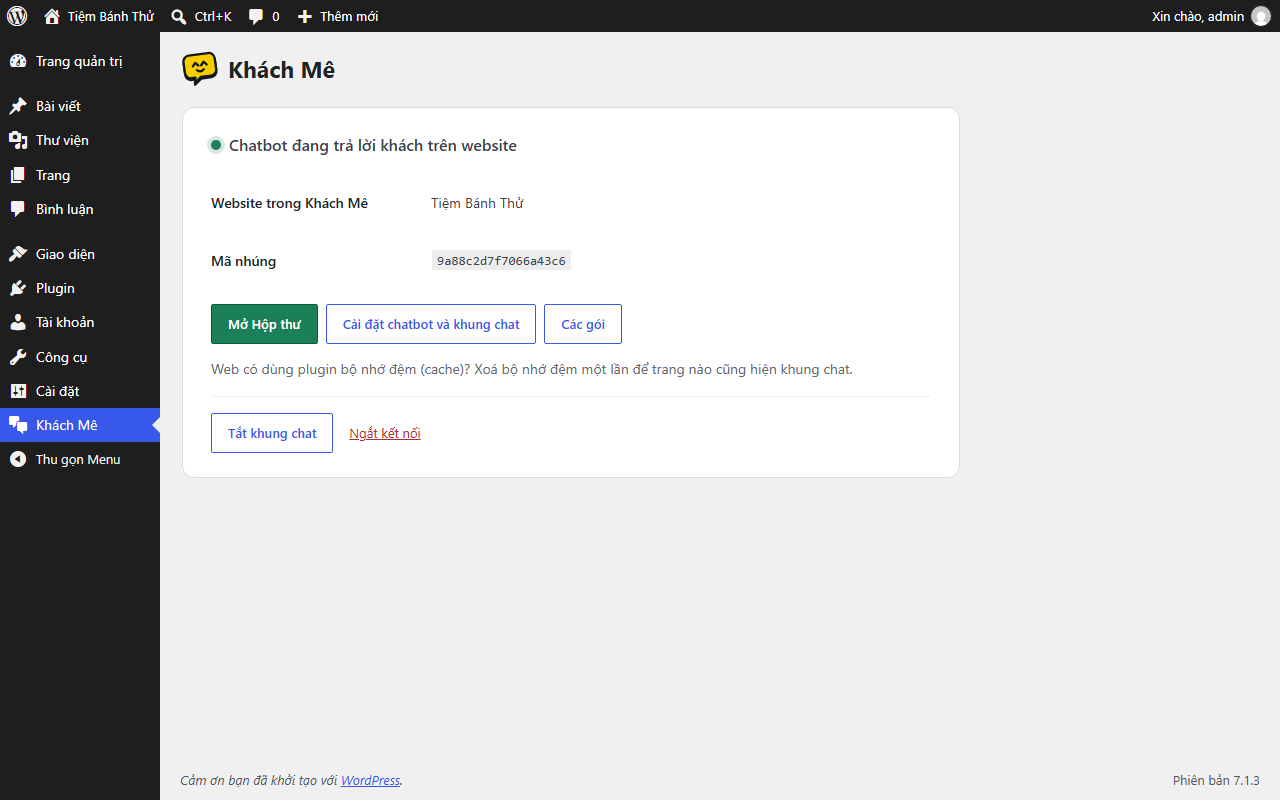
Connected: the chatbot is answering visitors. Links to the Inbox and chatbot settings.
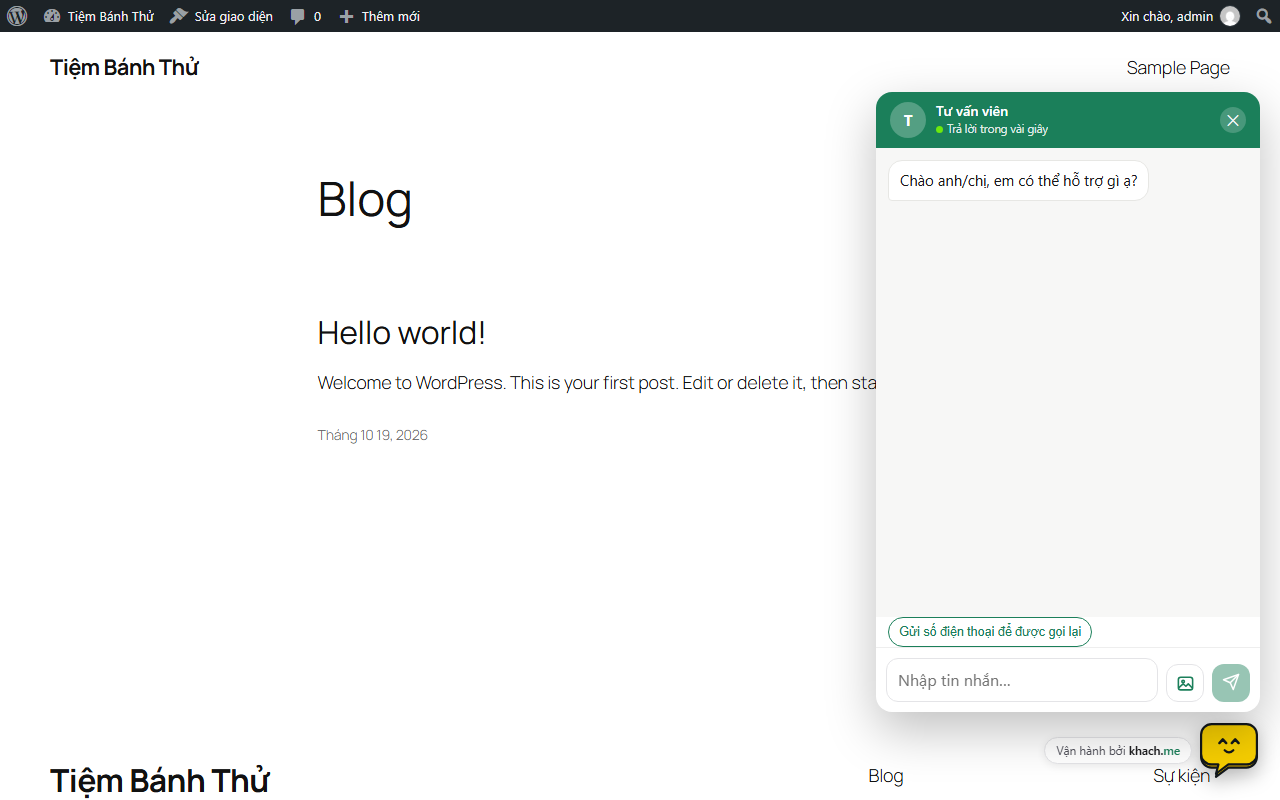
The chat box on your website, ready to answer visitors.


