MagicWP Backup Restore And Migration Wordpress Plugin - Rating, Reviews, Demo & Download

Plugin Description
MagicWP Backup is a full backup, restore, and migration engine for WordPress, built for large sites and low-resource hosting.
- Chunked, resumable backups (database + files) that fit shared-hosting time and memory limits.
- Safe restore with integrity checks, a destructive-action confirmation, automatic table-prefix remapping, and serialized-safe URL search/replace.
- One-click site-to-site migration with hashed transfer tokens.
- Configurable exclusions (quick toggles + file-size limit), scheduled cleanup, and a structured log viewer with export.
- PSR-4 architecture (Composer-free), REST API at
/wp-json/magicwp-backup-restore-migration/v1/with capability + nonce protection.
Screenshots
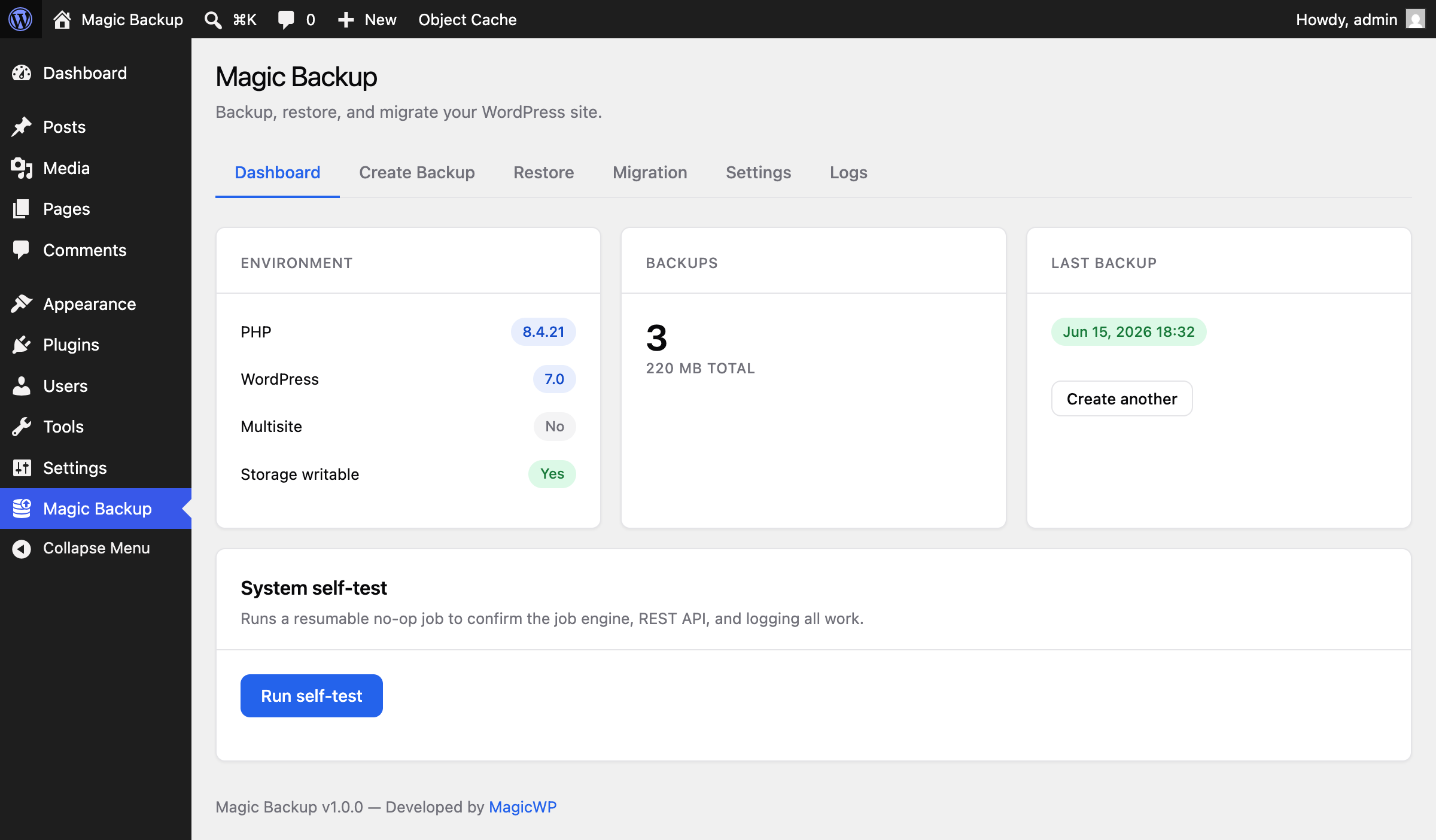
Dashboard — environment check, backups summary, last backup, and a one-click system self-test.
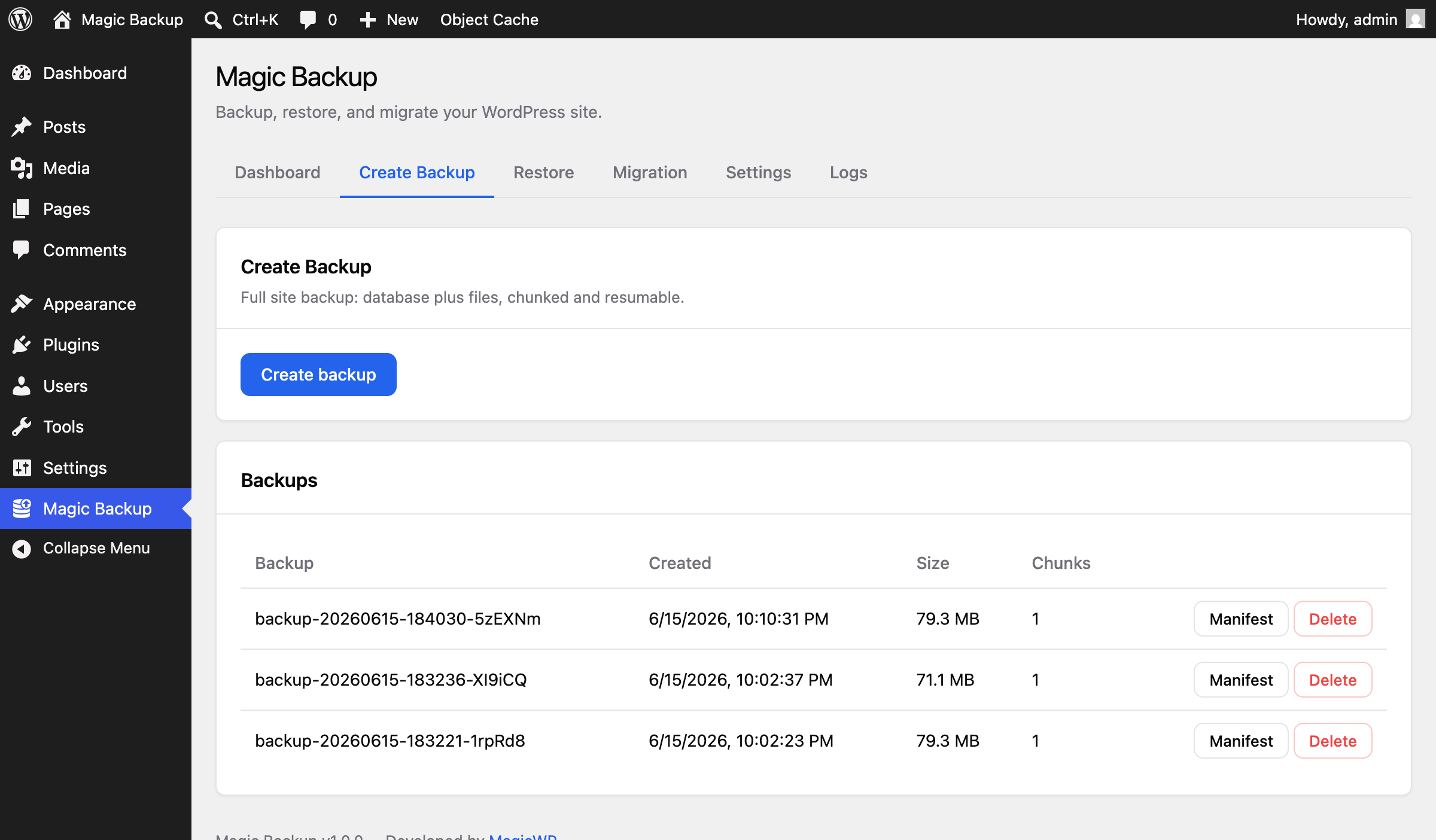
Create Backup — start a full chunked, resumable backup and manage existing backups (manifest / delete).
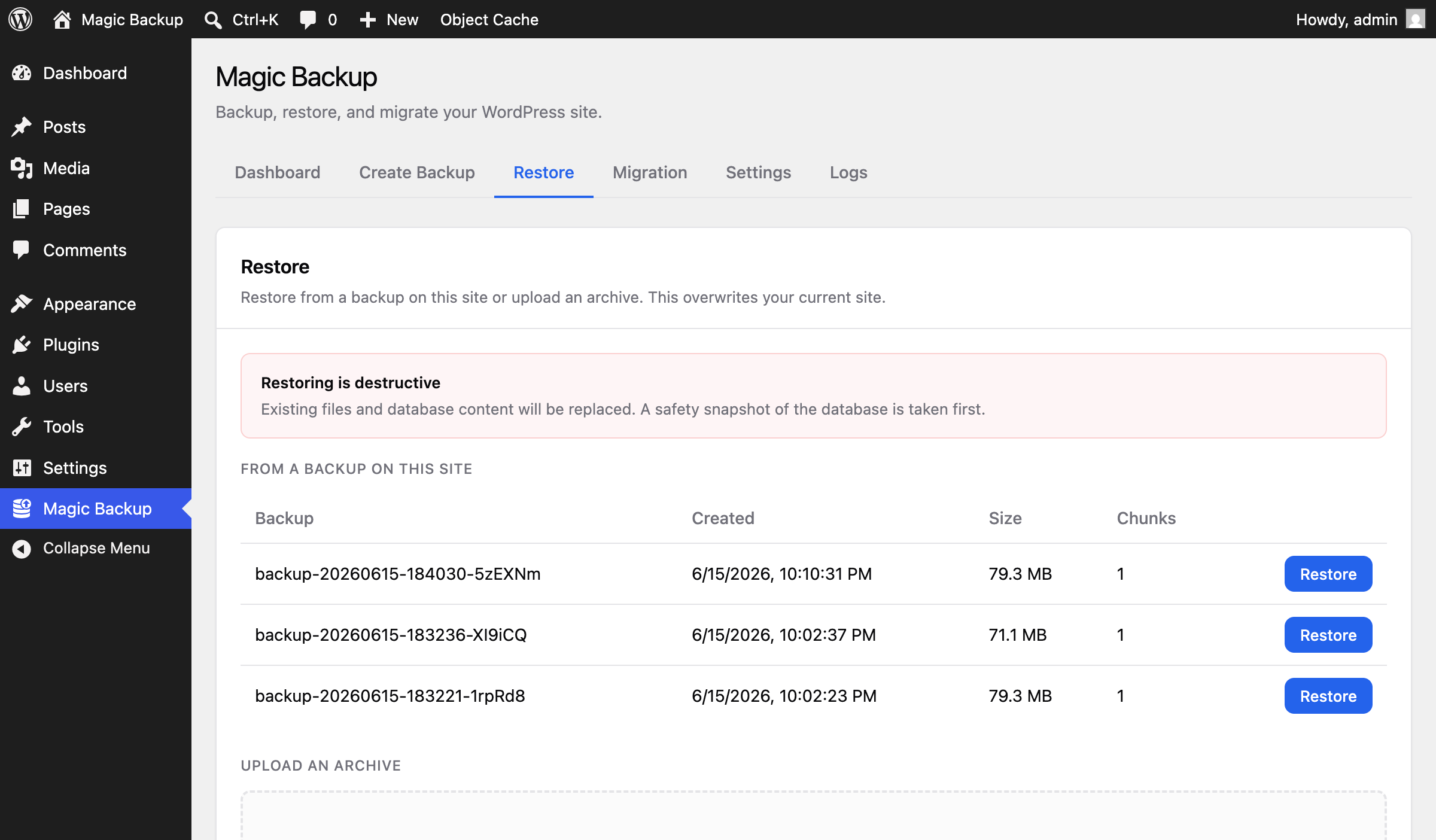
Restore — restore from a backup on this site (or upload an archive) with a destructive-action warning.
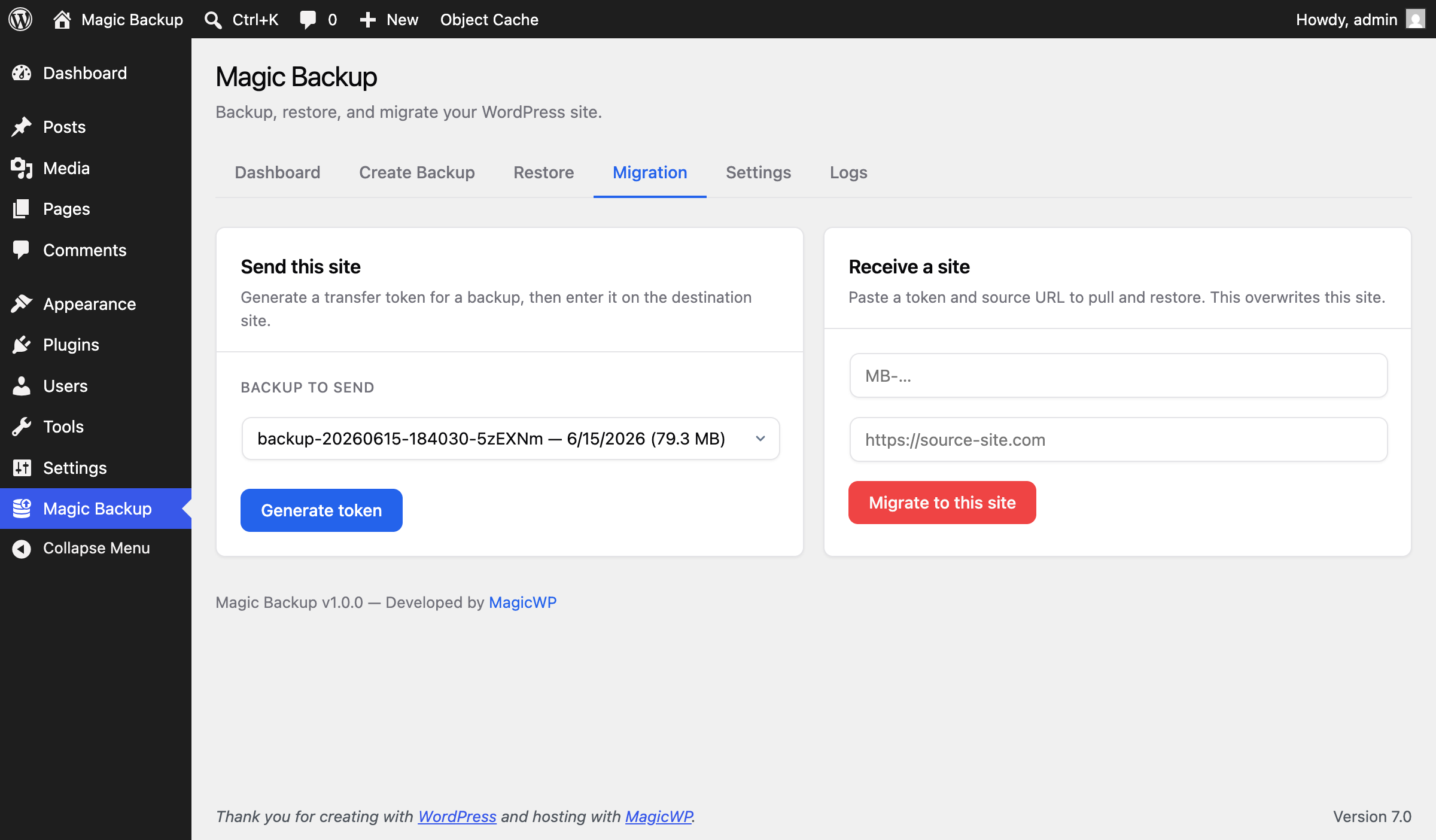
Migration — generate a transfer token to send this site, or paste a token and source URL to receive one.
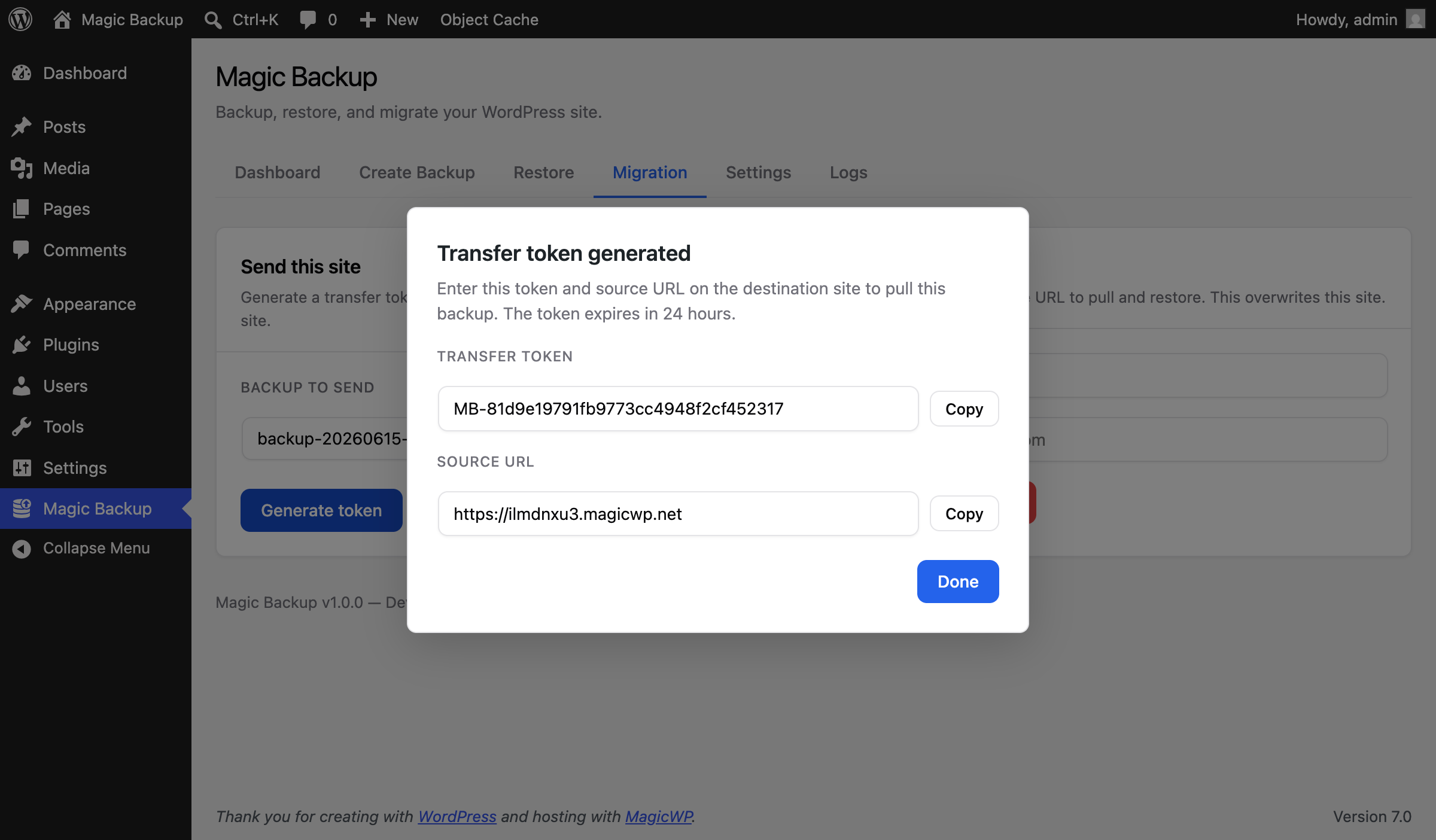
Migration — the generated transfer token and source URL, shown in a modal with Copy buttons.
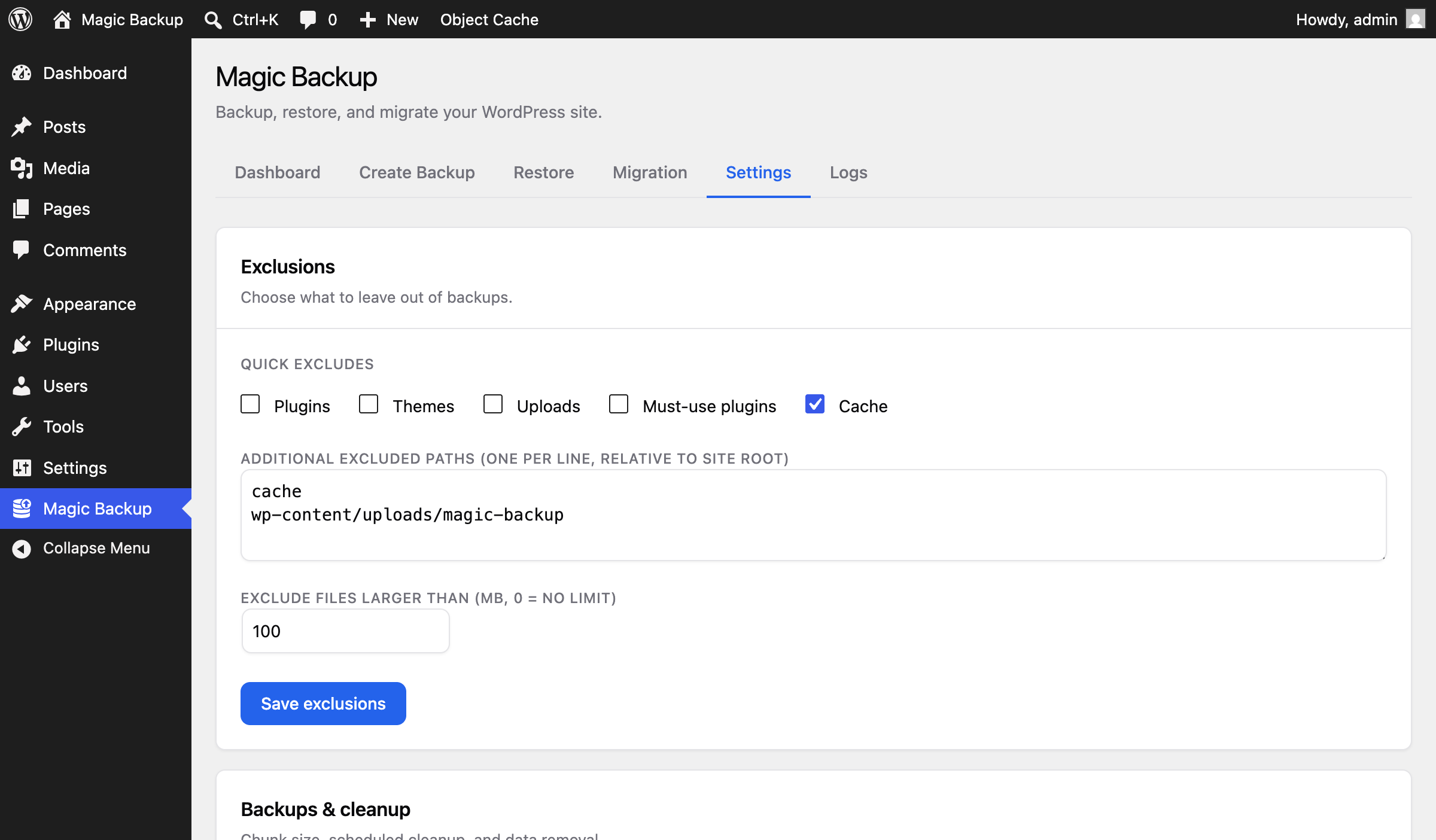
Settings — exclusions: quick toggles, additional excluded paths, and an “exclude files larger than” limit.
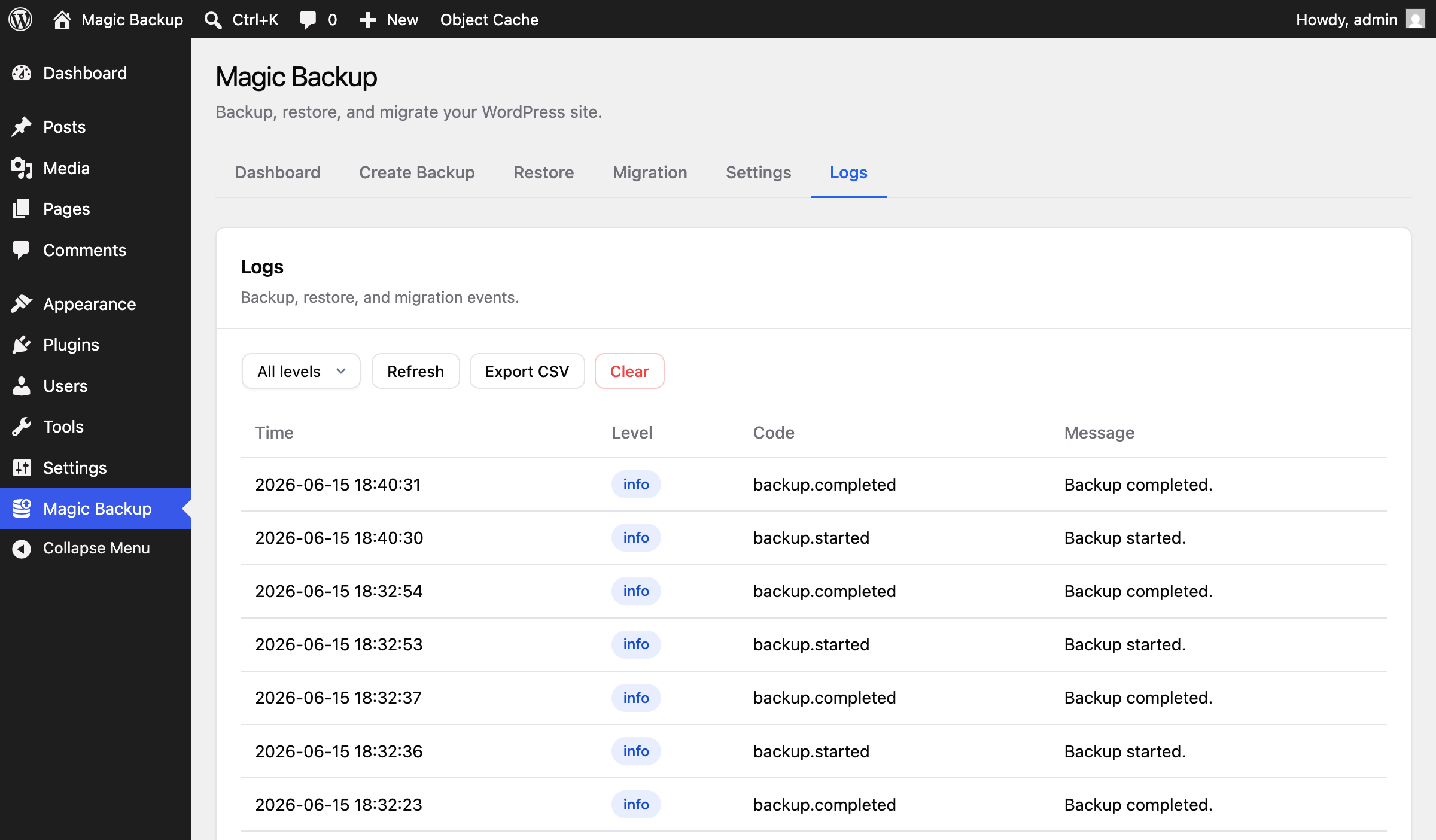
Logs — the structured backup/restore/migration log viewer with level filtering and CSV export.