Mailwick Copyright Year Wordpress Plugin - Rating, Reviews, Demo & Download

Plugin Description
A footer that still says “© 2019” tells every visitor the site may not be looked after. In a scan of 43,077 small business websites, 4,338 (10%) showed a copyright year that was out of date.
Most of those years are typed into a theme option or a footer widget, so they never change on their own. This plugin fixes them without touching the theme.
Automatic fix (on by default)
- Finds a year that comes right after a copyright mark (©, ©, (c) or the word Copyright) inside your page footer, and updates it as the page is sent.
- Keeps your first year by default: “© 2019” becomes “© 2019–2026”. Or pick “current year only”.
- Changes only the footer. “Founded in 2012” in your page text is never touched.
- Writes nothing to your theme or database. Switch it off and the original footer is back.
Check my footer
Settings > Copyright Year loads your front page as it looks without the plugin and lists each year it would update, so you can see the fix before a visitor does.
Shortcodes
[mwcy_year]prints the current year.[mwcy_copyright from="2015" text="Your Business"]prints “© 2015–2026 Your Business”.
Both work in posts, pages, blocks and text widgets.
No tracking, no external calls
The only request the plugin makes is to your own front page, and only when you press “Check my footer now”.
This plugin was written with the help of an AI model (Claude, by Anthropic) and reviewed and tested before release.
Screenshots

Settings > Copyright Year after “Check my footer now”: the old year the theme prints and the year visitors now see.
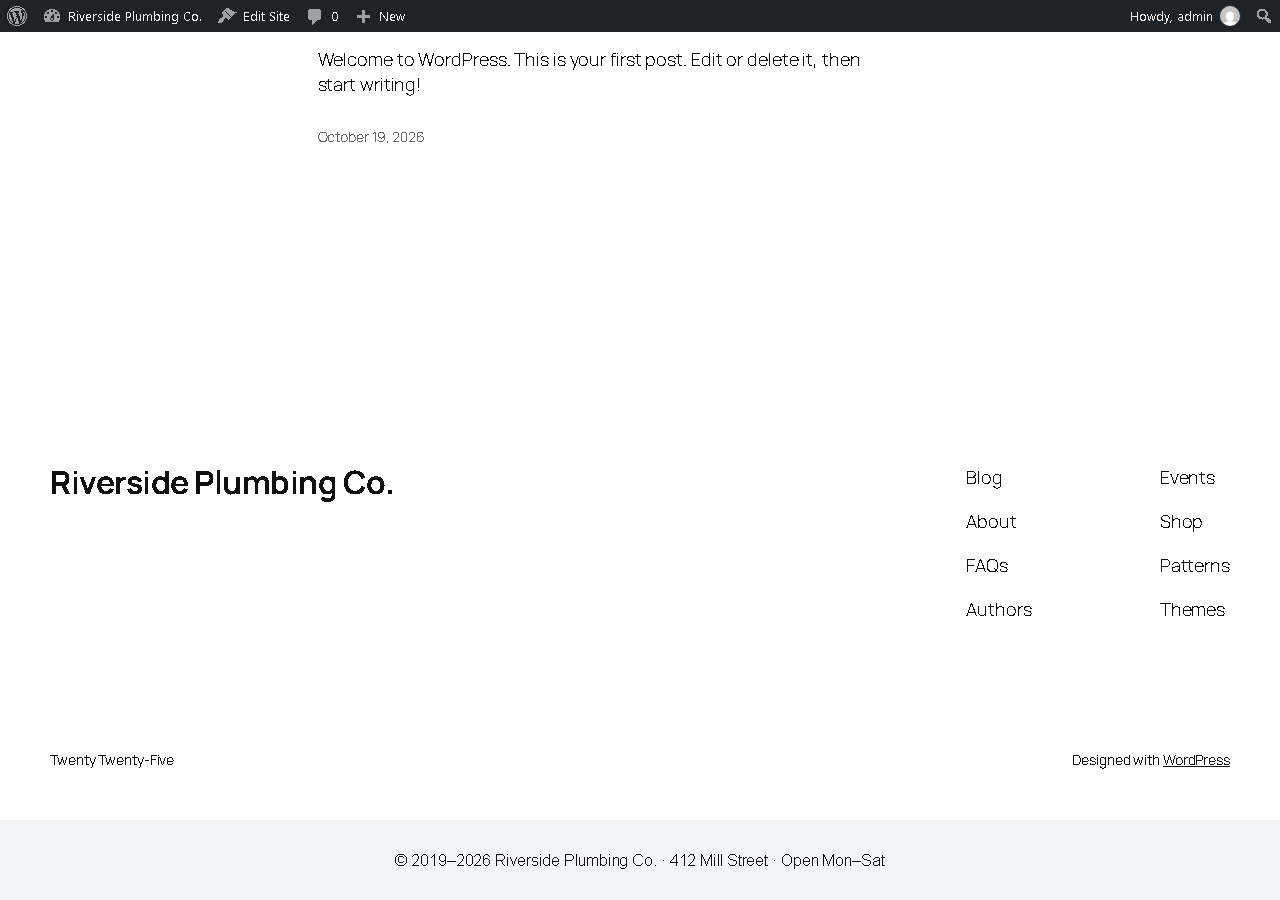
The footer as visitors see it: “© 2019” in the theme is served as “© 2019–2026”.