NaveenCodes Site Diagnostics Wordpress Plugin - Rating, Reviews, Demo & Download
Plugin Description
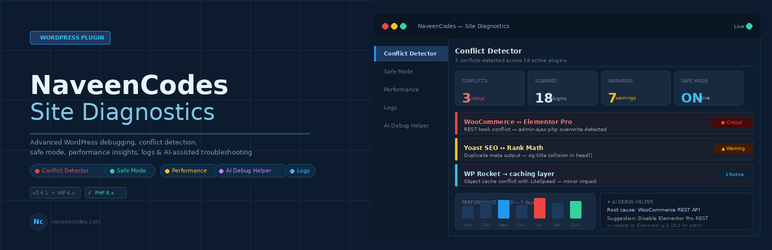
NaveenCodes Site Diagnostics is a developer-focused diagnostics plugin for WordPress administrators.
It helps you isolate plugin conflicts, inspect debug.log, estimate plugin load impact, review dependency problems, monitor cron events, create environment snapshots, and troubleshoot errors with a local rules engine.
Core features
- Plugin conflict detection from debug.log parsing
- Hook conflict discovery based on registered callback signatures
- Admin-only Safe Mode that does not change the public frontend
- Error log analyzer for fatal errors, warnings, notices, and deprecated messages
- Compatibility checker for PHP, WordPress, and installed plugin updates
- Performance scanner with estimated plugin load time in milliseconds
- Plugin size analyzer
- Debug snapshot export in JSON and CSV
- Dependency checker for required plugins
- Memory usage analyzer with per-plugin estimates
- Smart warning system
- Local AI Debug Helper with rule-based cause and fix suggestions
- Debug timeline for plugin actions and captured fatal errors
- File change detector with SHA-256 baselines
- Cron job monitor
- Website health score
Security
- Nonce verification on all AJAX actions
- Capability checks with
manage_options - Sanitization with WordPress helper functions
- Escaped output in admin views
- No external APIs
- No third-party libraries
Notes
- Scans run on demand and cache their reports with transients
- Safe Mode only applies to wp-admin and admin-ajax requests that carry the Safe Mode cookie
- The plugin never disables itself inside Safe Mode
Screenshots

Dashboard overview with warning summary, system information, and quick actions

Conflict Detector screen for plugin-attributed scan results and compatibility checks

Safe Mode controls for isolating plugin issues inside wp-admin

Performance scanner showing plugin load footprint and complexity estimates

Logs screen for debug mode controls and recent error analysis

AI Debug Helper for local troubleshooting suggestions based on pasted errors