PrintxPDF Print & PDF Button Wordpress Plugin - Rating, Reviews, Demo & Download

Plugin Description
PrintxPDF adds a small row of buttons to your posts and pages so readers can print a clean copy, save a PDF, or mail themselves the link.
- Print calls the browser’s own print dialog. Nothing leaves the page.
- Save as PDF is a link to the printxpdf.com web service, where the reader gets a decluttered version of the page they can edit and export. See “External service” below.
- Email opens the reader’s own mail app with the post title and link already filled in. Your site sends nothing.
Everything is free. There is no Pro version, no licence key, no locked feature, no trial and no quota.
External service: printxpdf.com
What the service is. The “Save as PDF” button is an ordinary HTML link pointing at https://printxpdf.com/print, a third-party web service operated by the author of this plugin. That service is what turns a web page into a PDF; this plugin does not generate PDFs itself. It is a free service and needs no account, registration or API key, for you or for your readers.
When data is transmitted. Never by the plugin. The plugin makes no outbound HTTP request of any kind, on the front end or in the admin, on activation or on any schedule. Data reaches printxpdf.com only at the moment a reader chooses to click the “Save as PDF” button, at which point the reader’s own browser navigates to the service in a new tab.
What is transmitted. The public permalink of the post, passed in the query string as ?url=<permalink>, plus whatever the reader’s browser normally sends with any navigation: IP address, user agent and referrer. That is all. No post content, no page HTML, no site credentials, no administrator details, no visitor records and no information about your WordPress installation are sent by this plugin.
Terms and privacy policy. Service terms of use: https://printxpdf.com/terms. Service privacy policy: https://printxpdf.com/privacy.
Turning it off. If you would rather send nobody to the service, untick “Save as PDF” in Settings > PrintxPDF. The Print and Email buttons then run entirely on the reader’s own device and no third-party service is involved at all.
This disclosure is repeated on the plugin’s own settings screen.
Privacy
The plugin does not phone home, does not register users, does not set cookies, adds no tracking and creates no database tables. It stores exactly one option and deletes it when you uninstall.
Lightweight by design
One PHP file, one small stylesheet and about twenty lines of JavaScript whose only job is to call window.print(). No jQuery, no framework, no bundled build output, no Composer, no cron jobs. Assets load only on the pages that actually render a button.
Where the buttons appear
Choose above the content, below the content, both, or manual only. Pick which public post types get them. Or place them yourself:
[printxpdf]

[printxpdf buttons="print,pdf" label="Print this page" align="center"]
The shortcode works in the Classic editor, in the block editor’s Shortcode block, and in most page builders.
Screenshots
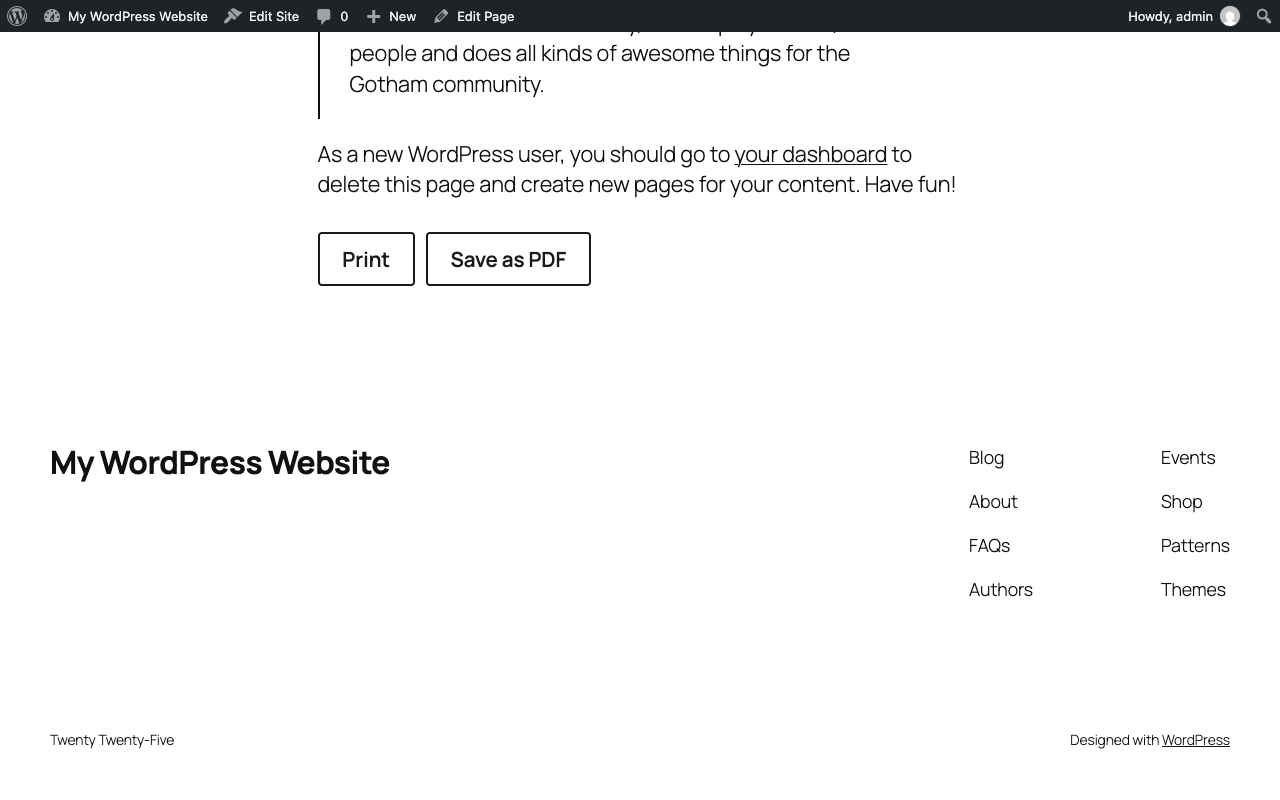
The button row below a post, using the plugin’s own minimal styling.
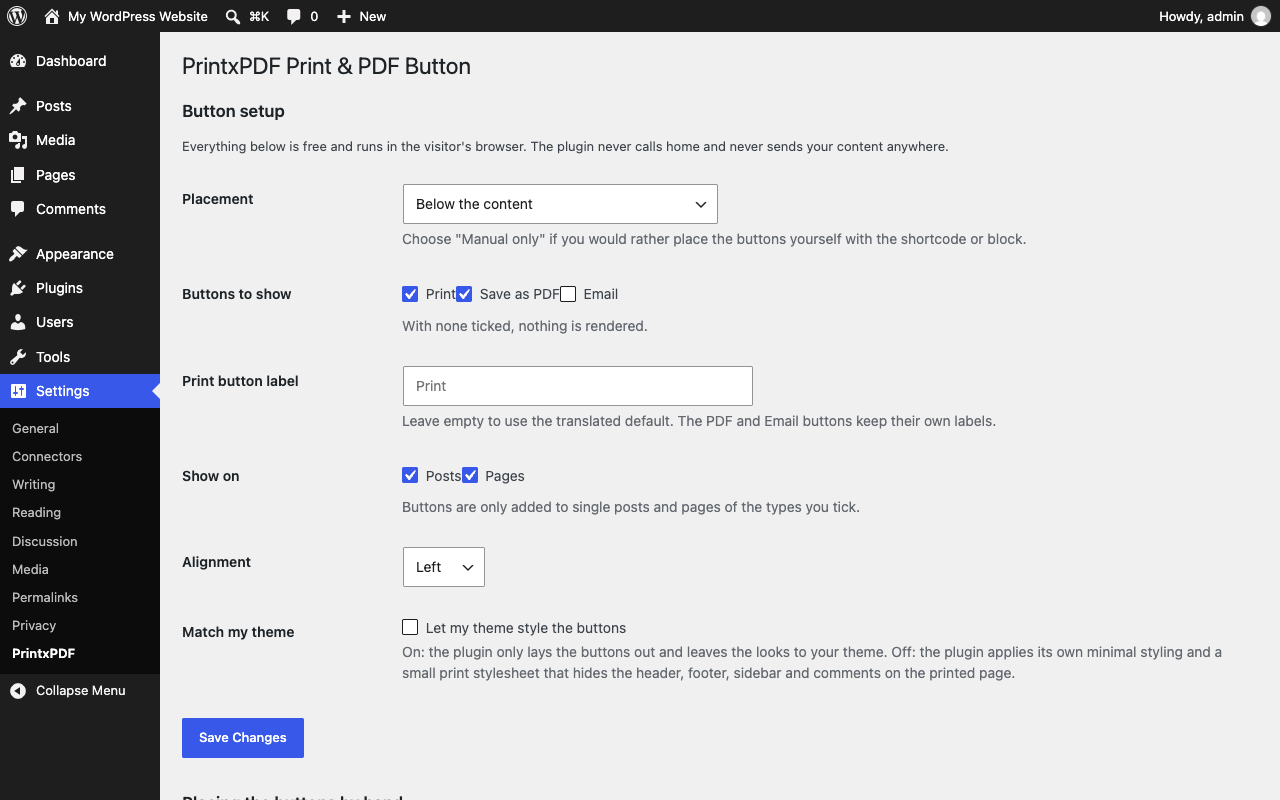
Settings > PrintxPDF, with placement, buttons, post types and alignment.
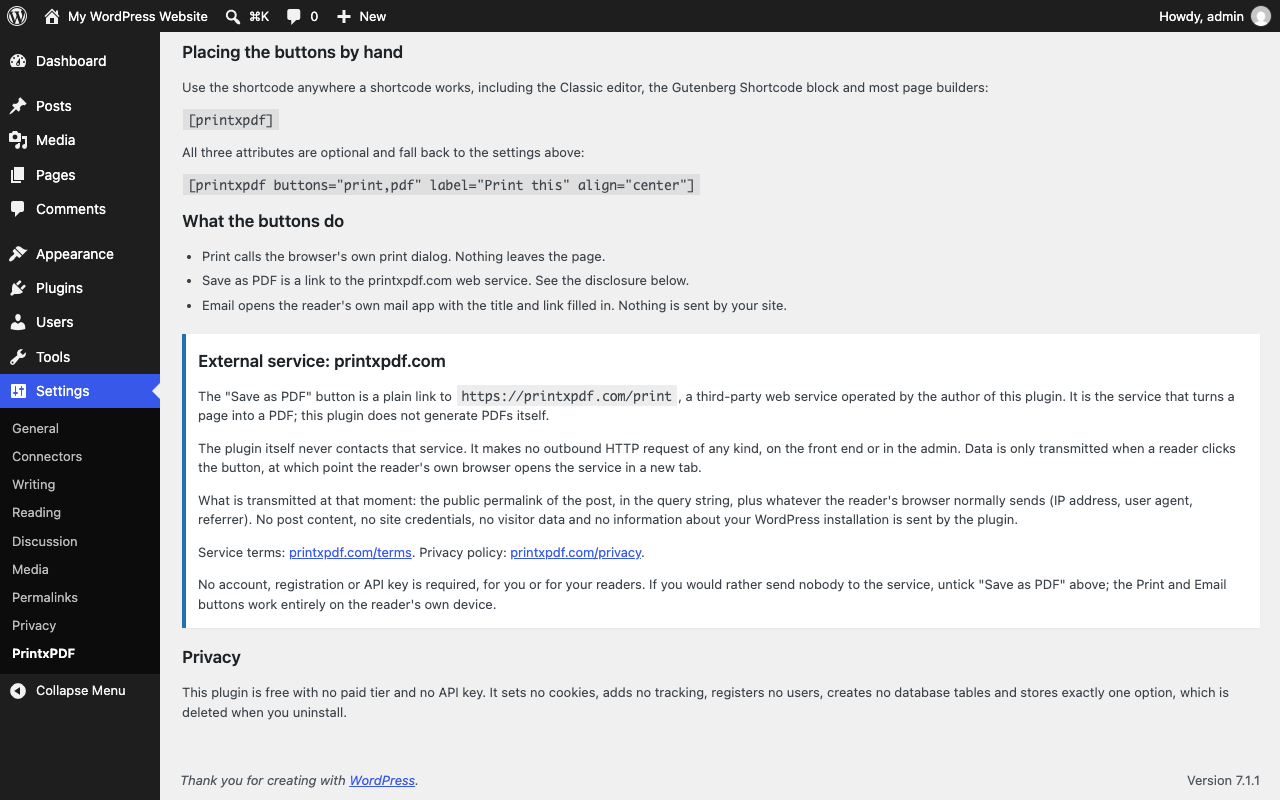
The external service disclosure on the settings screen.