
Rensa-Nexus Button Art Studio Wordpress Plugin - Rating, Reviews, Demo & Download
Plugin Description
Rensa-Nexus Button Art Studio provides a visual button designer, reusable presets, a shortcode, and a dynamic Gutenberg block. Choose shapes, typography, colors, background and text gradients, motion, and bevel settings, then apply designs to supported page targets.
WordPress Core and Gutenberg targets are available by default. WooCommerce and Elementor target options appear when those plugins are active. Neither integration is required to use the core designer or shortcode.
This standalone Free plugin does not require a license key or online activation. Button Art Studio Pro is in development; planned features include cyber-style buttons, metallic backgrounds, custom background-image uploads, and expanded glow settings.
Compatibility
The plugin itself requires WordPress 6.3 or later and PHP 7.4 or later. WooCommerce and Elementor are optional integrations.
Current upstream releases checked October 14, 2026:
* WordPress 7.1.3. The Tested up to field uses the major.minor version, 7.1.
* WooCommerce 11.2.1 requires WordPress 7.0 or later and PHP 7.4 or later. WooCommerce targeting therefore requires WordPress 7.0 or later when using this current WooCommerce release.
* Elementor 4.3.5 requires WordPress 6.8 or later and PHP 7.4 or later.
Elementor targeting supports both the V3 Button widget and the V4 atomic Button element. These upstream versions and requirements do not replace runtime testing of the plugin integrations on those releases.
Screenshots
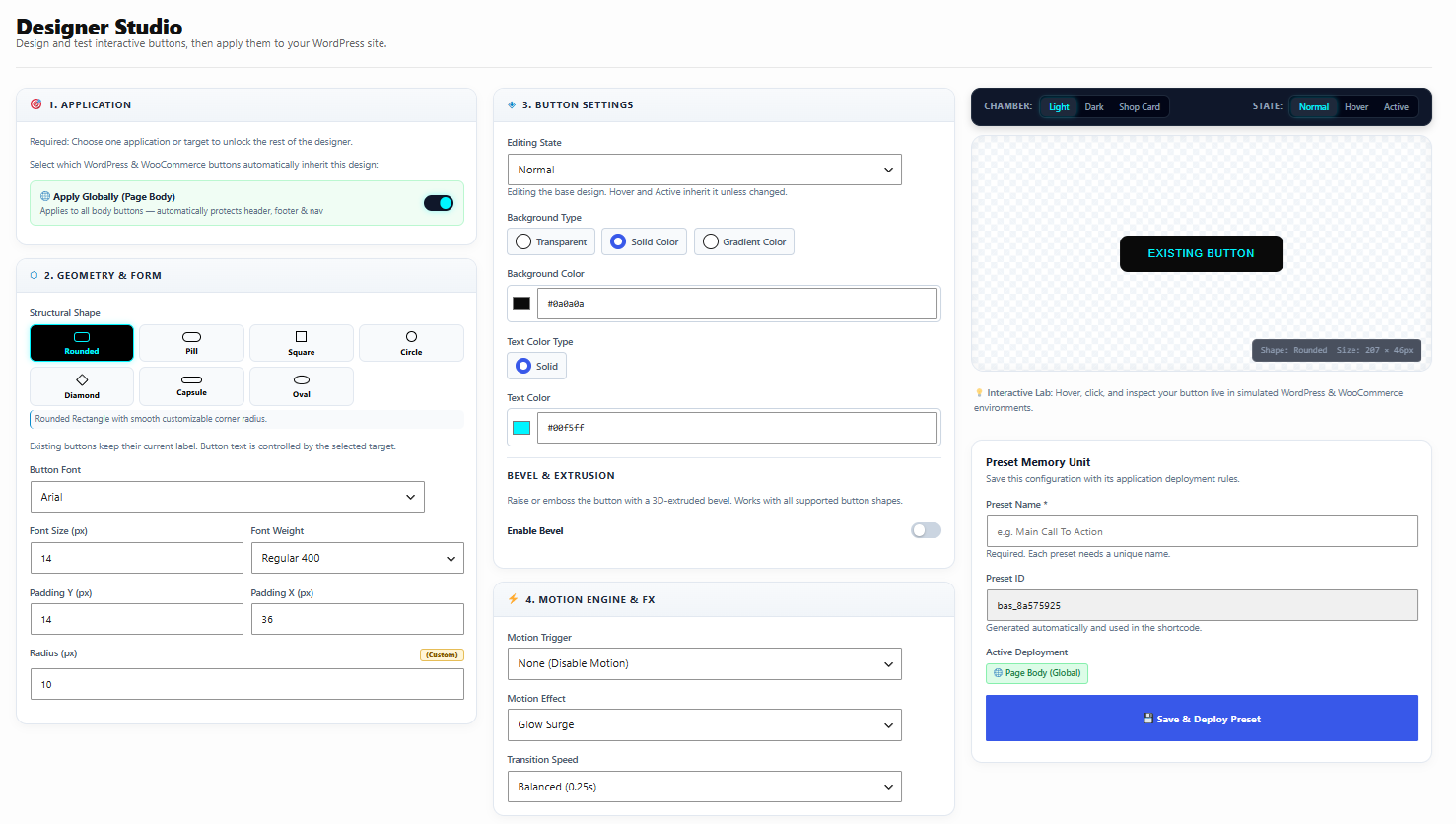
Button Designer showing button style 1 with its controls and live preview.
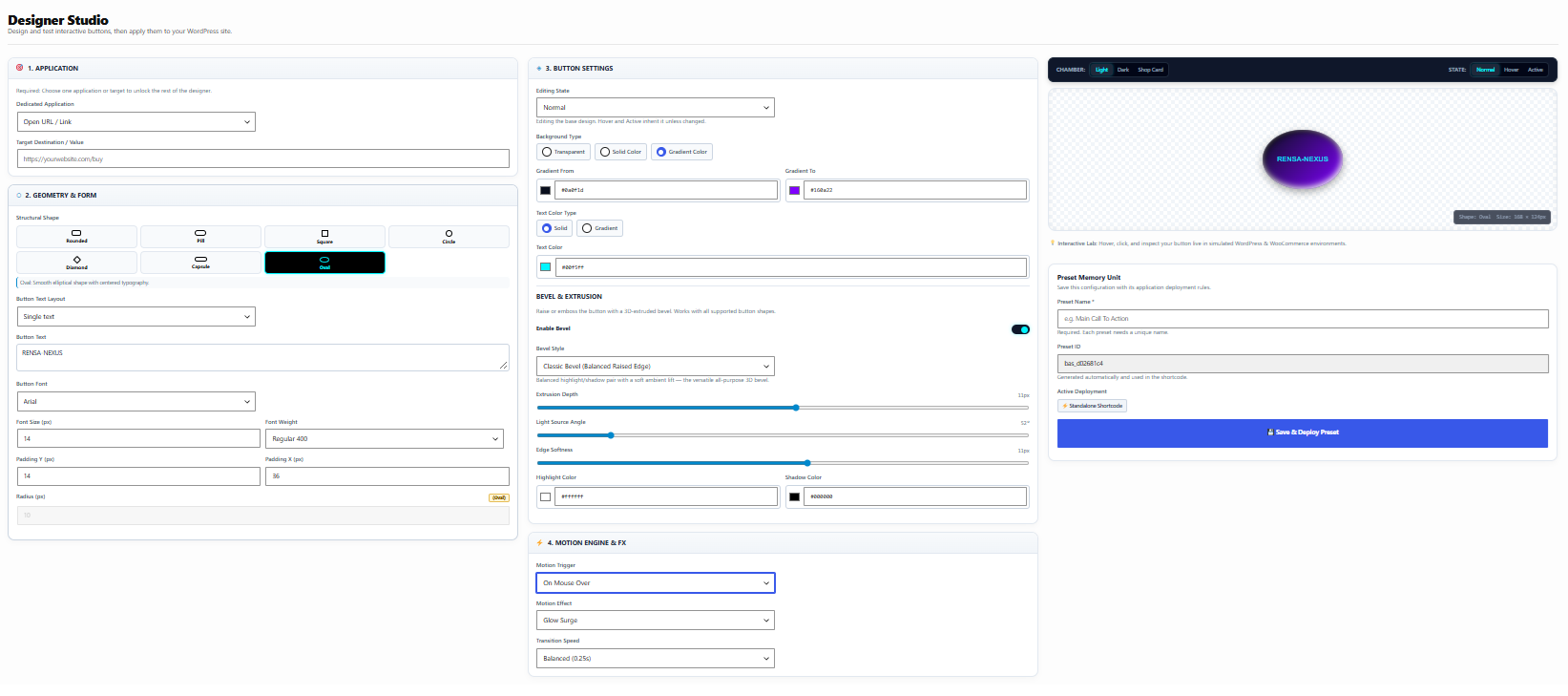
Button Designer showing button style 2 in the live preview.
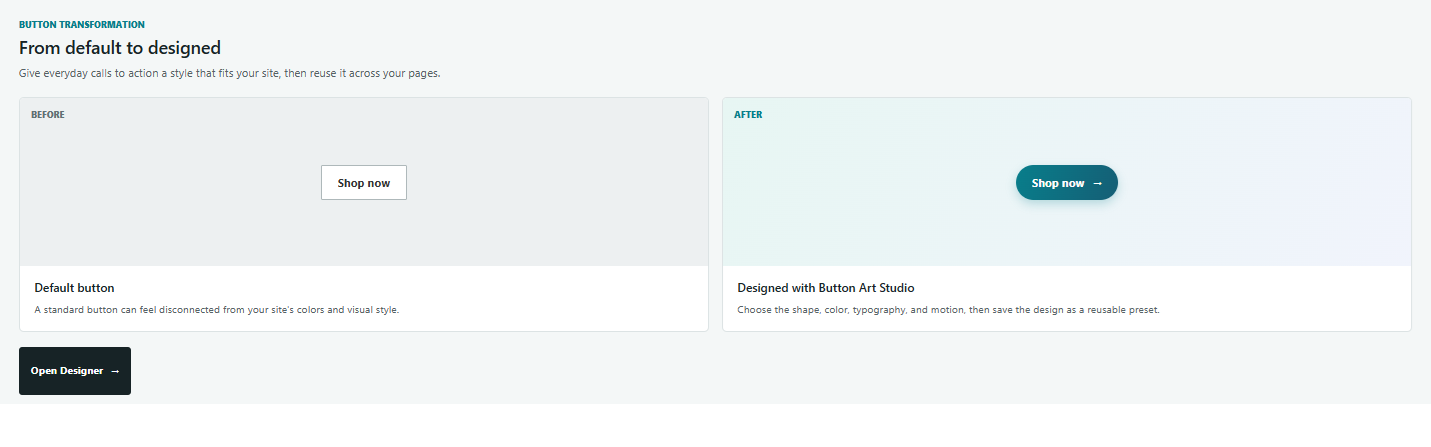
Before-and-after comparison of a plain default button and a customized button.
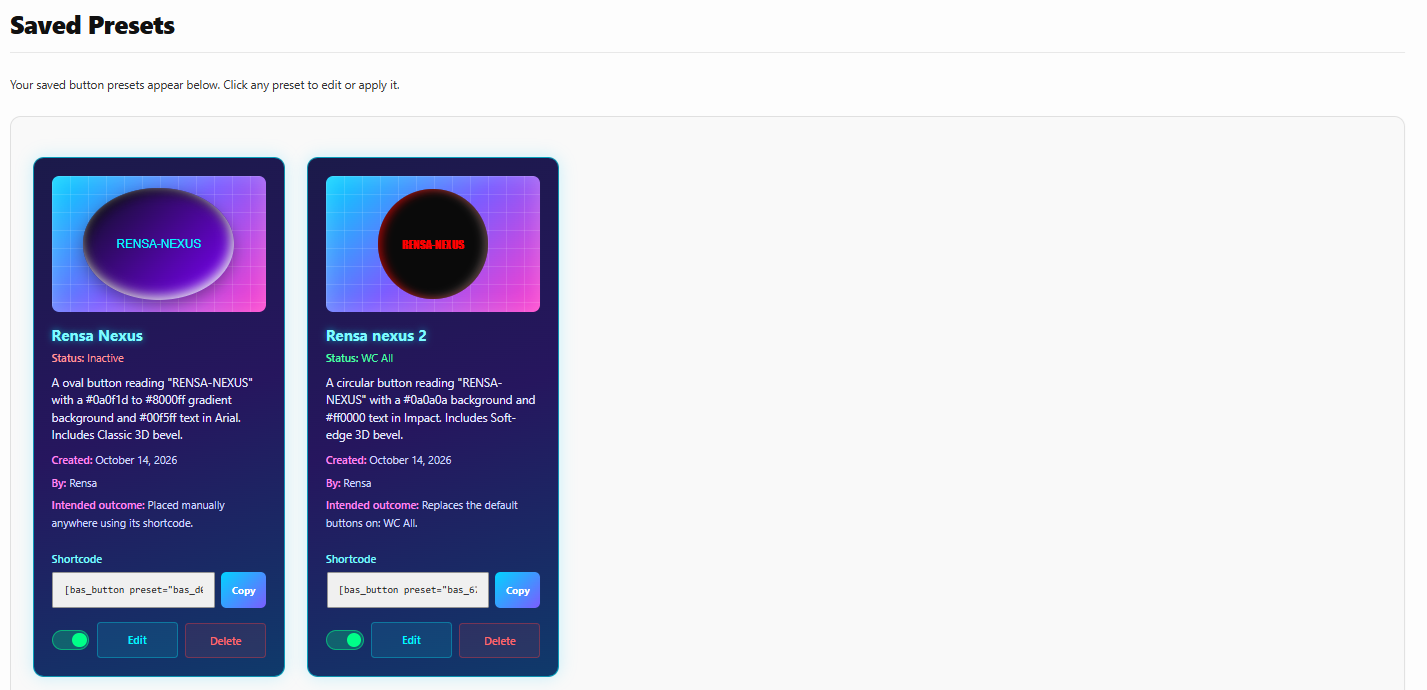
Saved Presets manager with design previews, status, and target assignments.
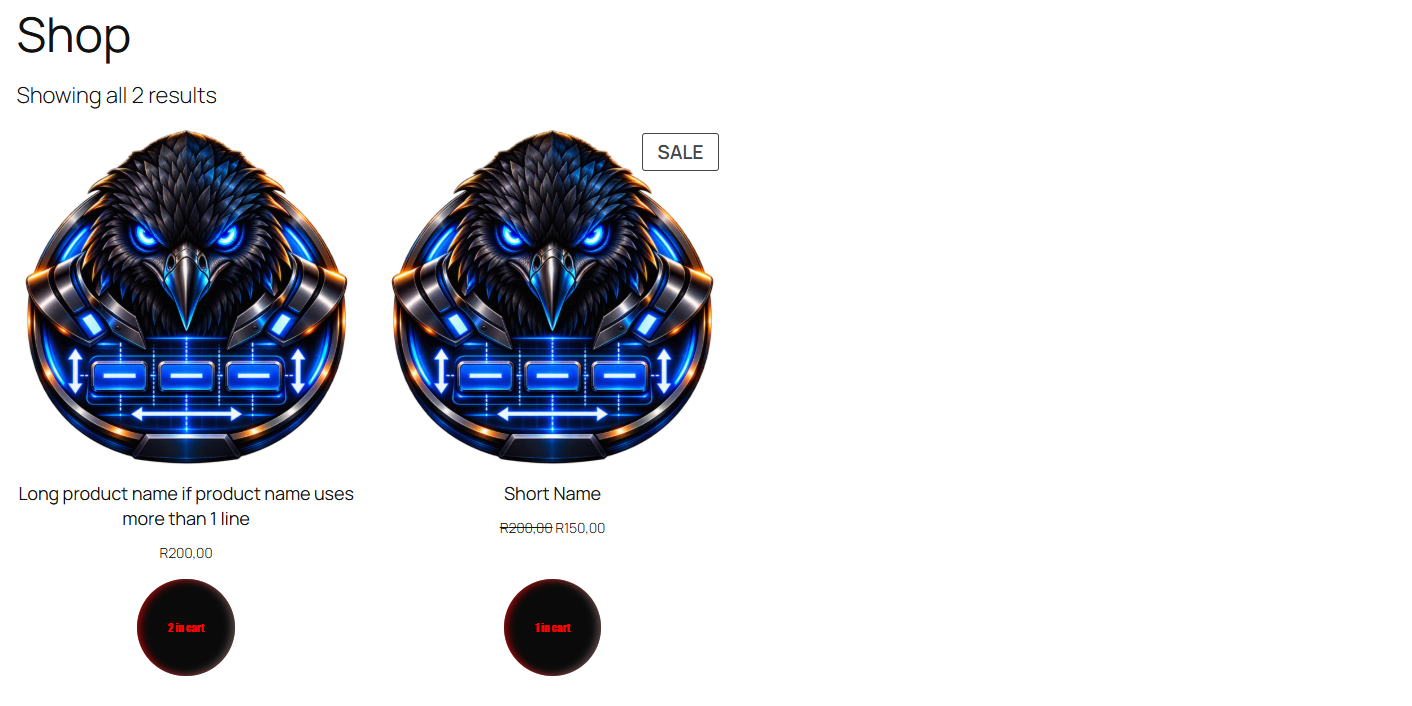
Front-end result showing a published button design rendered on a site page.


