SAB PDF Flipbook Wordpress Plugin - Rating, Reviews, Demo & Download
Plugin Description
SAB PDF Flipbook turns a PDF into an interactive, page-turning flipbook you can embed anywhere on your site. Provide a PDF URL or upload a file, pick a display type, and publish — no shortcode syntax to memorize.
Every flipbook is its own WordPress post behind the scenes (a sabpf_flipbook), so it gets its own title, its own admin list screen, and standard WordPress edit/publish permissions.
Display types in this version:
- Book Flip — a realistic 3D page-fold turn. Two pages at a time in the default two-page view, one page at a time on mobile, with the turn direction mirrored for previous/next on small screens.
- Page Slide — a flatter slide/fade transition, direction configurable (left, top, or fade), in Dual (two pages side by side, auto-collapsing to one page on mobile) or Single (always one page) layout.
Every flipbook picks its display type explicitly on the flipbook itself — there’s no ambiguous “inherit” placeholder to fall back on.
Features
- Visual builder: create a flipbook from a PDF URL or a direct Media Library upload, no coding required
- Live preview pane on the builder screen, sized to match the real frontend output, reflecting the in-progress unsaved form state as you edit
- Display mode presented as a single dropdown — Book Flip / Page Slide (Dual) / Page Slide (Single)
- Per-flipbook Height and Width fields accept any responsive CSS length (px, %, vh, vw, em, rem)
- Per-flipbook background color picker for the area shown behind/around pages during a transition
- Pages render on demand via a locally bundled copy of PDF.js — never the whole document up front, and no CDN or external service involved
- Preloads the full next and previous spread so a next/prev click never waits on an in-flight render
- Skeleton placeholder shown until the first spread paints
- Toolbar with previous/next, fullscreen, zoom, and an optional download toggle, backed by the native Fullscreen API
- One rendering engine behind both the
[sabpf-flip]shortcode and the SAB PDF Flipbook Gutenberg block, so a given embed can never drift from the builder’s saved settings - The block carries no display-mode/height/width overrides of its own — it always renders exactly what’s saved on the flipbook
- Three-tier settings cascade — hardcoded defaults sitewide option per-flipbook override — so every setting has a predictable fallback
- Multiple flipbooks on one page are fully isolated — each instance gets scoped inline styles for its own background color, height, and width
- No frontend footprint unless a flipbook is actually embedded on a page
Screenshots
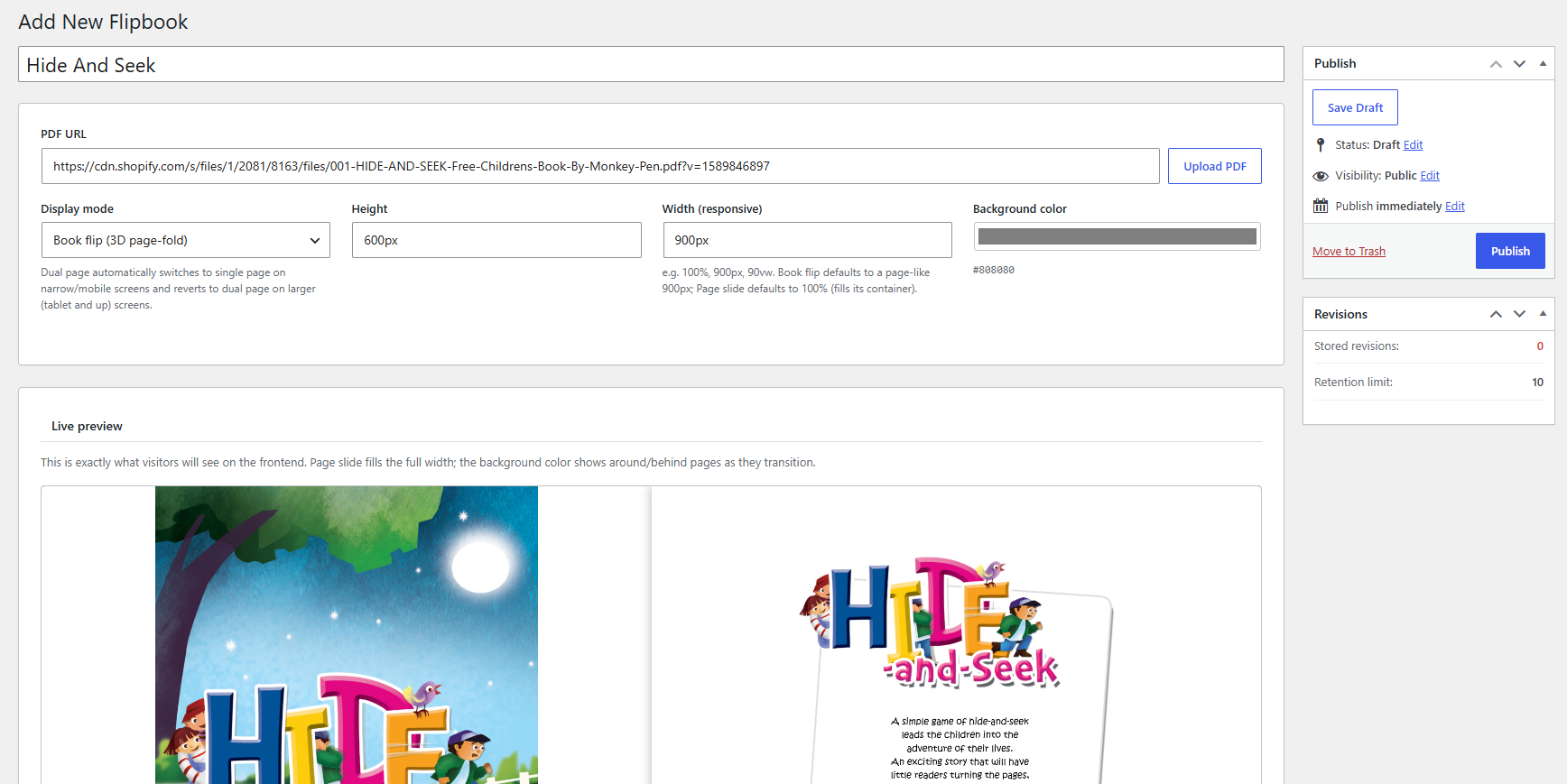
The visual builder — PDF source, display mode, height/width, and background color, with a live preview pane.
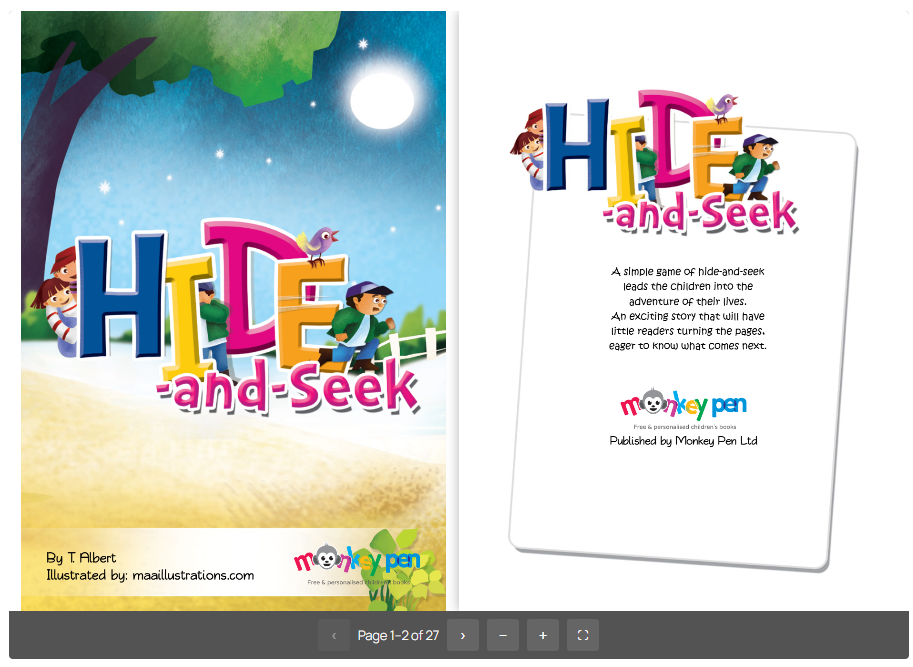
Book Flip view on the frontend, two-page spread.
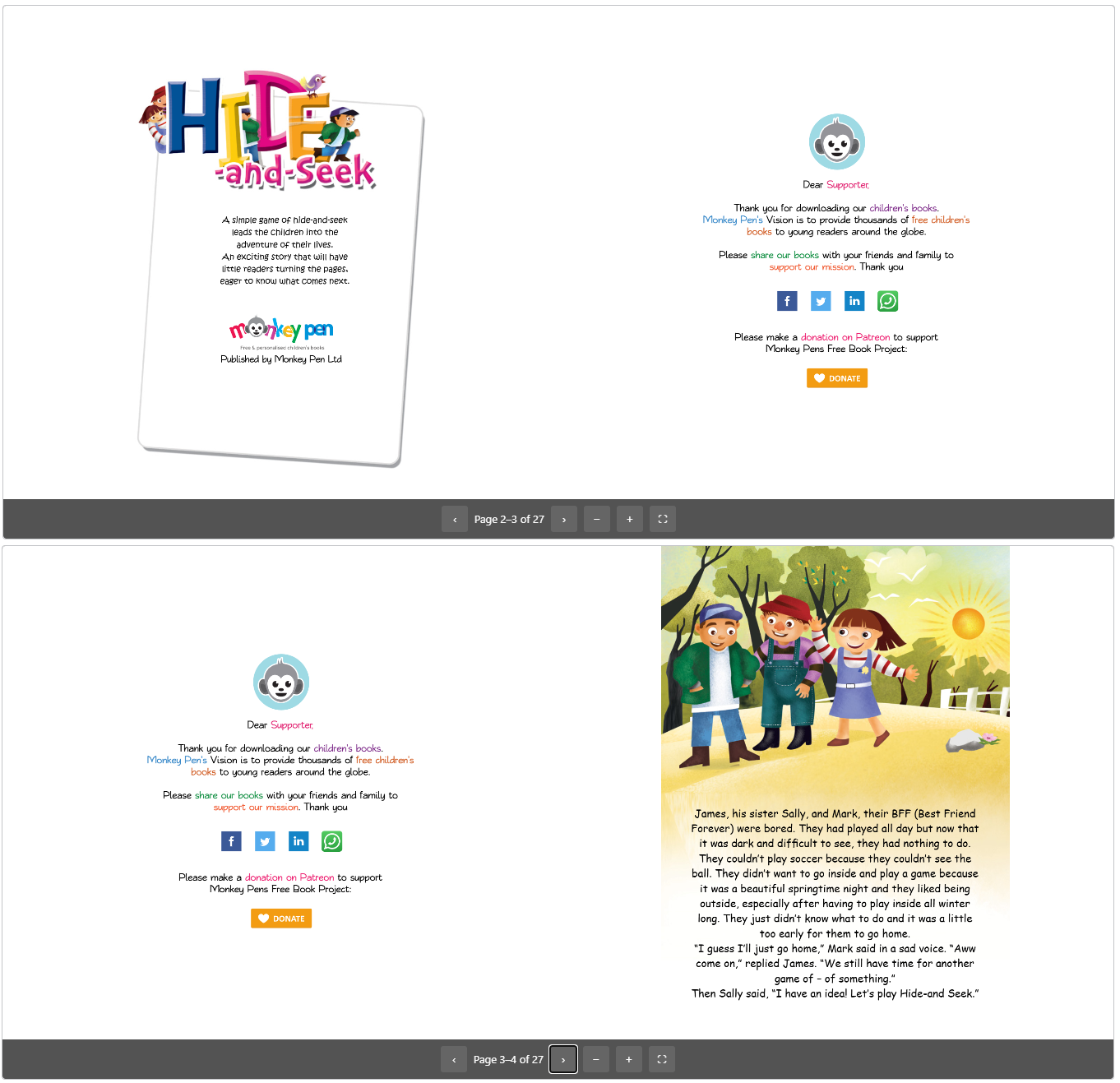
Page Slide (Dual) view on the frontend.
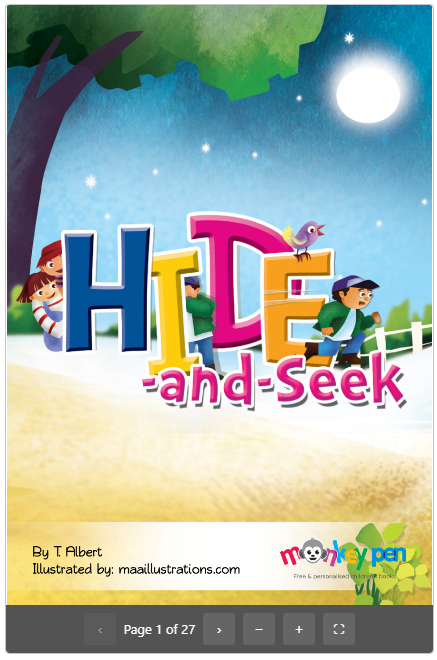
Page Slide (Single) view on mobile.
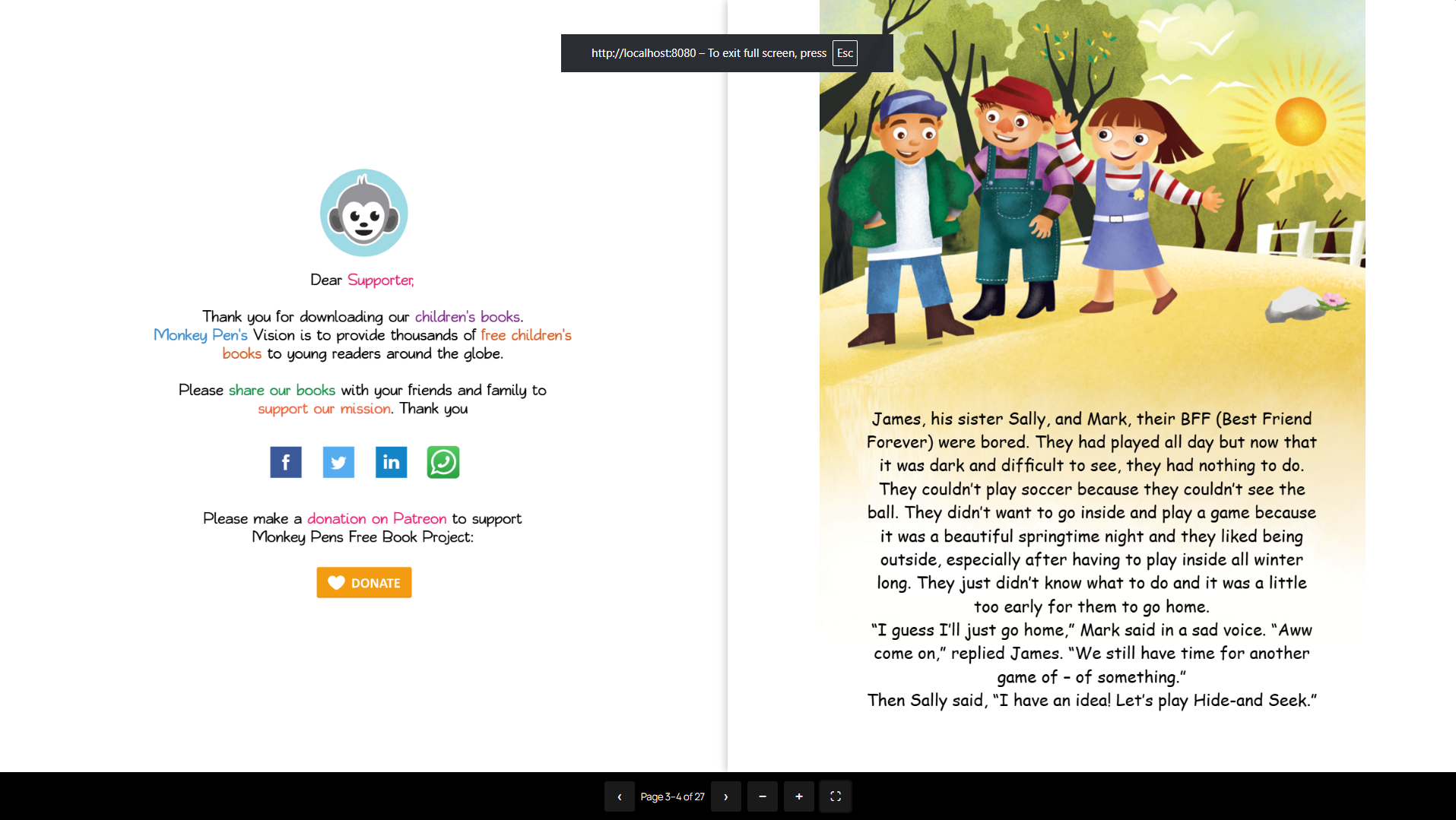
Fullscreen mode with toolbar and click-to-turn.
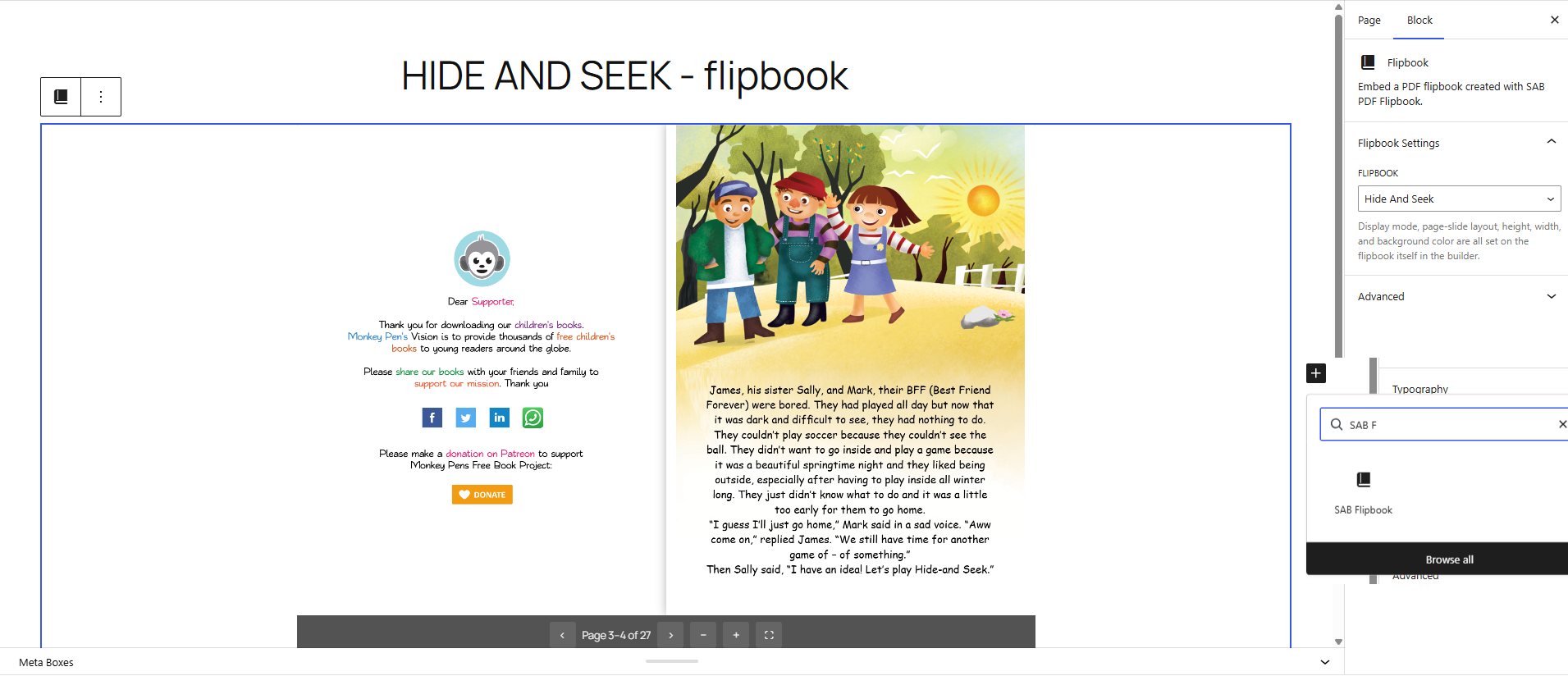
The SAB PDF Flipbook block in the editor, with a live server-side-rendered preview.