
ShareNivo – Fast Social Sharing Wordpress Plugin - Rating, Reviews, Demo & Download

Plugin Description
ShareNivo adds polished social sharing without loading social SDKs, remote fonts, tracking pixels, analytics beacons, or share-count APIs. Its frontend uses one local stylesheet and one small local script, loaded only when ShareNivo can produce output.
What makes ShareNivo different?
ShareNivo combines six placements and behavior-based prompts in a local, privacy-first engine. Delay, reading progress, inactivity, comment return, exit intent, and WooCommerce confirmation triggers run in the browser without analytics collection or background calls to social networks. Its compact and full-width mobile bars preserve configured shapes and use equal responsive columns without forcing page-level horizontal scrolling.
ShareNivo 2.1 features
- Active browser-sharing options: Facebook, X, LinkedIn, WhatsApp, Pinterest, Threads, Bluesky, Telegram, Reddit, Email, and Copy Link.
- Floating desktop rail, inline buttons, mobile sticky bar, popup, fly-in, and image sharing.
- Local triggers for delay, scroll depth, reading completion, inactivity, desktop exit intent, comments, and WooCommerce order confirmation.
- Frequency controls stored in the visitor’s browser with no server call.
- Follow profiles for active social and creator platforms.
- Original ShareNivo deep-plum and vivid-coral design system with network, brand, and minimal color modes.
- Shape, size, spacing, labels, button order, eight hover choices, and entrance controls.
- Accessible keyboard navigation, visible focus, dialog semantics, live copy feedback, and reduced-motion support.
- Per-post placement overrides.
- Share and Follow blocks, shortcodes, widgets, actions, and filters.
- Validated JSON import/export.
- Upgrade migration for existing ShareNivo and ShareNova settings and integrations.
Share counts were removed in 2.0. They require external requests, add latency, and are increasingly unavailable or inconsistent across social platforms.
External services
ShareNivo makes no automatic requests to external services and does not send analytics or visitor data. When a visitor deliberately clicks a share button, their browser opens that network’s official sharing page and sends the current page URL and, where supported, its title or selected image. That interaction is governed by the selected network’s terms and privacy policy.
Supported destinations and their policies:
- Facebook: Terms, Privacy Policy
- X: Terms, Privacy Policy
- LinkedIn: User Agreement, Privacy Policy
- WhatsApp: Terms, Privacy Policy
- Pinterest: Terms, Privacy Policy
- Threads: Terms, Supplemental Privacy Policy
- Bluesky: Terms, Privacy Policy
- Telegram: Terms, Privacy Policy
- Reddit: User Agreement, Privacy Policy
Email uses the visitor’s configured mail application. Copy Link stays in the browser.
Screenshots
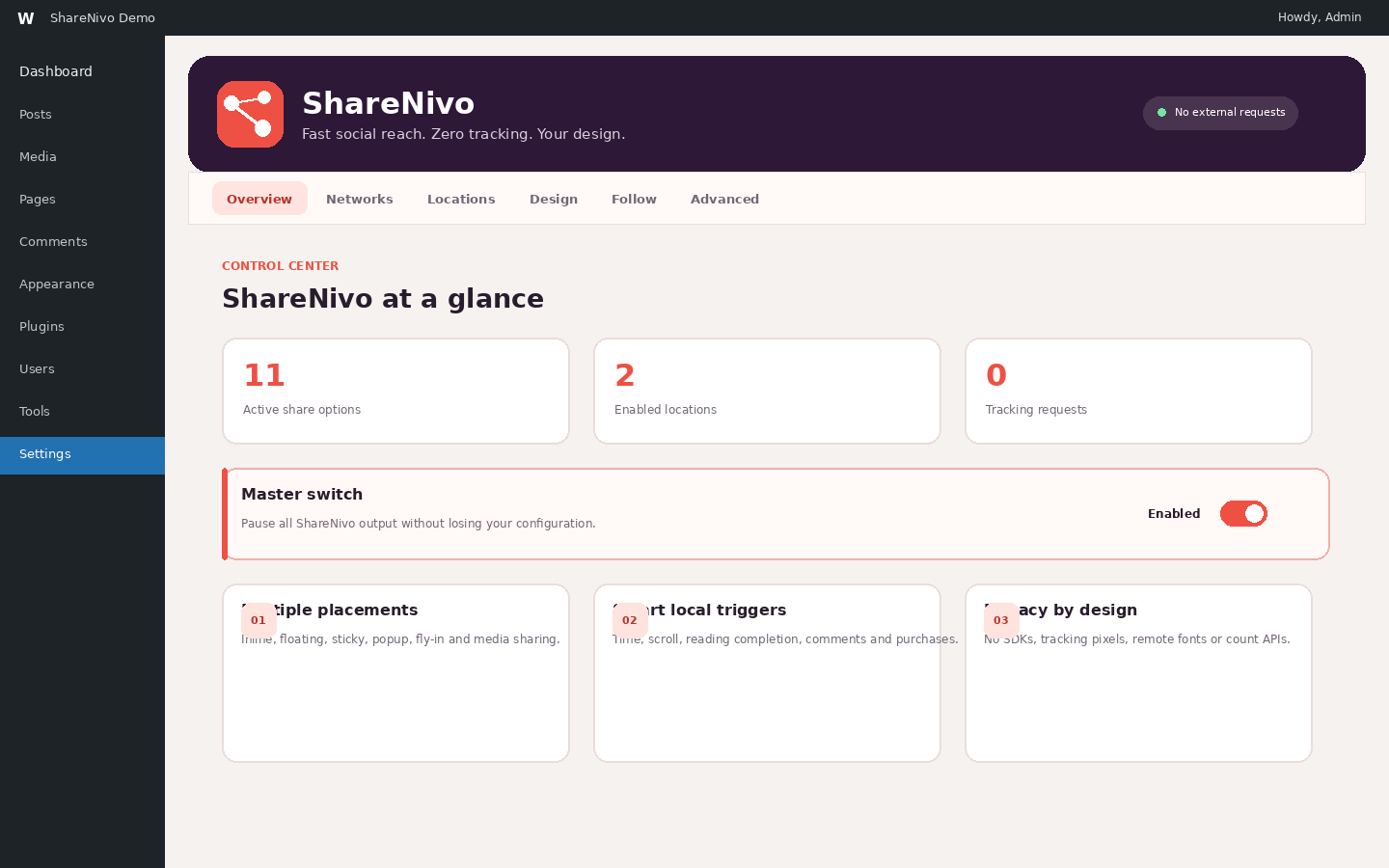
Overview dashboard with active networks, enabled placements, tracking-request status, and the master switch.
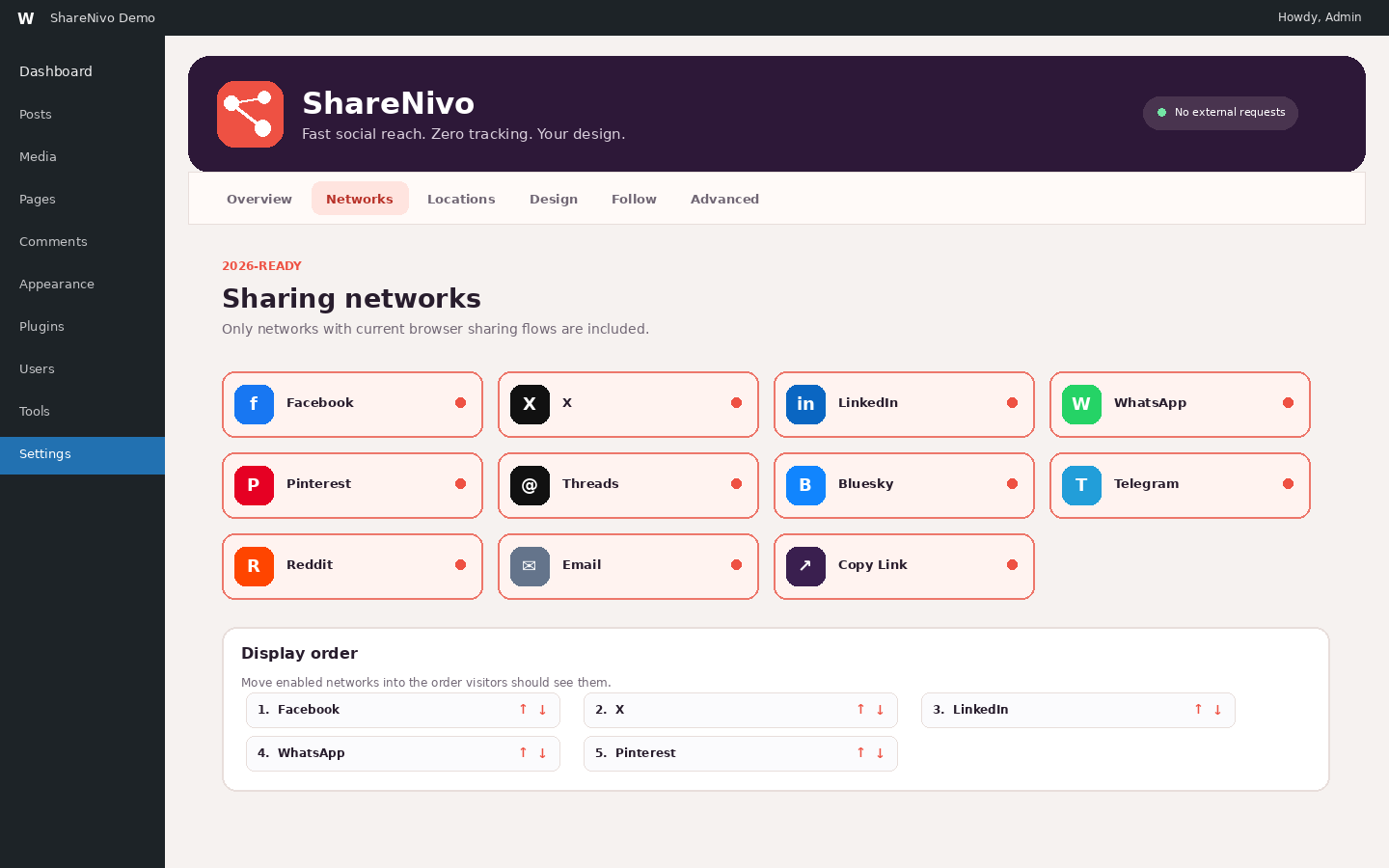
Current sharing-network selector and deterministic display-order controls.
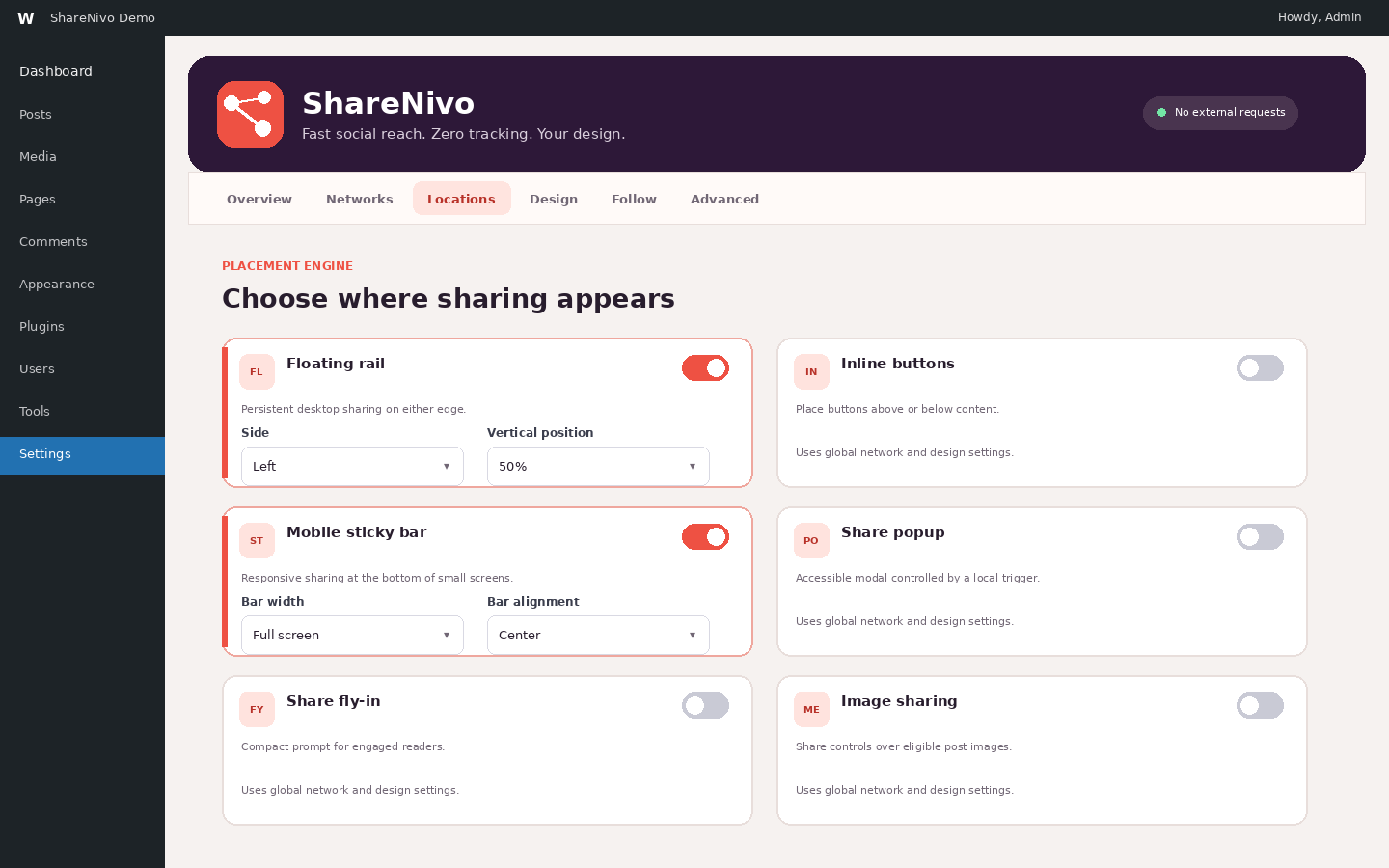
Placement controls for floating, inline, mobile sticky, popup, fly-in, and image sharing.
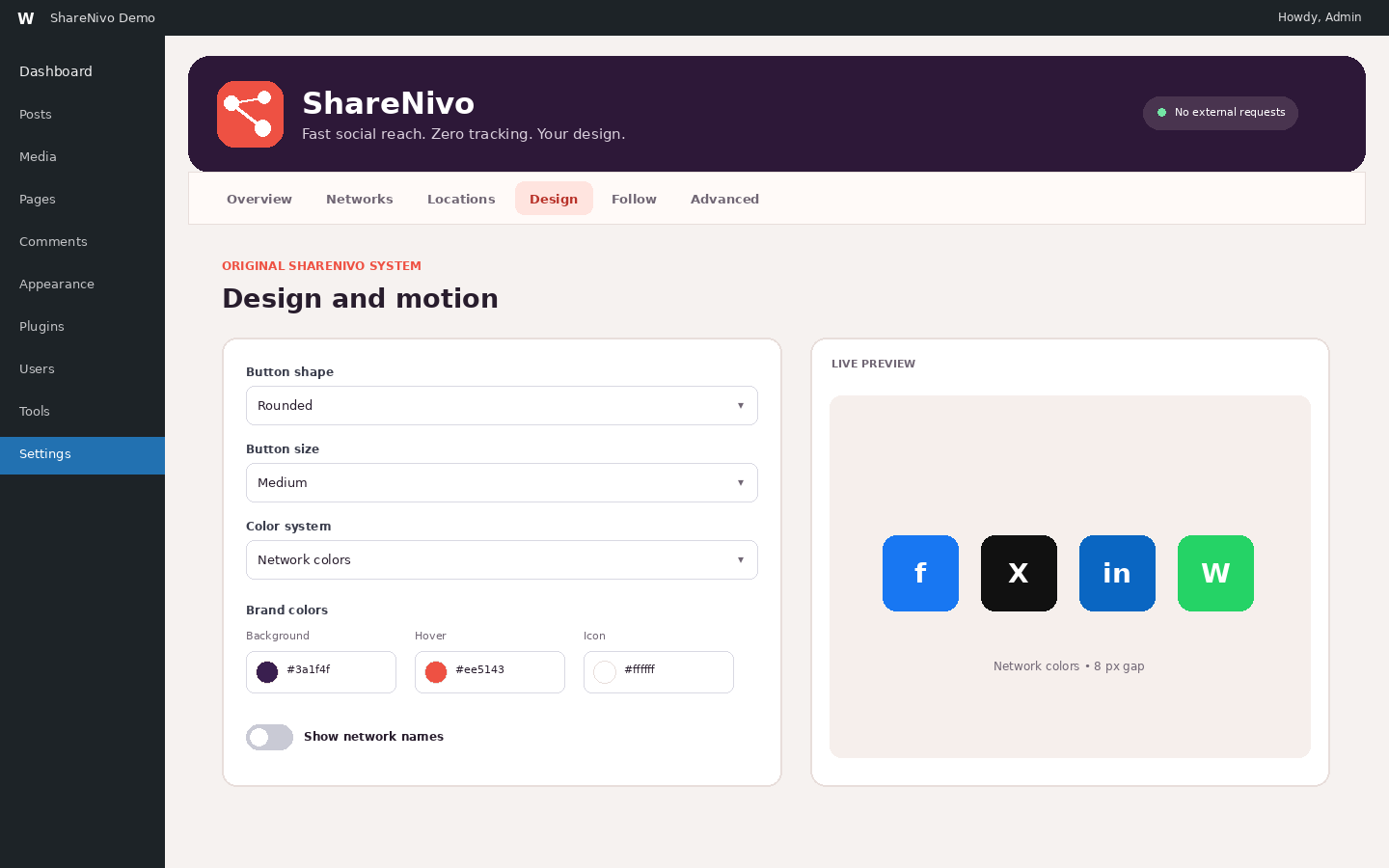
Button design, color, motion, labels, spacing, and live-preview controls.
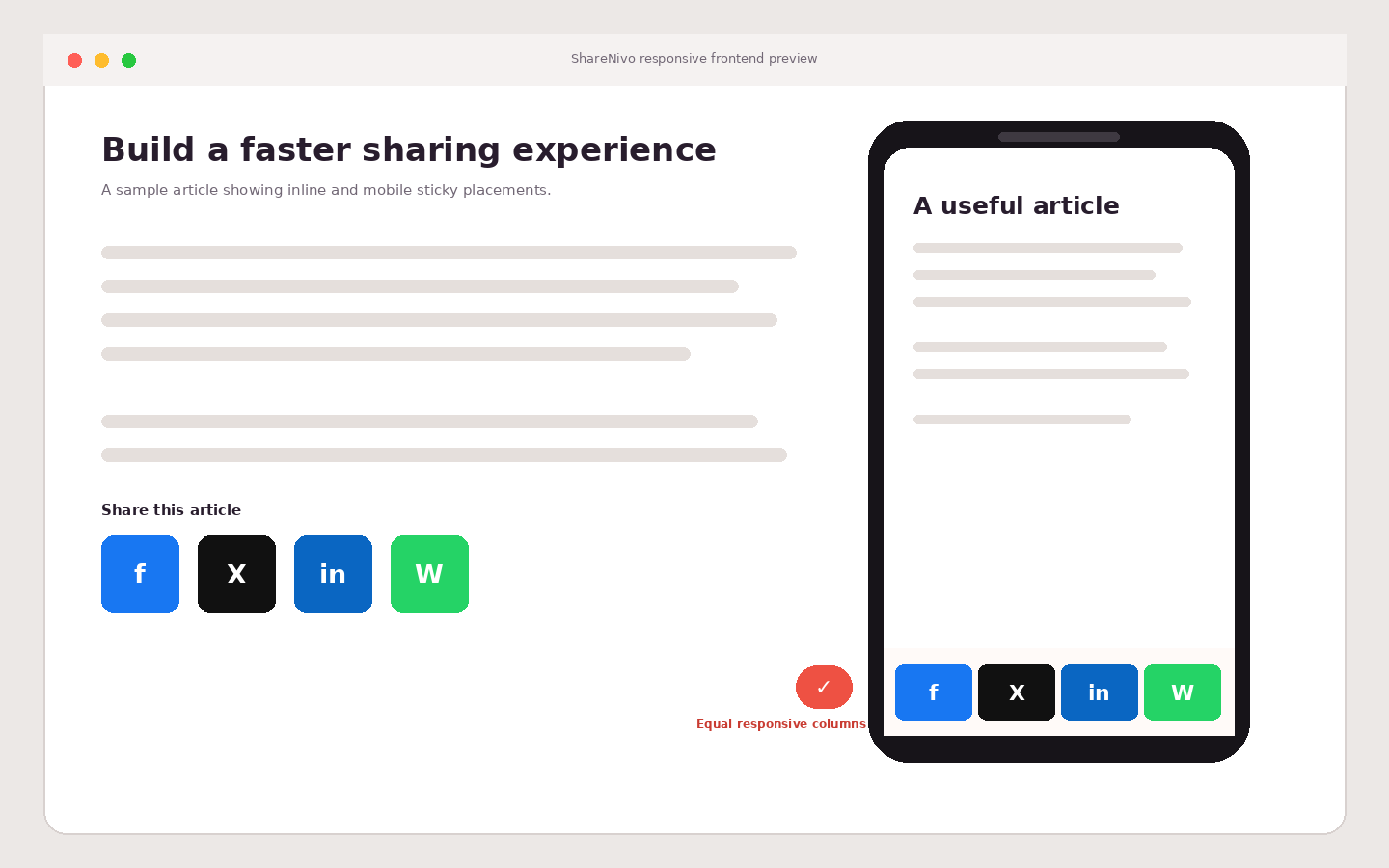
Responsive inline and full-width mobile sticky buttons with equal columns and no horizontal scrolling.


