
Tablekeep – Restaurant Booking Widget Wordpress Plugin - Rating, Reviews, Demo & Download

Plugin Description
Add a “Book a table” form to any page on your WordPress site. This plugin embeds
your booking widget from Tablekeep as a secure,
sandboxed iframe, so diners pick a date, party size and time and book in seconds,
and the booking lands in your dashboard straight away.
This plugin is a thin wrapper. It contains no booking logic and stores no
diner data. It loads the widget from Tablekeep (or your own domain), so your
reservations, capacity rules and notifications all live in your Tablekeep
dashboard.
Features
- A “Tablekeep Booking” block for the WordPress editor.
- A
[tablekeep_booking]shortcode for the classic editor and page builders. - A settings page to set your venue once, then drop the block anywhere.
- Mobile-friendly and auto-resizing.
- Multiple widgets per page resize independently.
External service
This plugin is a client for Tablekeep, a hosted restaurant booking service, and
does not work on its own. You need a Tablekeep account, and the booking form
itself is served by Tablekeep rather than by your site.
What is sent, and when: nothing at all until a visitor loads a page containing
the widget. At that point their browser requests the booking form directly from
the configured widget origin (default https://book.tablekeep.com.au), which
receives their IP address and user agent as part of that ordinary request.
Whatever the visitor then enters in the form (name, phone, optional email and
booking details) is submitted to Tablekeep, not to your WordPress site. The
plugin itself makes no server-side external requests and stores no diner data;
it saves only your venue slug and widget URL as WordPress options.
The embedded form carries a small “Powered by Tablekeep” credit inside the
iframe, as part of the hosted service. The plugin adds no links of its own to
your site.
Service provider: Tablekeep, operated by The Growth Protocol Pty Ltd
(ABN 59 680 355 060), Australia.
Terms of service: https://tablekeep.com.au/terms
Privacy policy: https://tablekeep.com.au/privacy
Screenshots
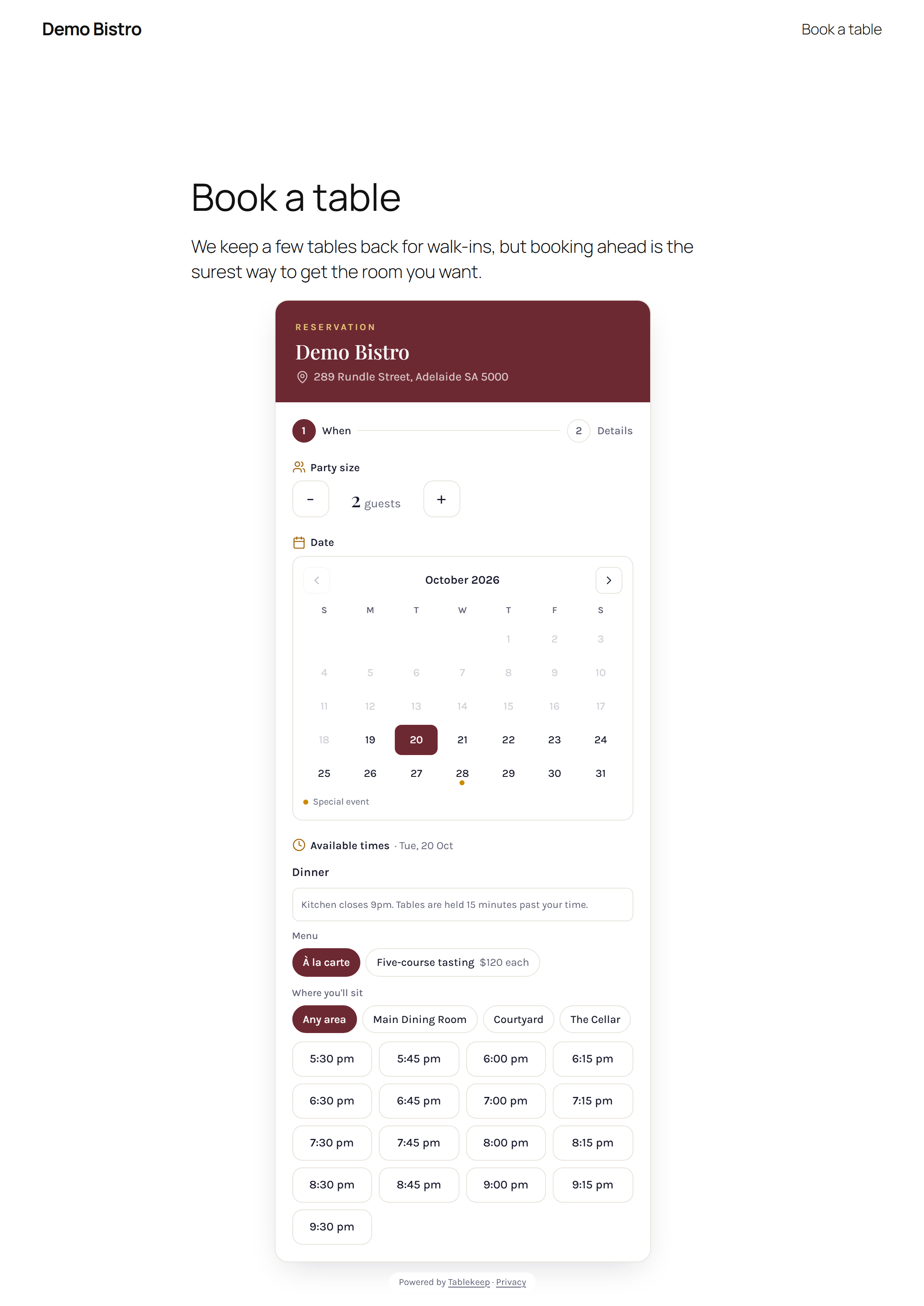
The booking widget on a published page: diners pick a date, party size and time without leaving your site.
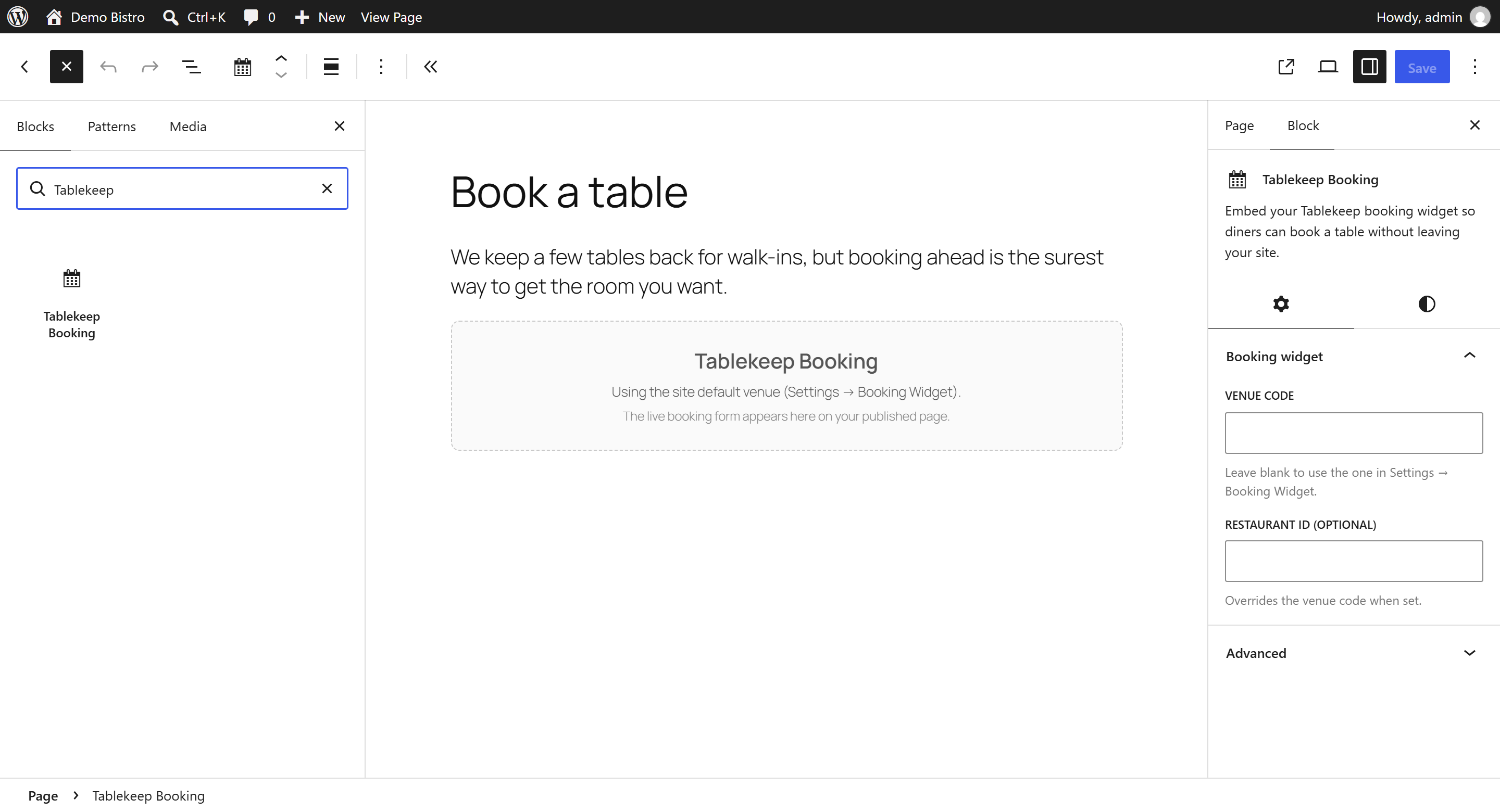
The settings page: set your venue once under Settings → Booking Widget.


