
TicketingHub Wordpress Plugin - Rating, Reviews, Demo & Download
Plugin Description
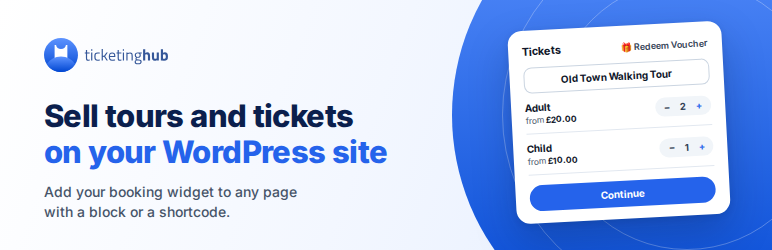
TicketingHub is a ticketing and booking platform for tours, attractions and experiences. This plugin puts your TicketingHub booking widget on your WordPress pages, so visitors book and pay without leaving your site.
- Add the TicketingHub Booking Widget block in the block editor, or the
[ticketinghub]shortcode anywhere else, such as the Classic Editor or Elementor. - Show the widget in the page, or as a button that opens it in a popup.
- Set a default widget once, or show a different widget on each page.
- Bookings, payments, availability and customer emails stay in TicketingHub. The plugin stores nothing in WordPress except your default widget.
- The widget script loads only on pages that show the widget.
You need a TicketingHub account and a widget. Create one under Widgets in your TicketingHub dashboard.
Step-by-step guide: How to add the widget to a WordPress website.
External services
This plugin shows the booking widget of TicketingHub, the service you sell your tickets with. It needs a TicketingHub account.
On pages that show the widget, each visitor’s browser loads the widget script from widget.ticketinghub.com, and the widget in a frame from the same address. Like any web request, this sends the visitor’s IP address, browser details and the address of the page. When visitors book, the details they enter to book and pay go to TicketingHub and its payment providers. On pages without the widget, nothing is loaded.
The widget may also:
- set a cookie named
th-reseller-reffor 14 days, when a visitor arrives through a reseller’s link, so the reseller is credited for the booking; - send booking events to your Google Analytics or Google Tag Manager, if you have set that up for the widget in TicketingHub;
- show a “Powered by TicketingHub” link under the widget, which you can turn off in the widget’s settings in TicketingHub.
TicketingHub terms and conditions and privacy policy.
Screenshots

The TicketingHub Booking Widget block in the block editor.

The booking widget on a published page.

The default widget under Settings → TicketingHub.


