Wexofy Ship Estimate For WooCommerce Wordpress Plugin - Rating, Reviews, Demo & Download
Plugin Description
Customers ask “when will it arrive?”. Wexofy Ship Estimate lets you answer before they ask: you get an e-mail when a paid order arrives, set how many days until you ship it, and the customer is e-mailed their ship-by date and a delivery window.
How it works
- A customer places an order. When it reaches a status you chose (Processing / On hold by default), you get an e-mail with the order details and a “Set shipping time” button.
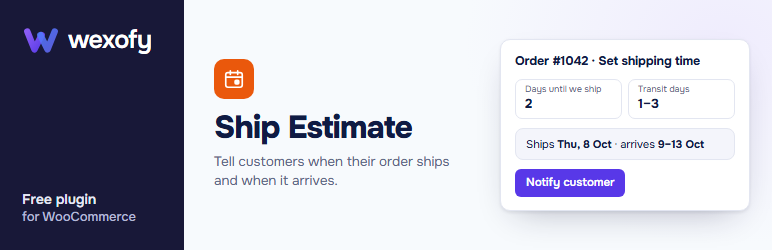
- The button opens a one-order screen, also reachable from the new “Ship time” column in the Orders list. Enter the days until you ship and the transit time, then click “Notify customer”.
- The customer is e-mailed their ship-by date and an estimated delivery window. A private note is added to the order, and the estimate is shown on the customer’s order-received and My Account order pages.
Features
- New-order alert e-mail with a one-click “Set shipping time” button.
- “Ship time” column in the Orders list (HPOS and classic orders).
- Customer e-mail with every line editable in any language, with placeholders such as {ship_date} and {delivery_range}.
- Estimate shown to the customer on the order page and in My Account.
- Local pickup orders are skipped automatically.
- Optional: set the order to Processing once the customer is notified.
Want more?
Wexofy Ship Estimate Pro is a separate add-on that adds a calendar for the exact ship date, bulk mode (one ship date for many orders, every customer e-mailed) and working days, so weekends and holidays are skipped when counting dates. This free plugin is complete on its own and does not need it.
This plugin sends e-mail with wp_mail(). Use an SMTP plugin so the messages reach the inbox.
Wexofy is not affiliated with or endorsed by WooCommerce or Automattic.
Screenshots

The “Ship time” column and the set-ship-time screen.