
Freelance Studio Simple Event Calendar Wordpress Plugin - Rating, Reviews, Demo & Download

Plugin Description
Freelance Studio Simple Event Calendar is a fast, no-fuss event calendar for WordPress. Add events, group them into color-coded categories, set recurrence rules, and drop the calendar onto any page with a shortcode. Visitors can browse by month, filter by category, and add any event to their own calendar with a single click.
It stays out of your way: no page builders, no external services, and no account required. Everything runs on your own site and stores data in standard WordPress post types.
Features
- Interactive month calendar — a clean, full-width month grid with category legend filters.
- Sidebar widget — a separate mini calendar plus an “Upcoming events” list you can drop into any sidebar.
- Color-coded categories — assign a color to each category with a native color picker; events inherit their category color.
- Category filtering — visitors filter the calendar by category using the legend; the URL updates so filtered views are shareable.
- Recurring events — daily, weekly (with per-weekday selection), monthly, and yearly recurrence, with an optional end date.
- Multi-day events — events can span a date range and render across the calendar.
- Event details modal — featured image, date and time, location, virtual/meeting link, description, and registration link.
- Add to Calendar (.ics) — one-click download that works with Apple Calendar, Google Calendar, Outlook, and more.
- Event list shortcode — a styled list view for upcoming, past, or all events.
- Admin management — sortable event list with category, date, time, location, and registration columns, plus category and date-range filters.
Shortcodes
[fslc_calendar]— the full month calendar. Optional attribute:category(pre-filter by category slug).[fslc_mini_calendar]— a compact mini calendar plus an upcoming-events list, made for sidebars. Optional attributes:category,limit(default 5),calendarandupcoming(default true; set either to false to show just one part).[fslc_event_list]— a styled list of events. Optional attributes:category,limit(default 10),scope(upcoming,past, orall),header(default false; adds a month title with previous/next navigation), andfilters(default false; adds the category legend).
From the makers of Freelance Studio
Freelance Studio Simple Event Calendar is a free plugin from Freelance Studio, a self-hosted WordPress toolkit for creative freelancers covering clients, projects, invoicing, time tracking, proposals, and contracts.
Screenshots
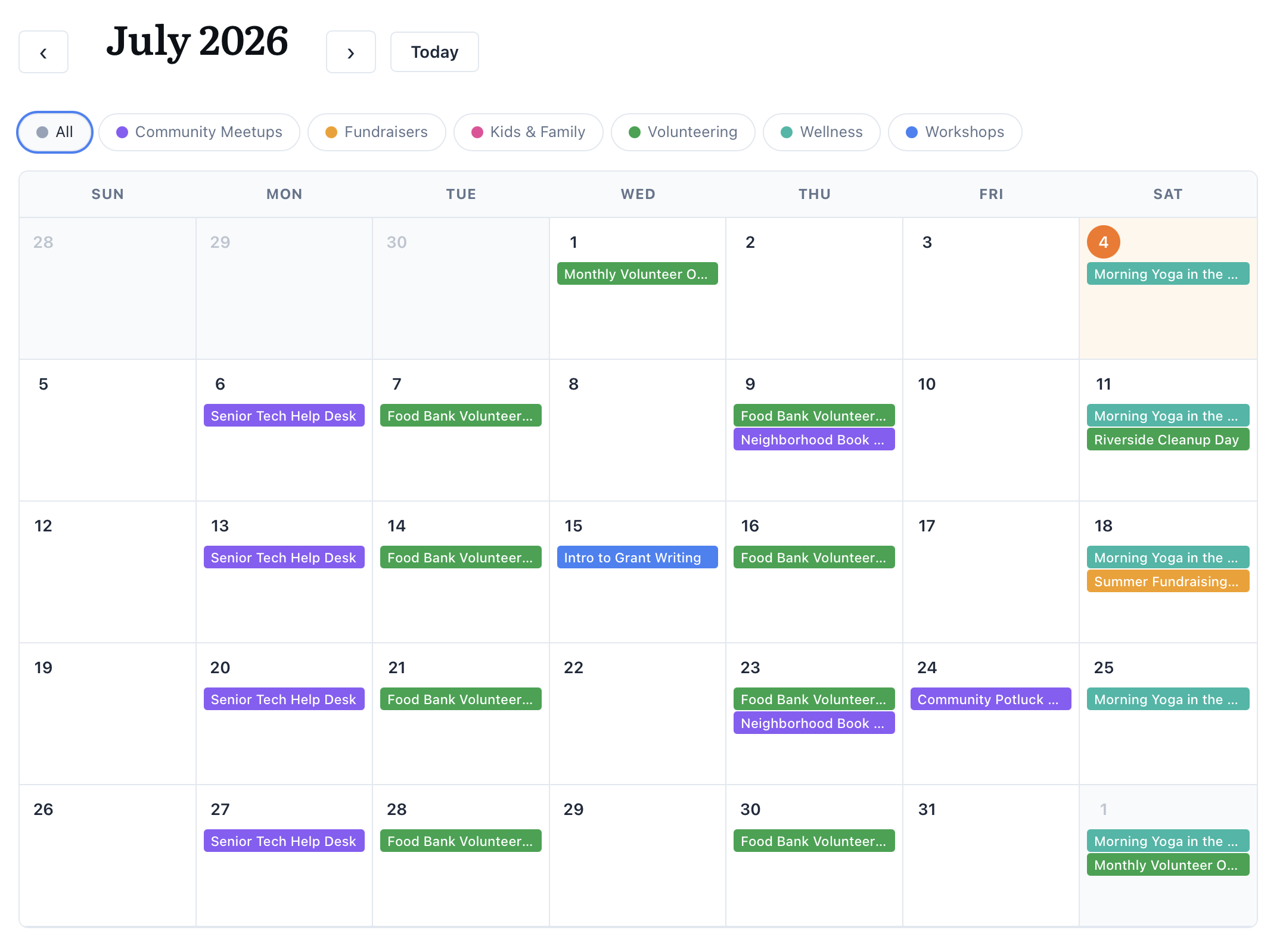
The interactive month calendar with color-coded events and a category legend.
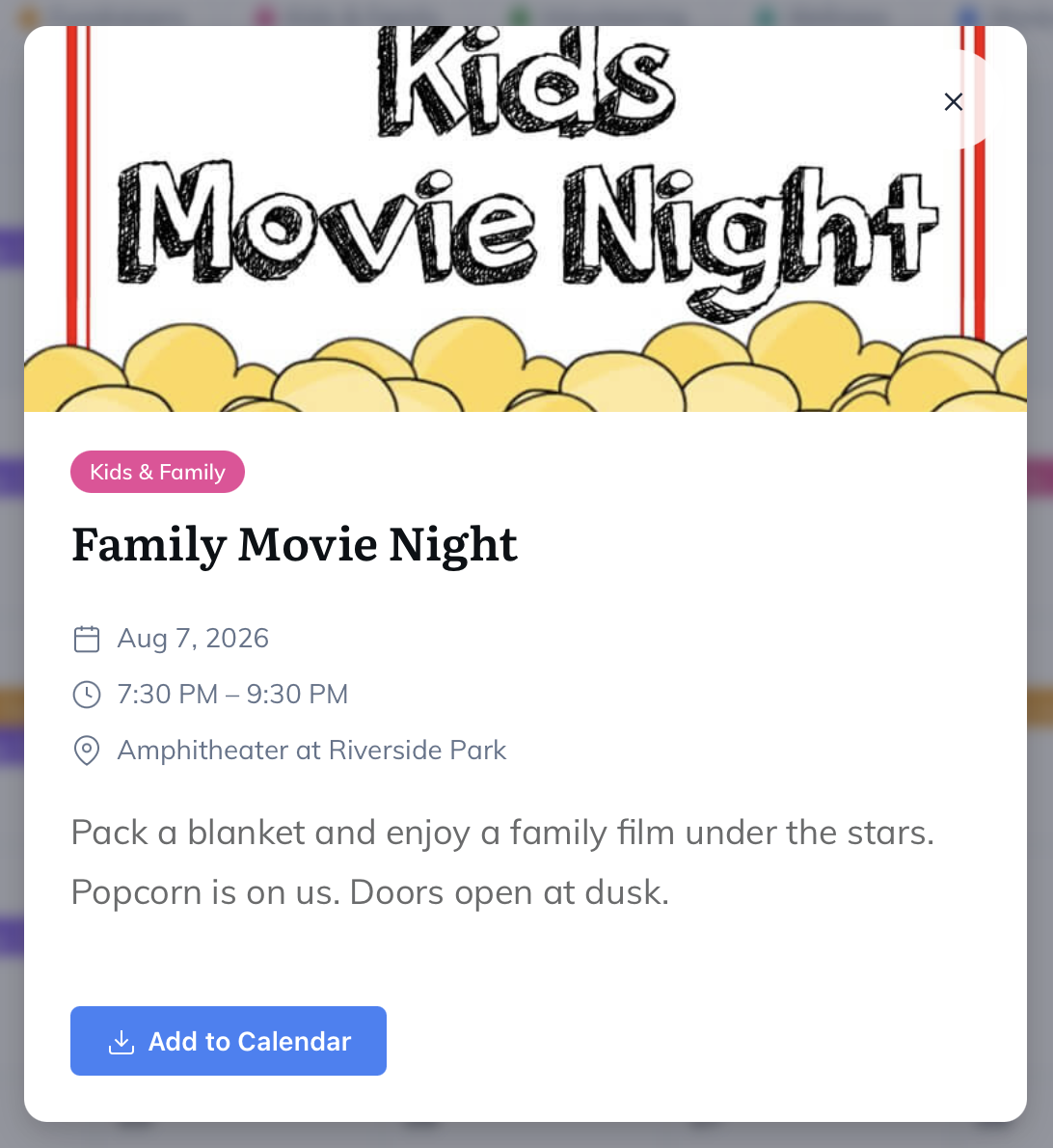
Event details in a modal — featured image, date and time, location, and one-click “Add to Calendar”.
![The styled event list created by the <code>[fslc_event_list]</code> shortcode.](https://ps.w.org/freelance-studio-simple-event-calendar/assets/screenshot-3.png?rev=3616212)
The styled event list created by the
[fslc_event_list]shortcode.![The <code>[fslc_mini_calendar]</code> sidebar widget: a compact month calendar with an upcoming-events list.](https://ps.w.org/freelance-studio-simple-event-calendar/assets/screenshot-4.png?rev=3616212)
The
[fslc_mini_calendar]sidebar widget: a compact month calendar with an upcoming-events list.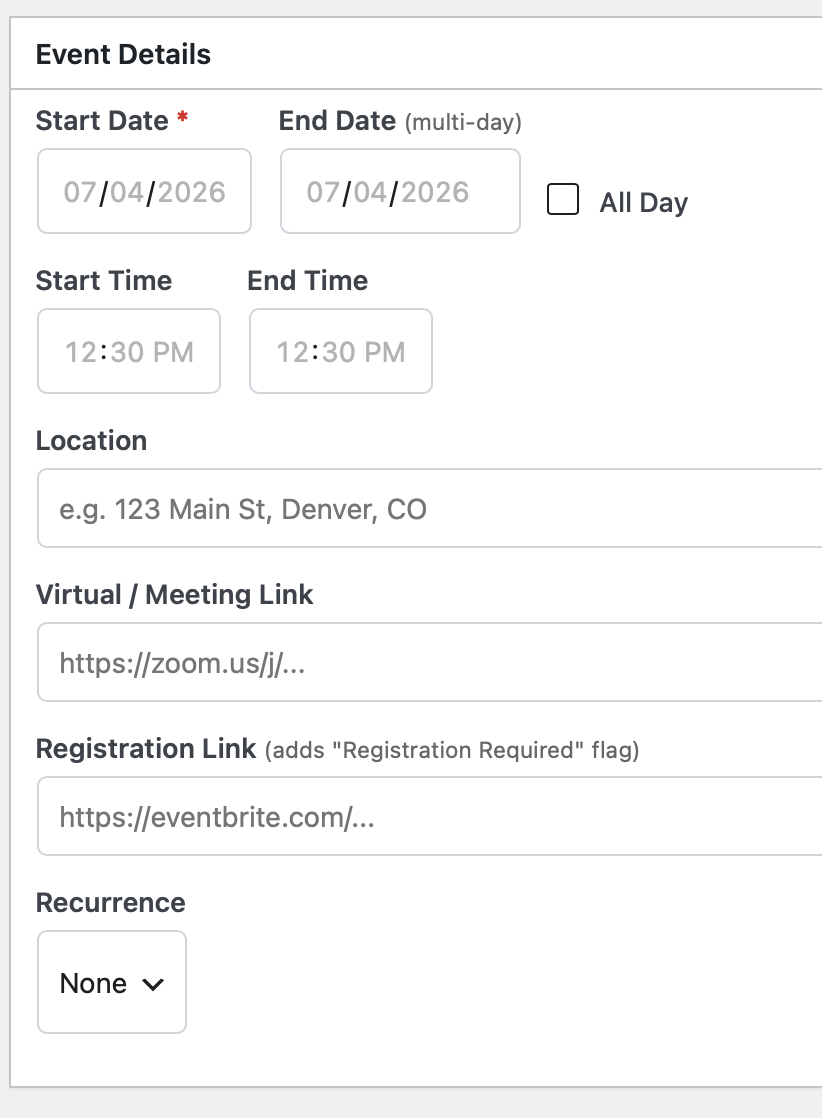
The admin event editor — dates, times, location, links, and recurrence options.
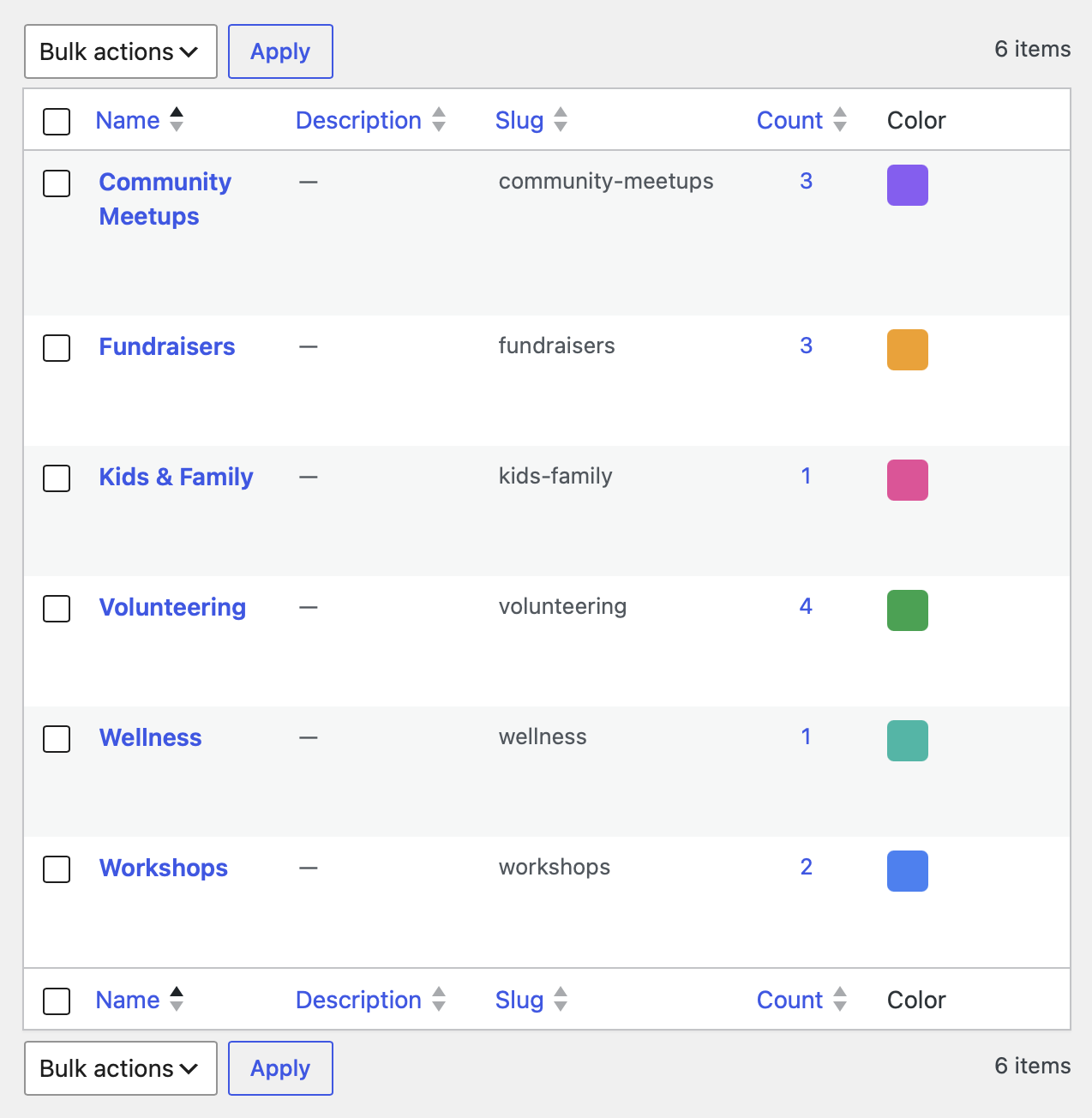
Color-coded event categories in the WordPress admin.
Similar Plugins:
 Rating Widget: Post Rating, 5 Star Rating, Reviews, Thumbs Up & Down, Reaction
 Event Tickets Manager For WooCommerce – Ticket Stock Management, Download Tickets As PDF, Events Calendar, Event Check-in Using Emails, Edit Your Ticket Content
 Event Manager, Event Calendar, Event Tickets For WooCommerce – Eventin