Mad Cow Banners For WooCommerce Wordpress Plugin - Rating, Reviews, Demo & Download

Plugin Description
Create promotional banners and announcements and place them on your store, without touching a template.
Each banner is written in the standard WordPress editor and controlled from its own screen, so you can run several at once with different targeting, scheduling and styling.
Here is a quick overview:
Where a banner can appear
- Single product pages
- Shop and category archives
- Cart
- Checkout
Choose any combination, and place the banner before or after the page content.
Who sees it
- All products – shown everywhere the chosen locations apply
- Specific categories – only for products in the categories you pick
- Specific products – only for the products you pick
Scheduling
Give a banner a start and end date and time and it appears and disappears on its own. Leave them empty and it runs until you unpublish it. Dates use your site’s timezone.
Styling
- Background and text colour
- Padding, margin and corner radius
- Your own CSS class for finer control from your theme
- A display order, so several banners in the same spot stack predictably
Block Cart and Checkout
The cart and checkout banners work with both the classic shortcode pages and the newer Cart and Checkout blocks.
Requirements
WooCommerce 7.0 or later must be installed and active. Compatible with High-Performance Order Storage (HPOS).
Screenshots
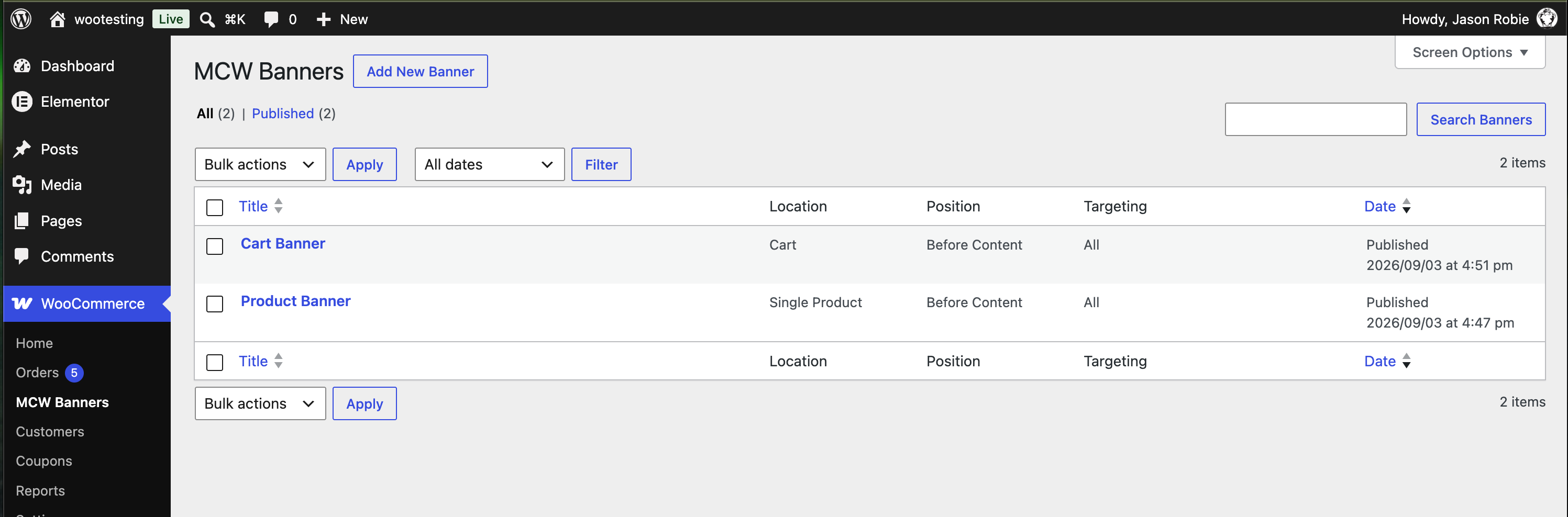
All banners at a glance, with each one’s location, position and targeting.
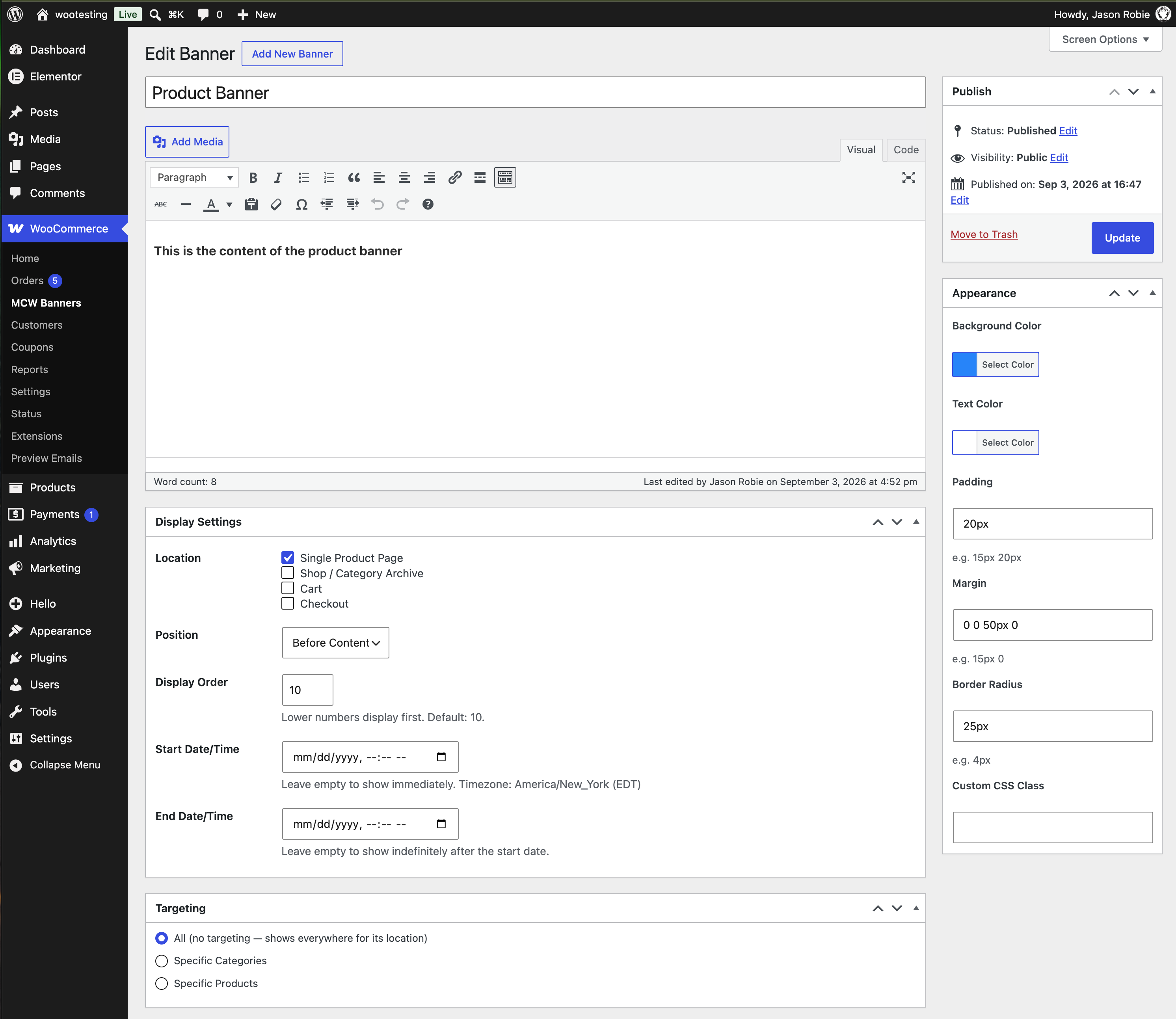
Editing a product page banner: content, display locations, position, order, scheduling, targeting and appearance.
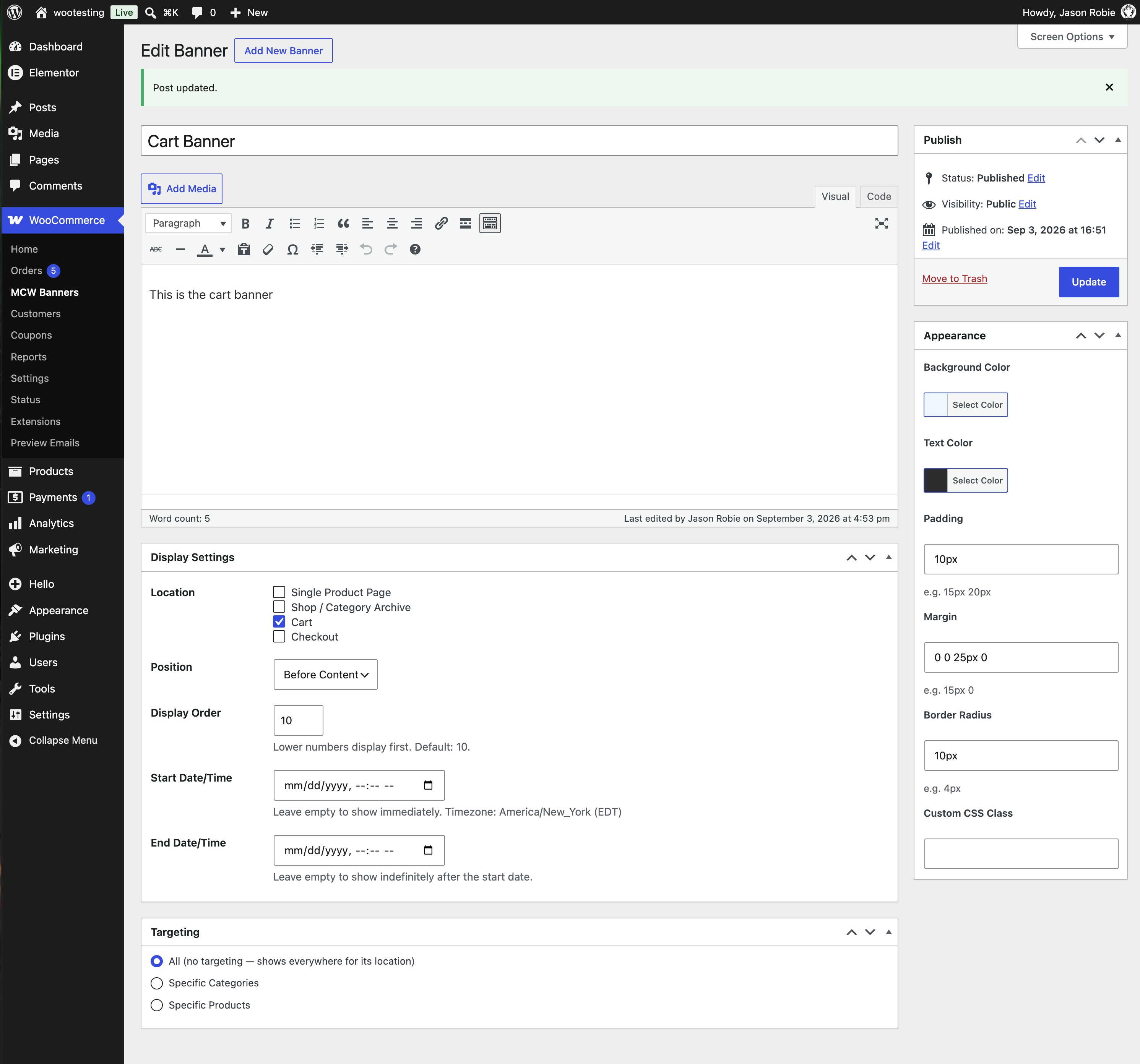
A second banner set for the cart, with its own colours and spacing.
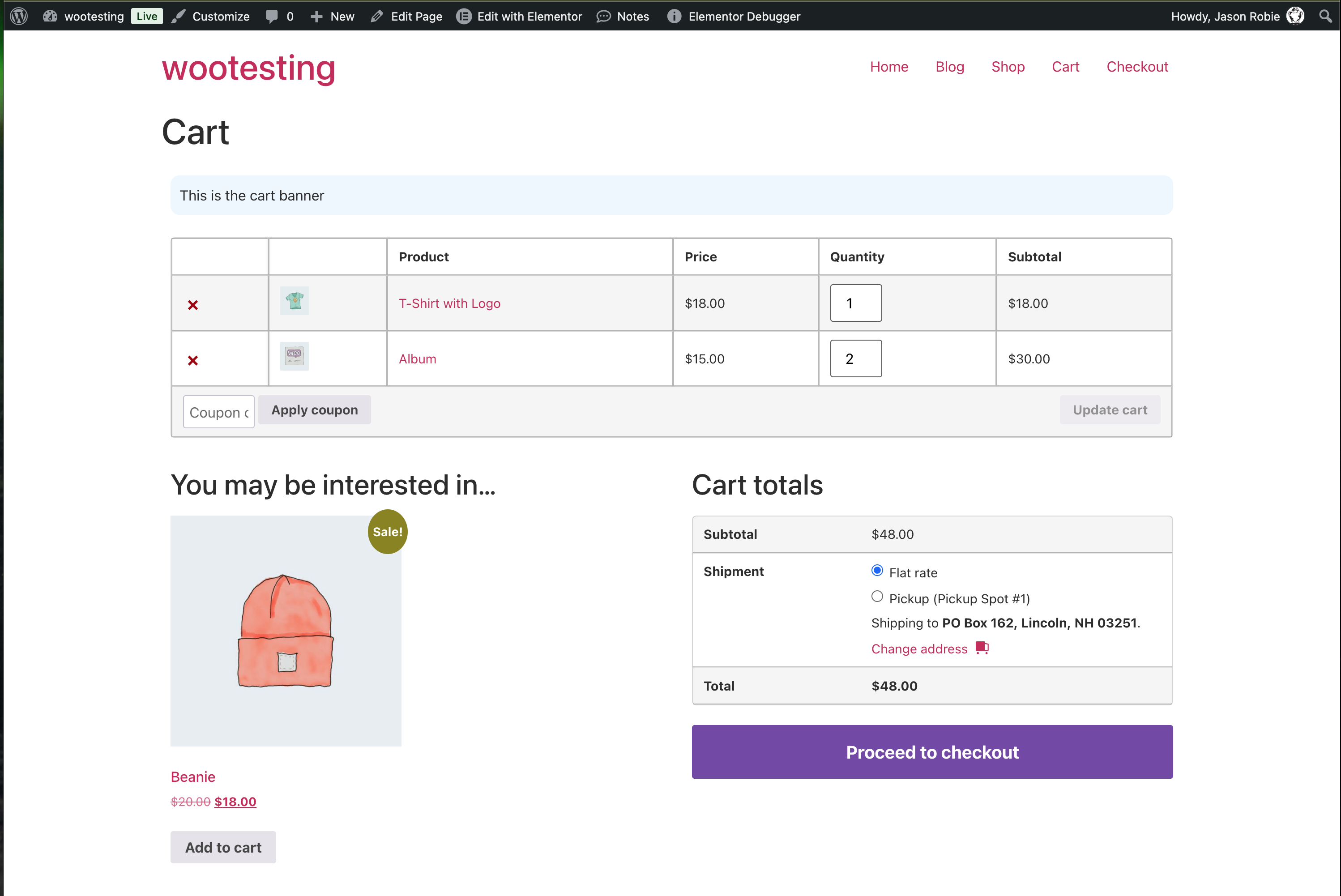
That cart banner running before the content on the cart page.